 IPTVSubs
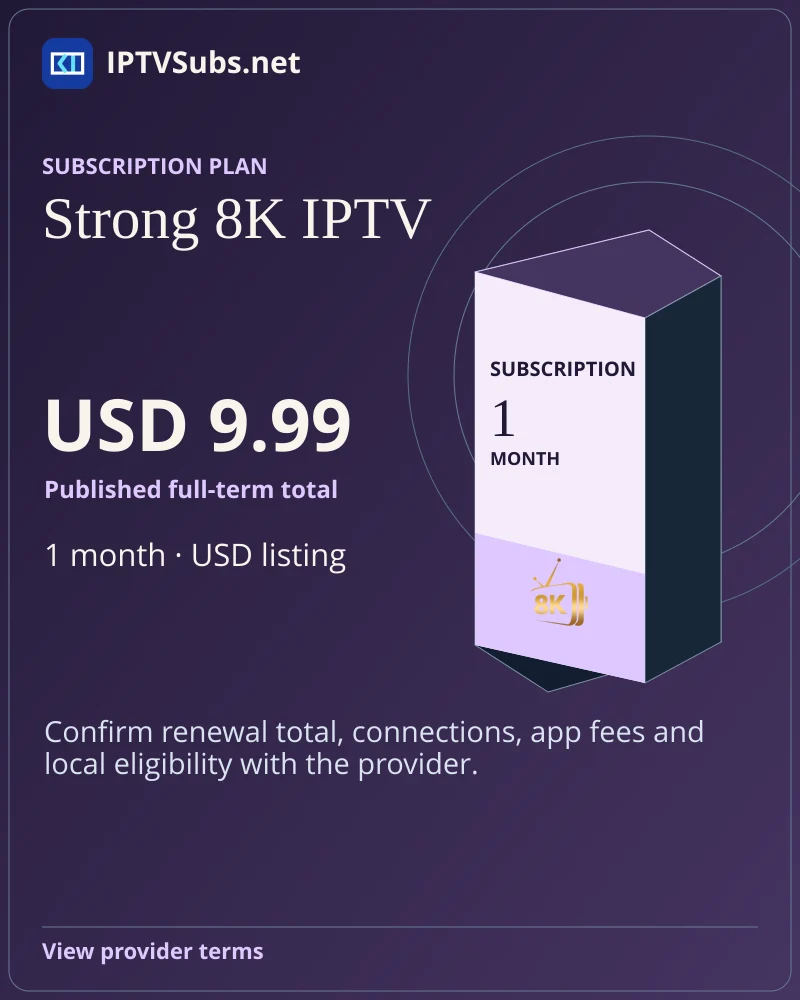
Strong 8K IPTV · 1 month
USD 9.99
About USD 9.99 per month for comparison.
View terms and provider sourceFilter provider-published plans by currency, term, market evidence and brand.
About USD 9.99 per month for comparison.
View terms and provider source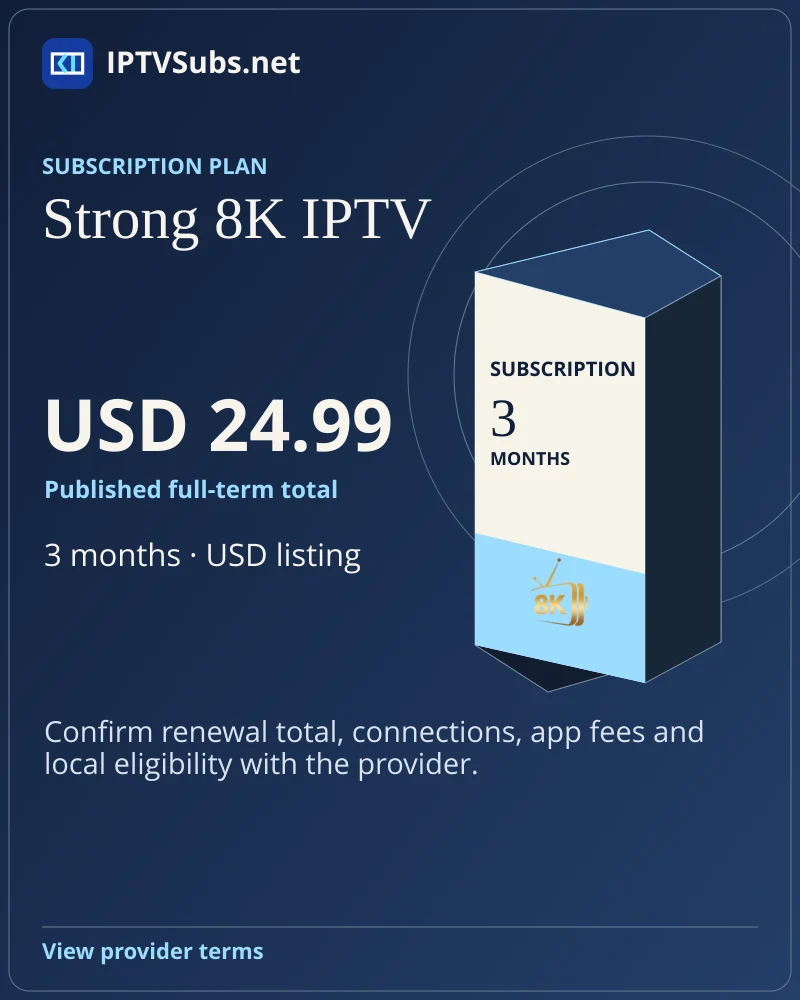
About USD 8.33 per month for comparison.
View terms and provider source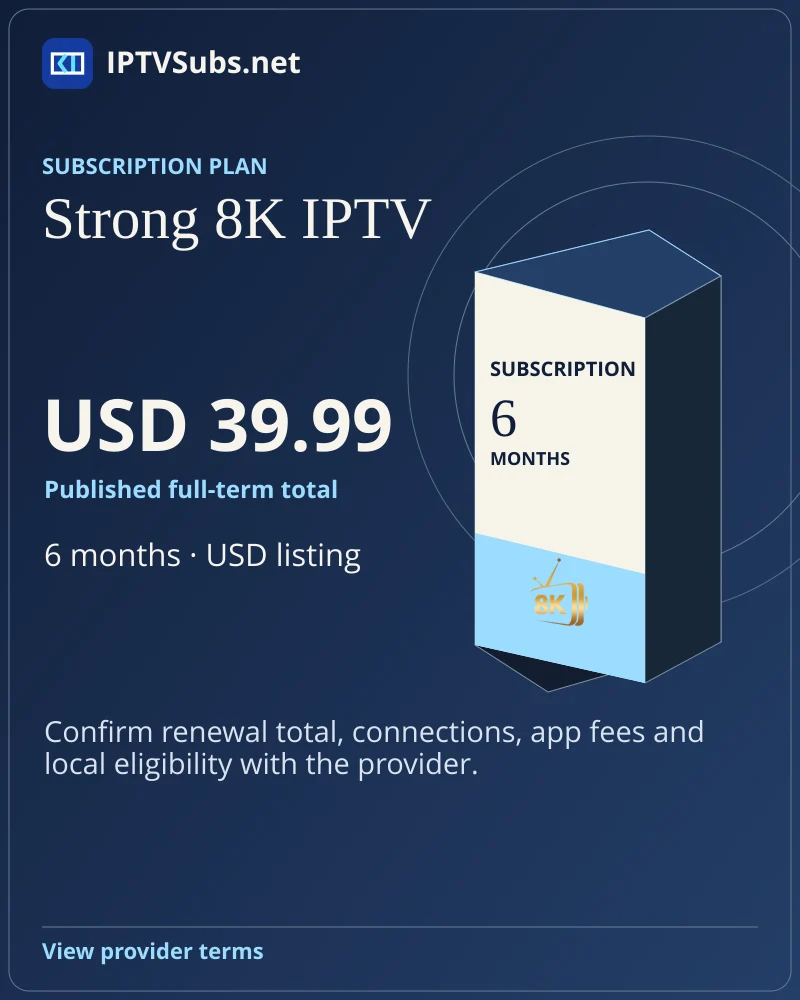
About USD 6.67 per month for comparison.
View terms and provider source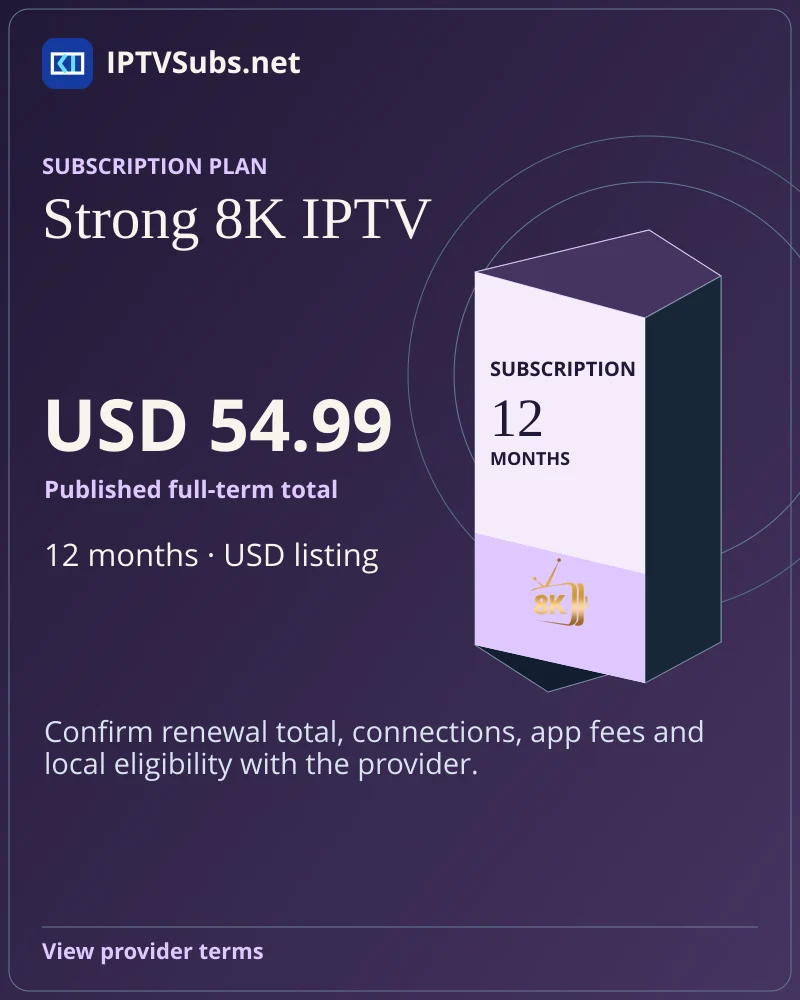
About USD 4.58 per month for comparison.
View terms and provider source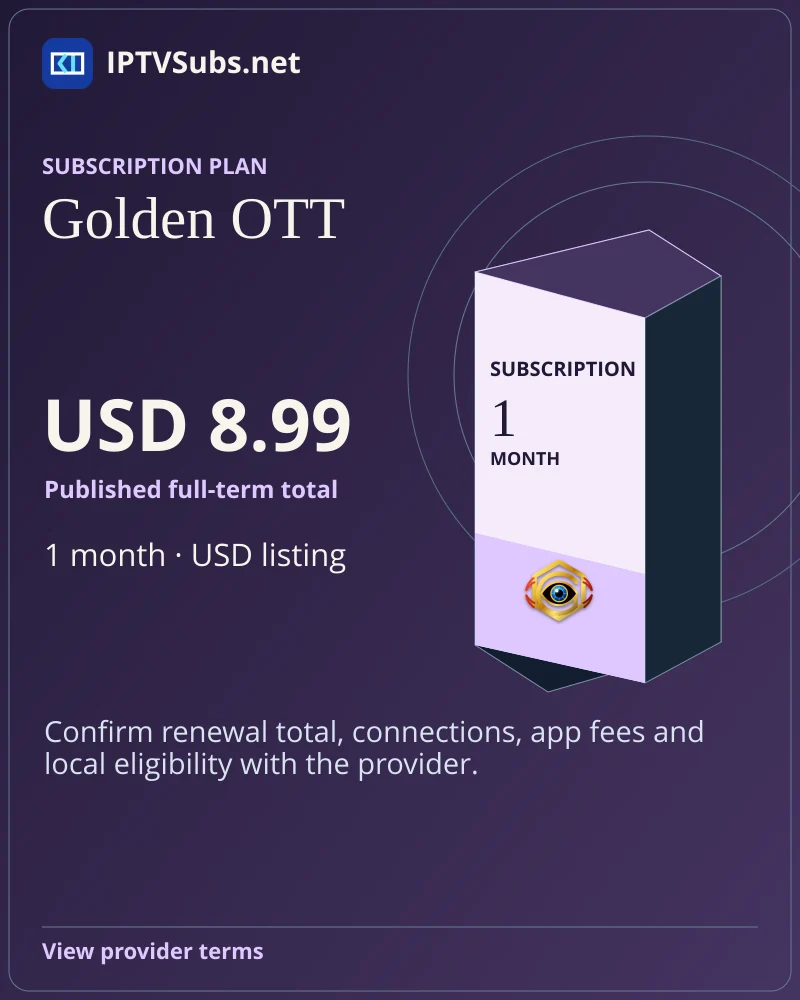
About USD 8.99 per month for comparison.
View terms and provider source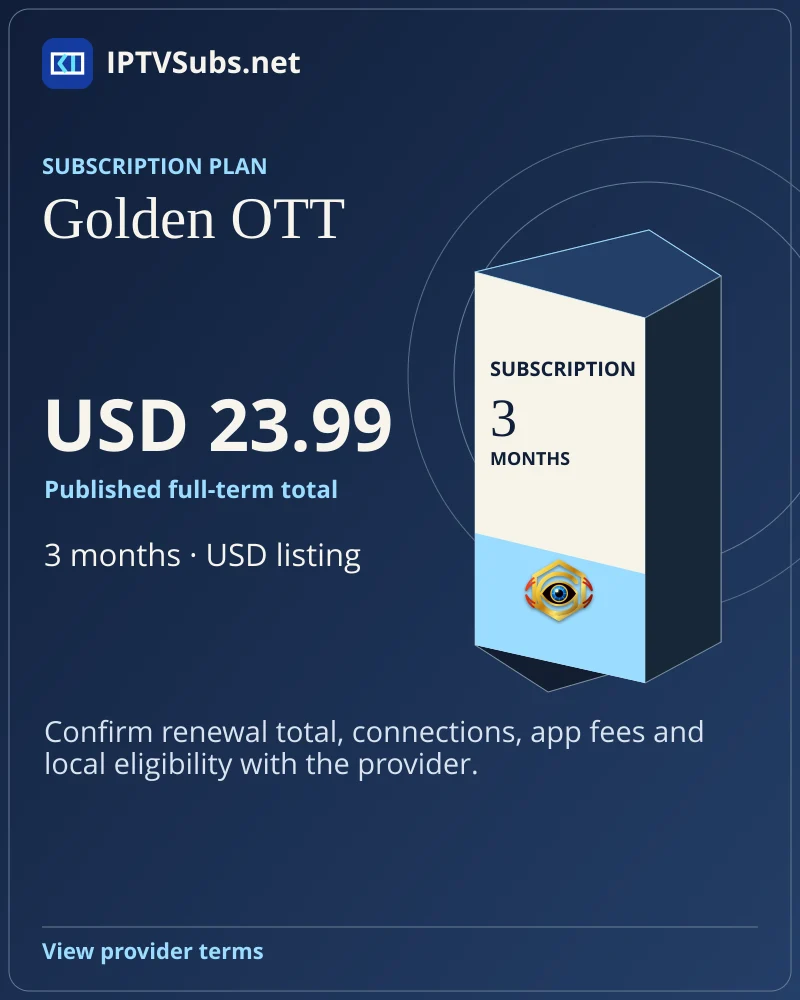
About USD 8.00 per month for comparison.
View terms and provider source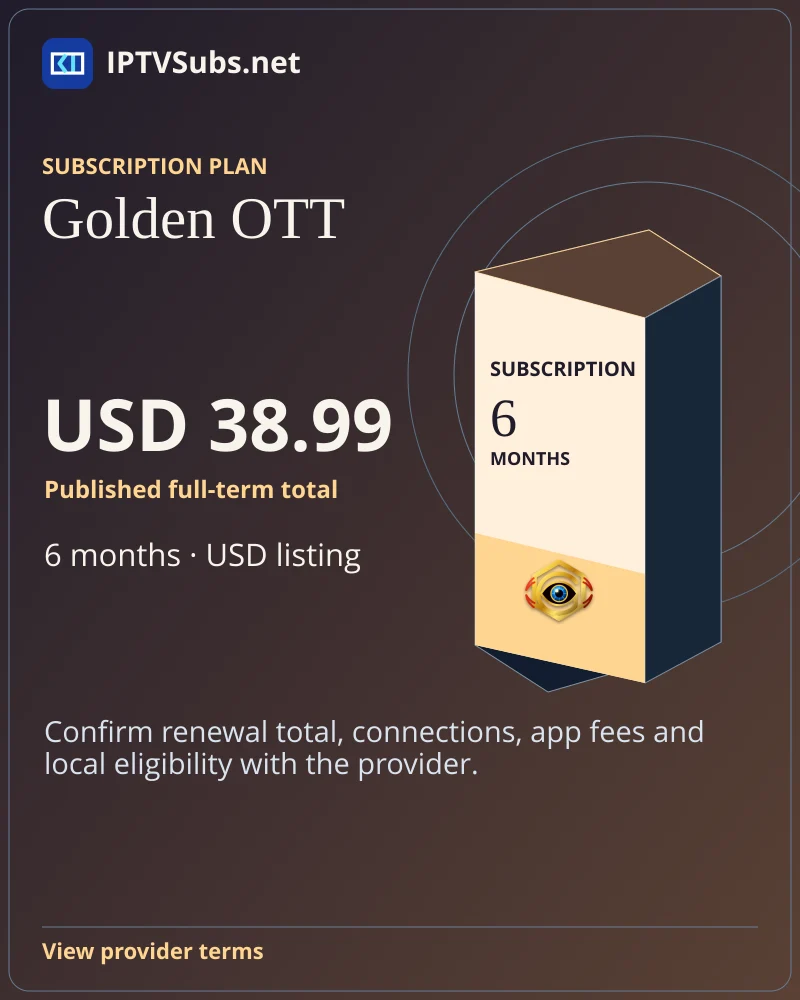
About USD 6.50 per month for comparison.
View terms and provider source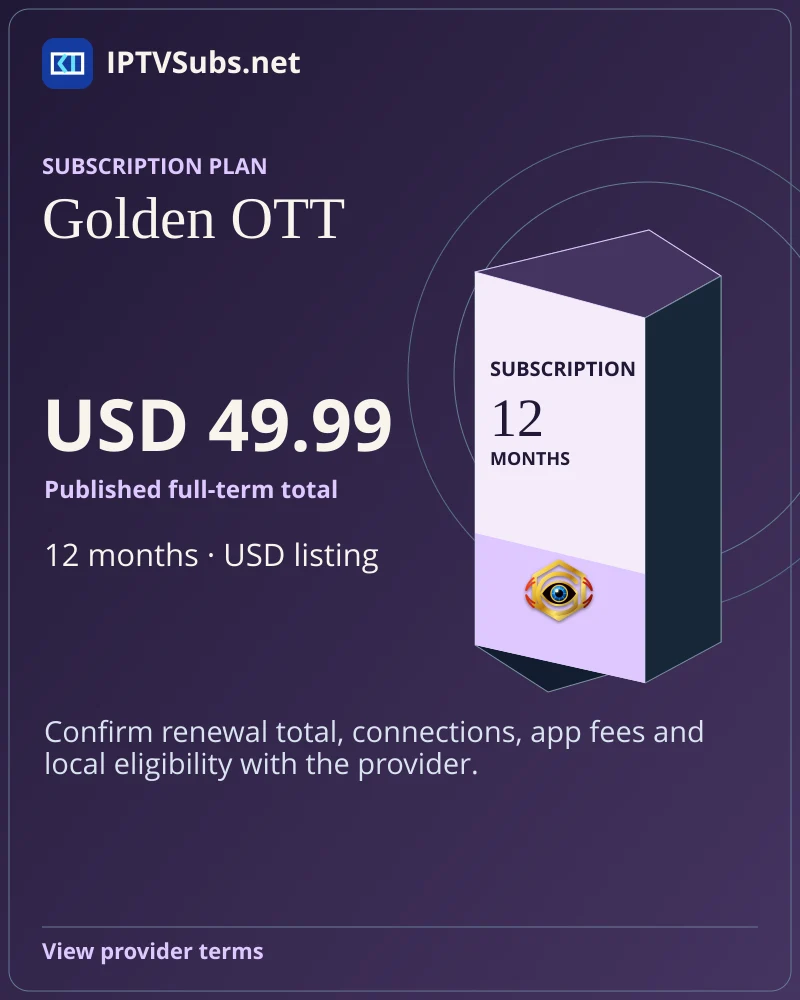
About USD 4.17 per month for comparison.
View terms and provider source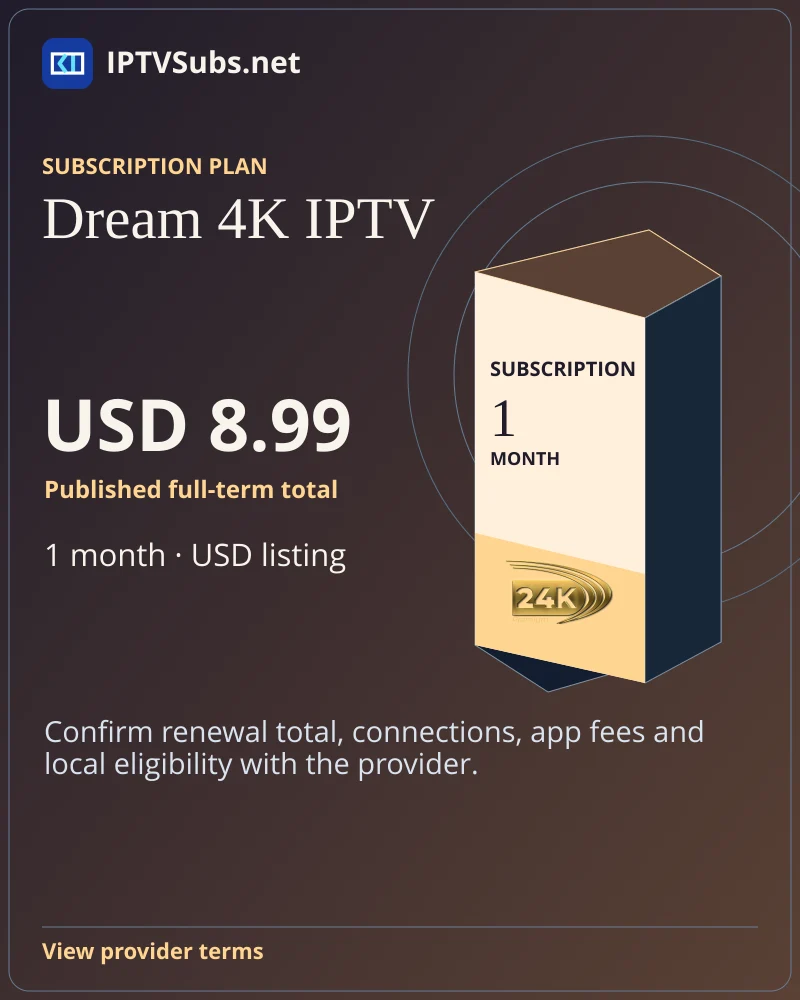
About USD 8.99 per month for comparison.
View terms and provider source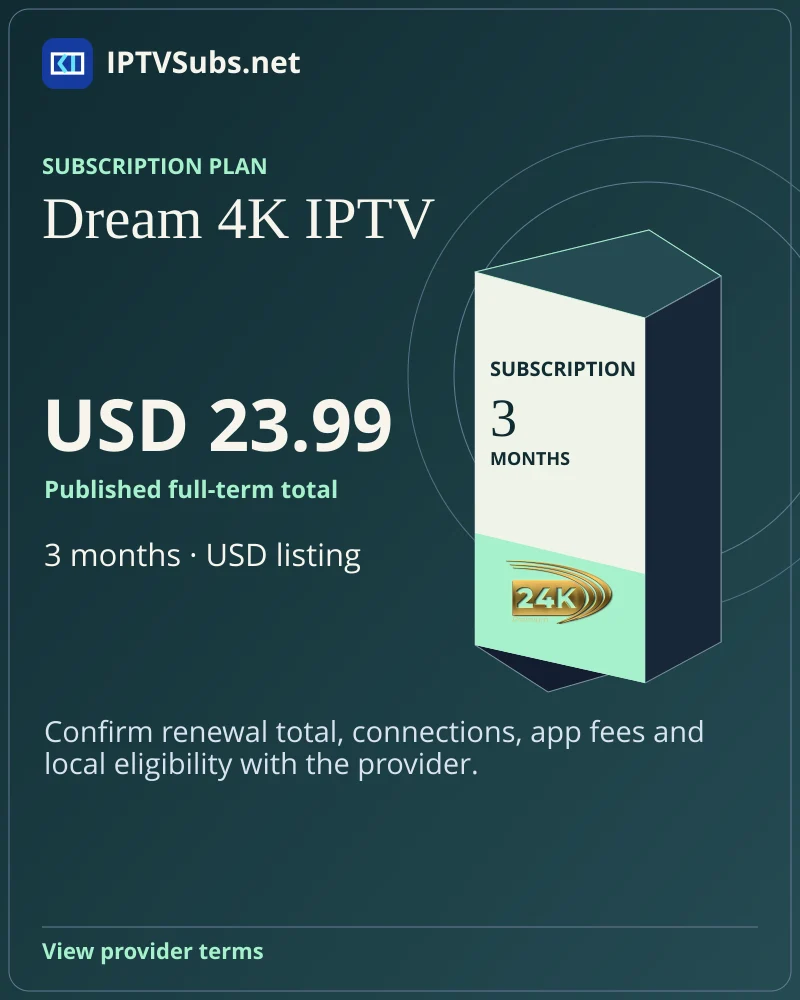
About USD 8.00 per month for comparison.
View terms and provider source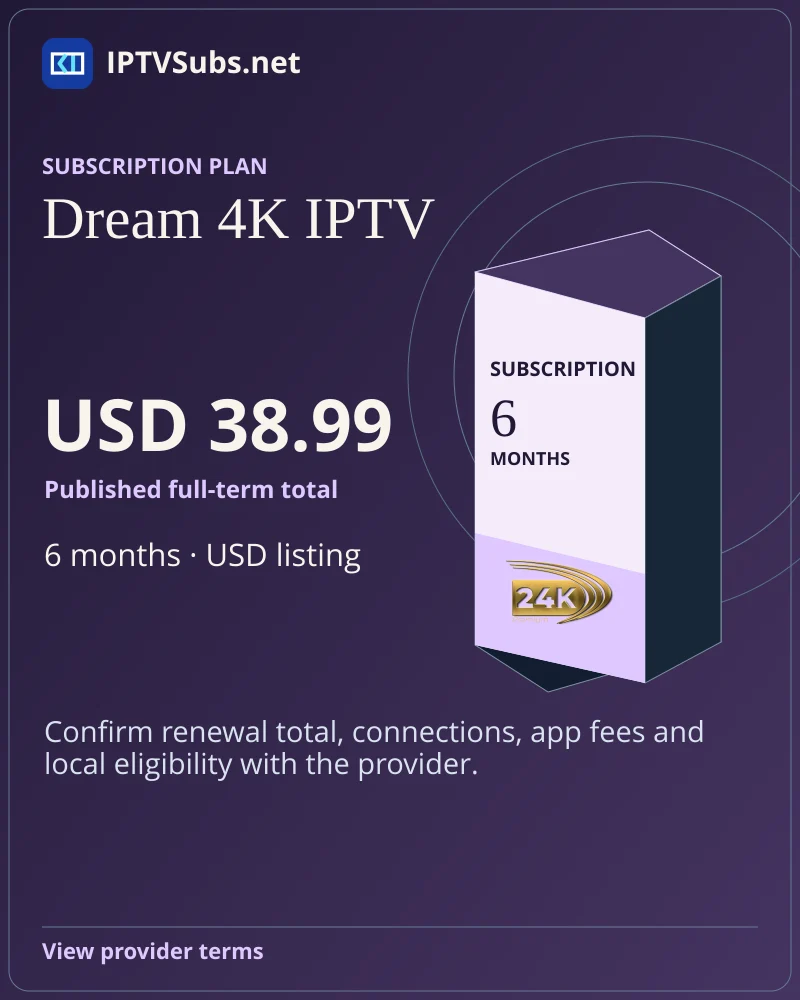
About USD 6.50 per month for comparison.
View terms and provider source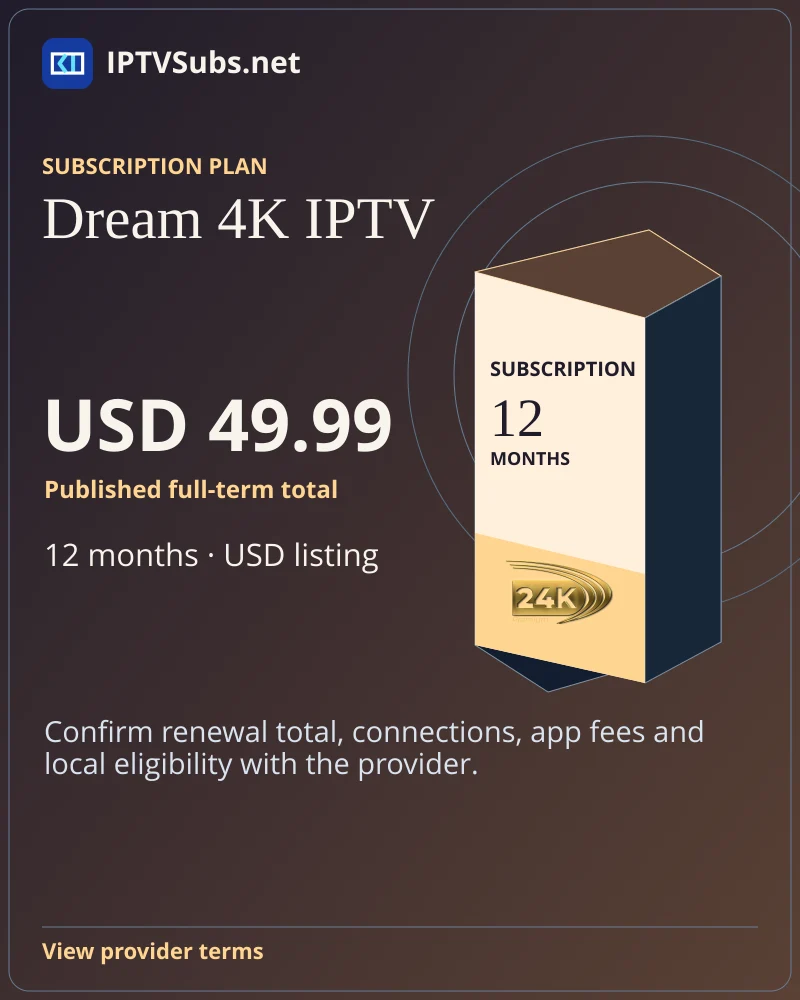
About USD 4.17 per month for comparison.
View terms and provider source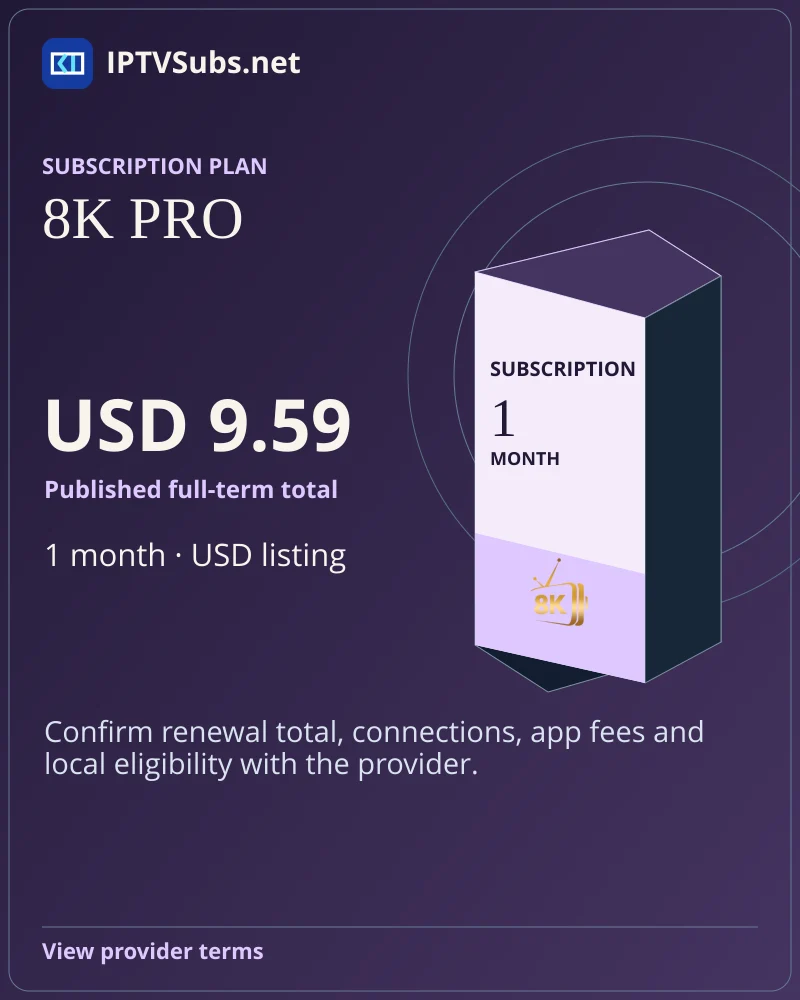
About USD 9.59 per month for comparison.
View terms and provider source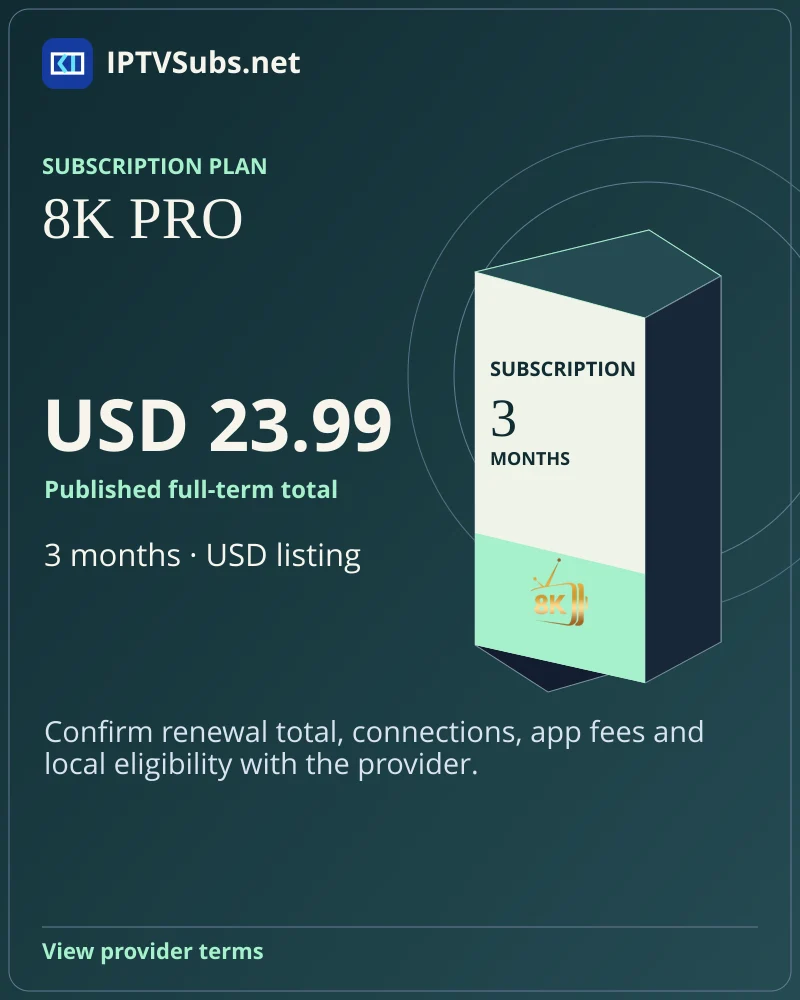
About USD 8.00 per month for comparison.
View terms and provider source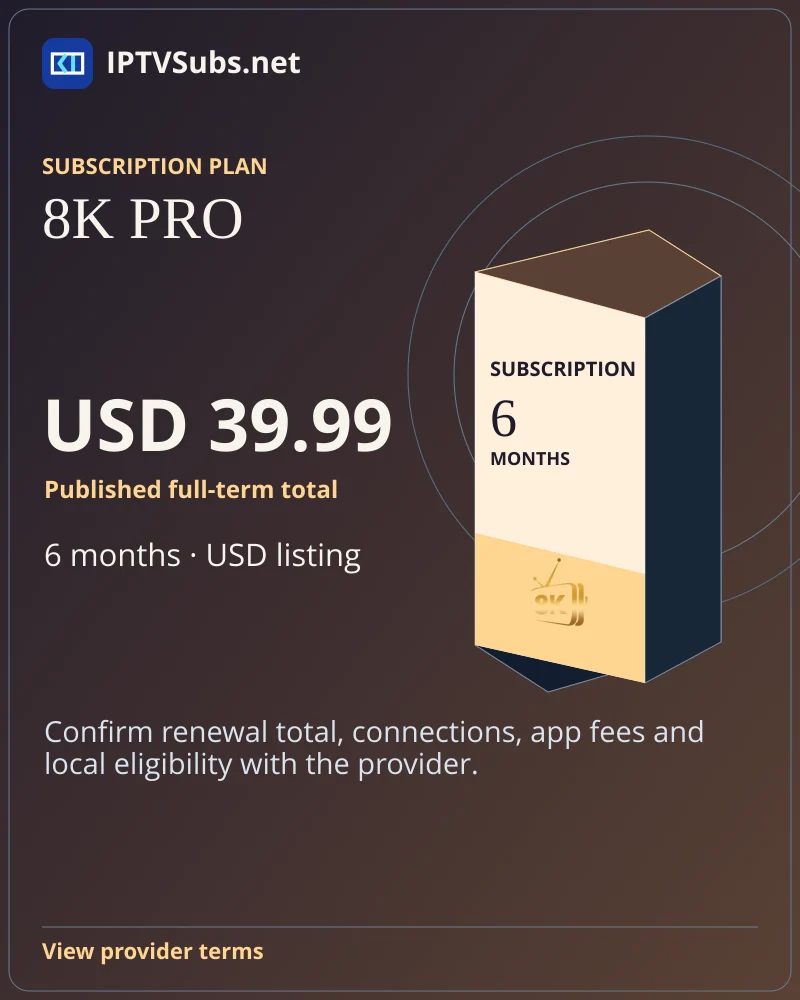
About USD 6.67 per month for comparison.
View terms and provider source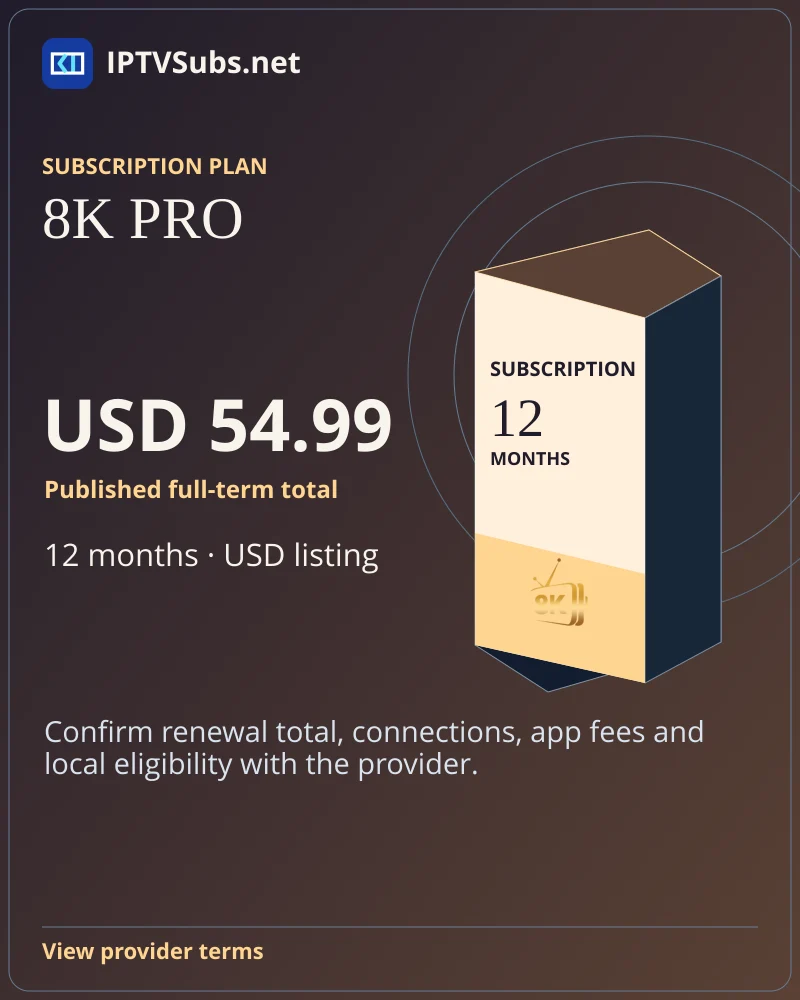
About USD 4.58 per month for comparison.
View terms and provider source
About USD 8.00 per month for comparison.
View terms and provider source
About USD 6.67 per month for comparison.
View terms and provider source
About USD 4.58 per month for comparison.
View terms and provider source
About USD 11.99 per month for comparison.
View terms and provider source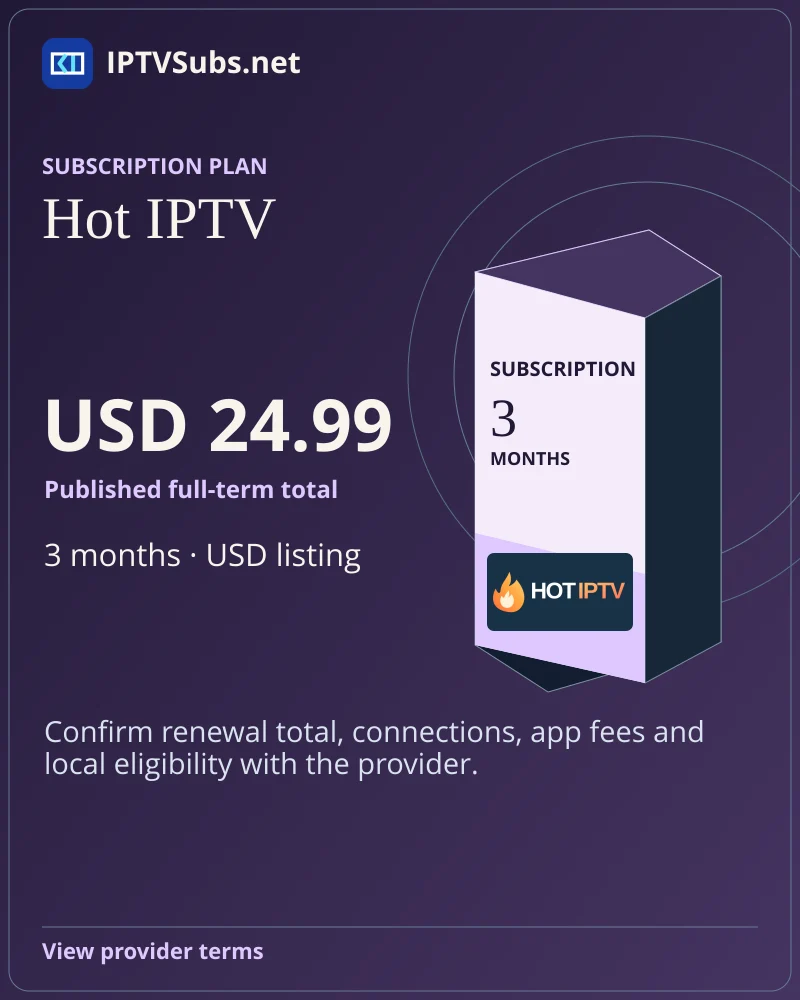
About USD 8.33 per month for comparison.
View terms and provider source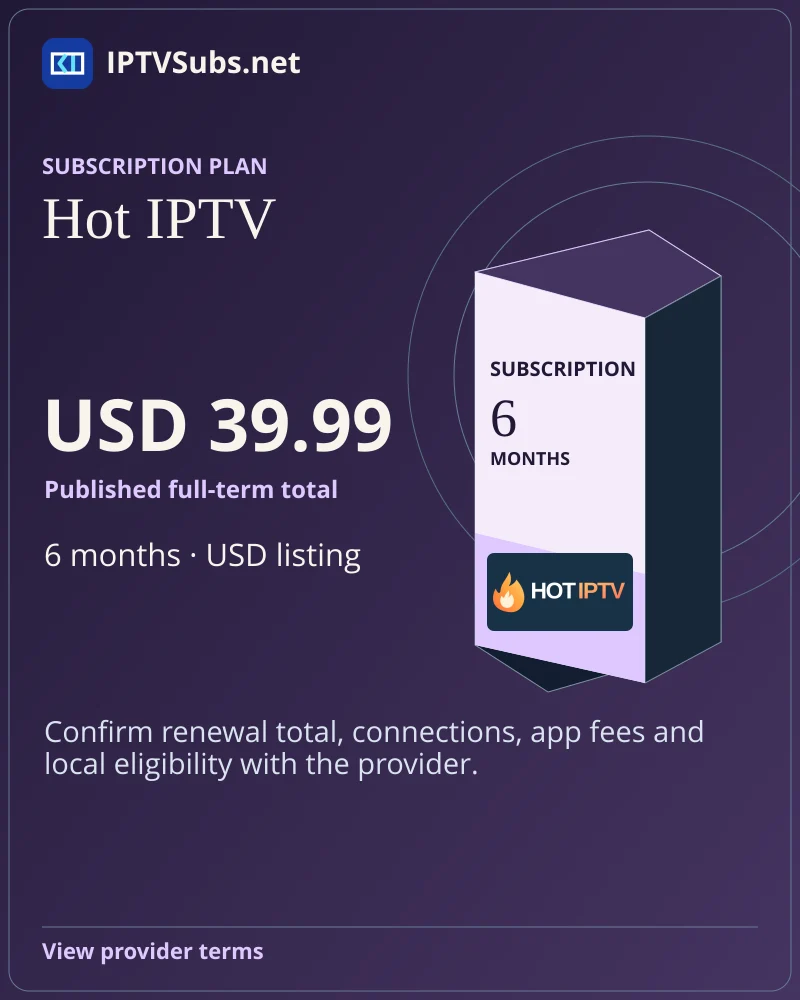
About USD 6.67 per month for comparison.
View terms and provider source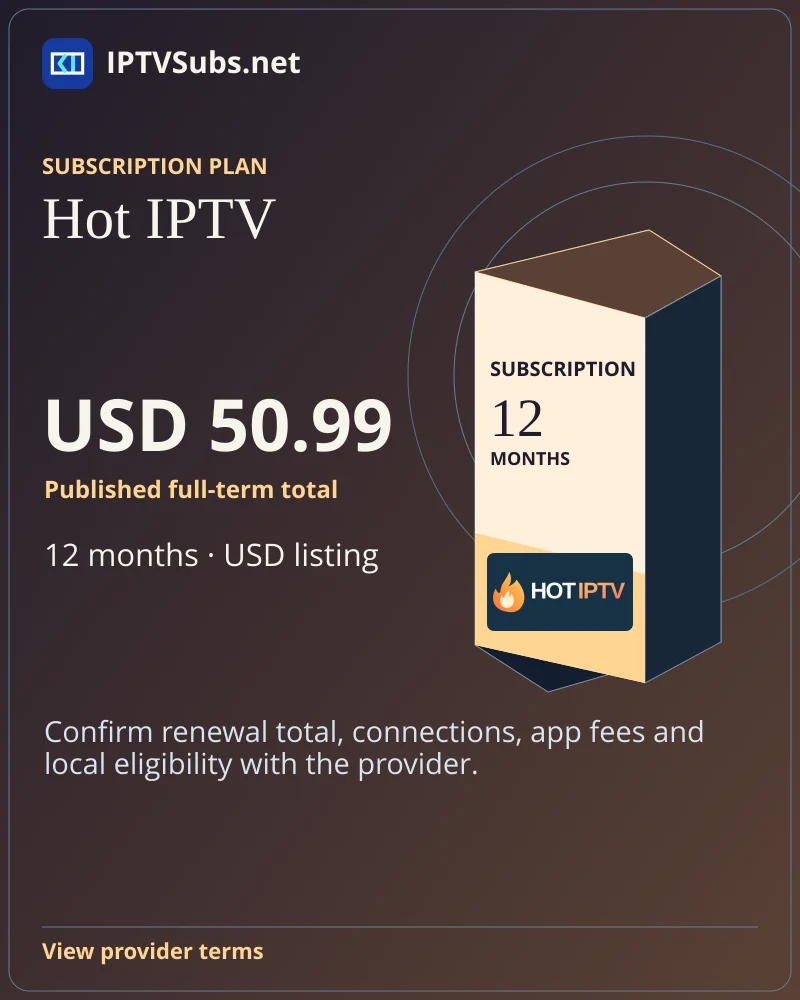
About USD 4.25 per month for comparison.
View terms and provider source
About USD 8.99 per month for comparison.
View terms and provider source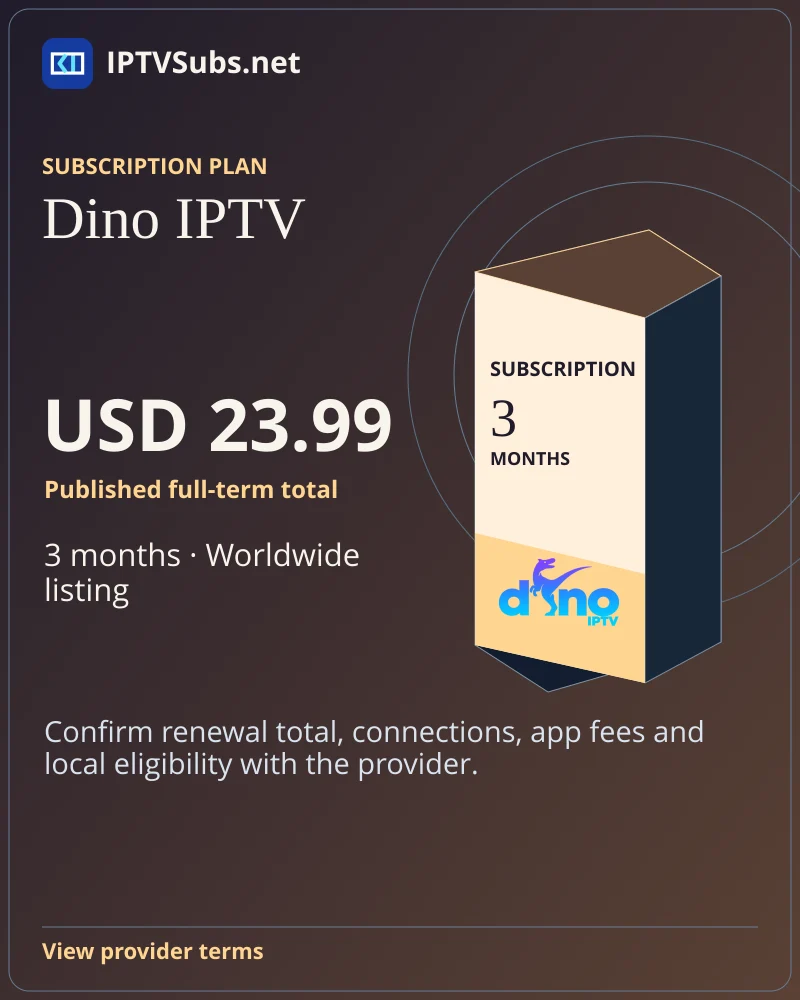
About USD 8.00 per month for comparison.
View terms and provider source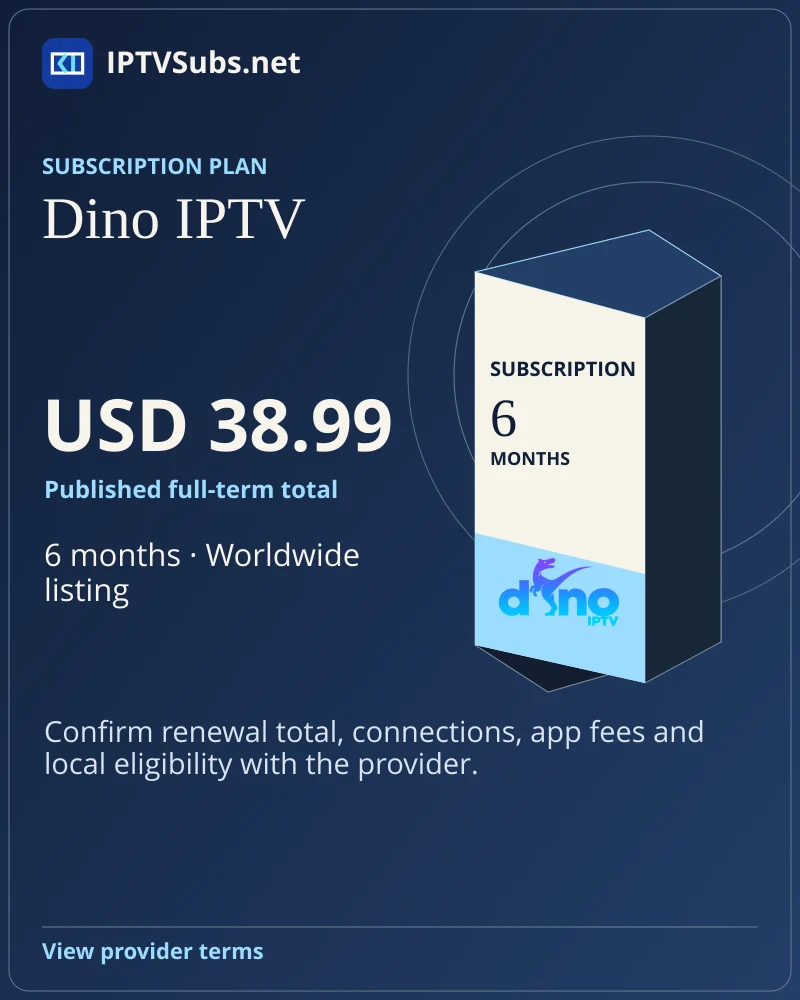
About USD 6.50 per month for comparison.
View terms and provider source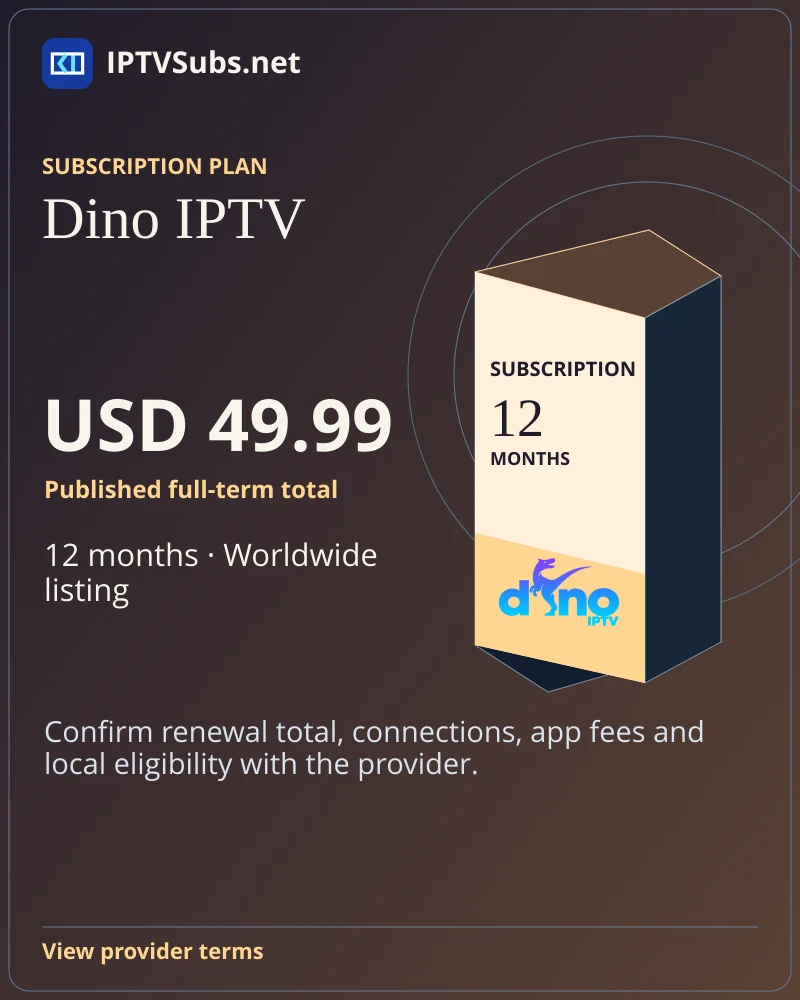
About USD 4.17 per month for comparison.
View terms and provider source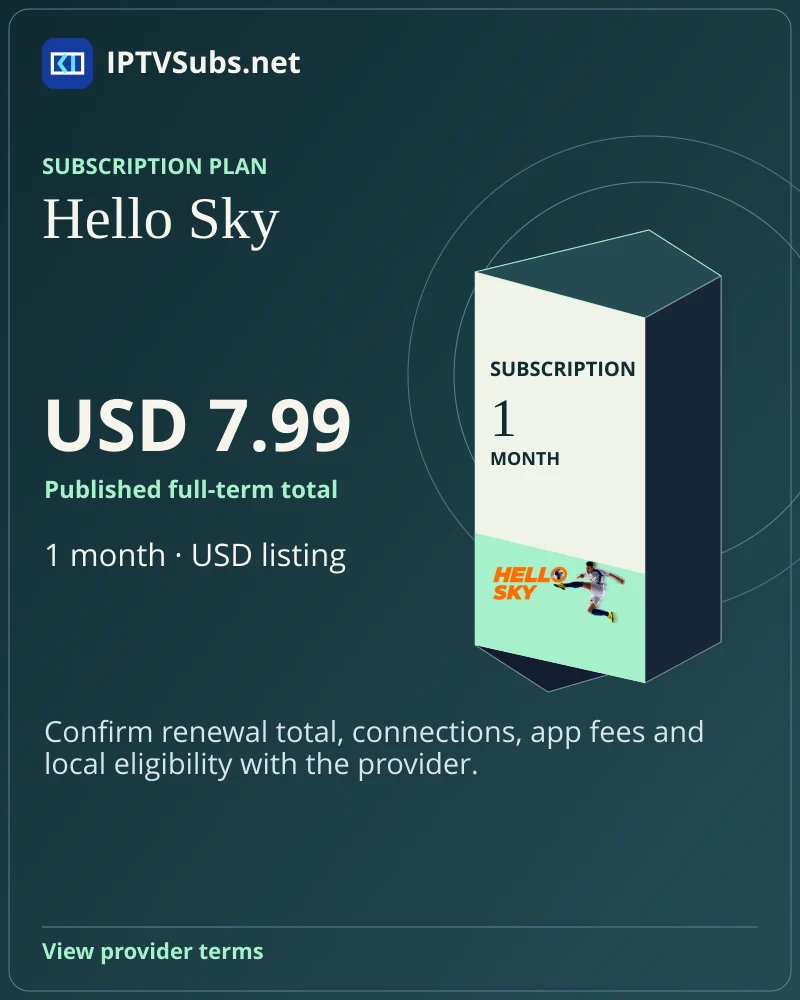
About USD 7.99 per month for comparison.
View terms and provider source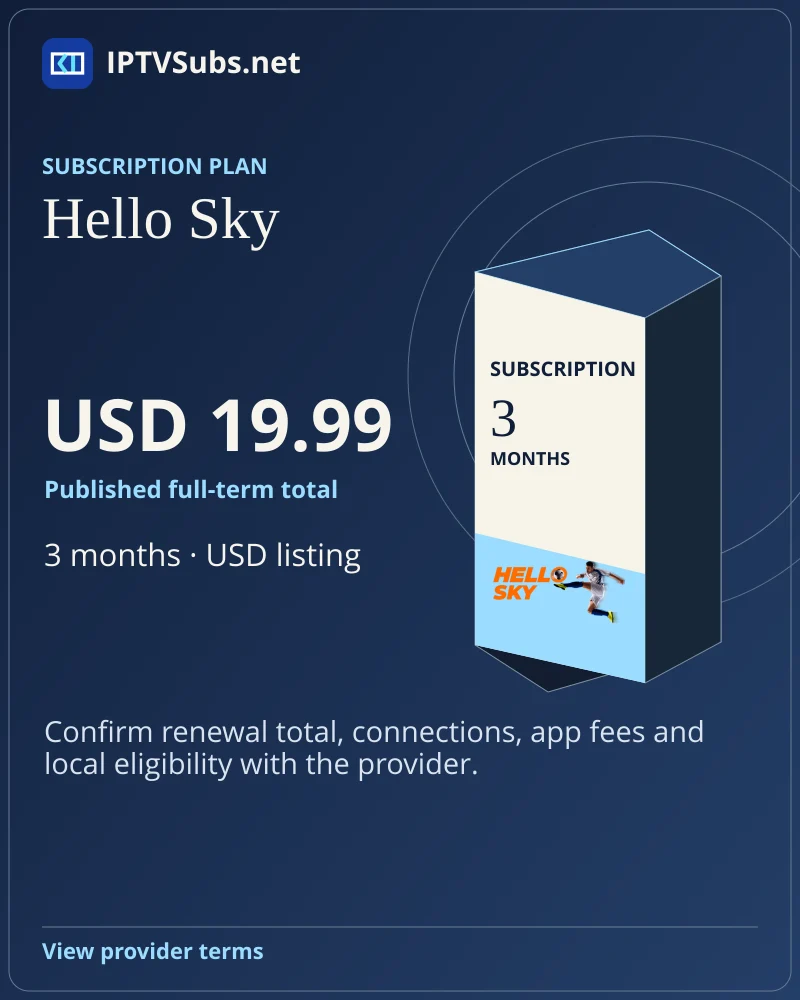
About USD 6.66 per month for comparison.
View terms and provider source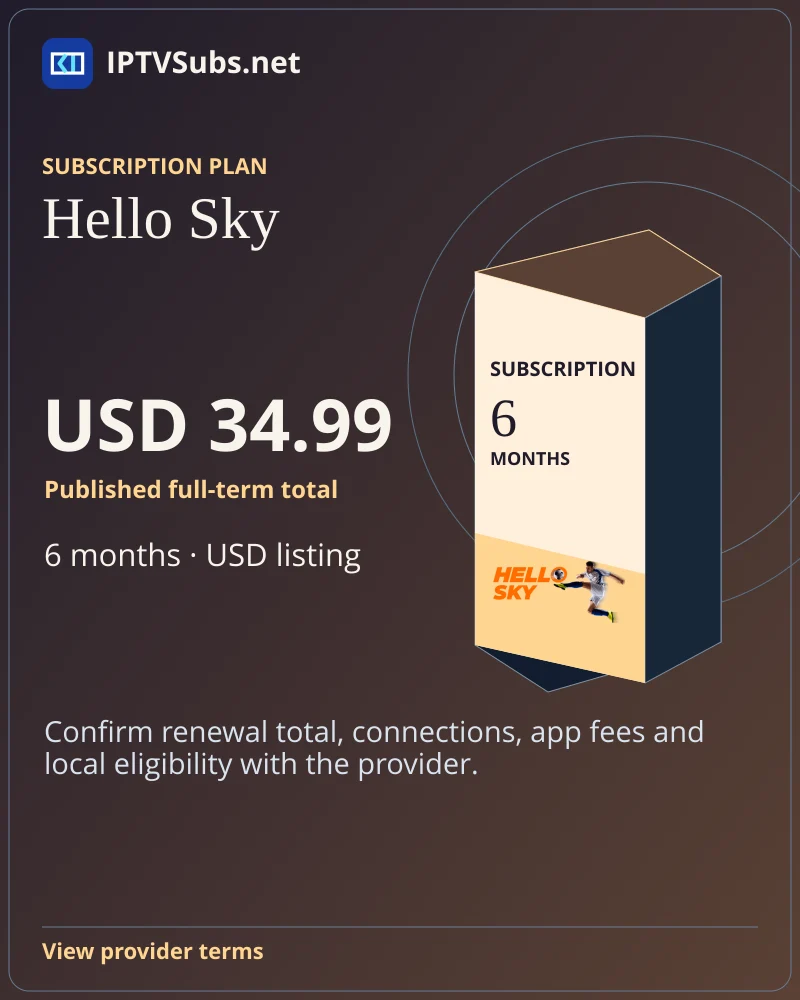
About USD 5.83 per month for comparison.
View terms and provider source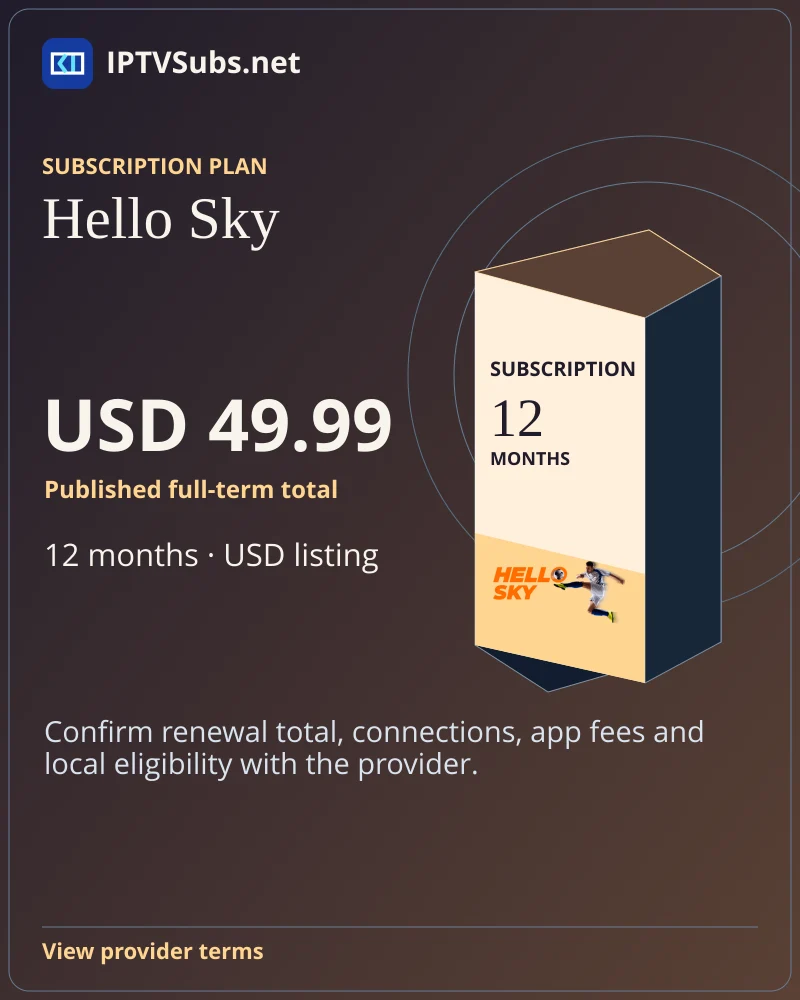
About USD 4.17 per month for comparison.
View terms and provider source
About USD 6.99 per month for comparison.
View terms and provider source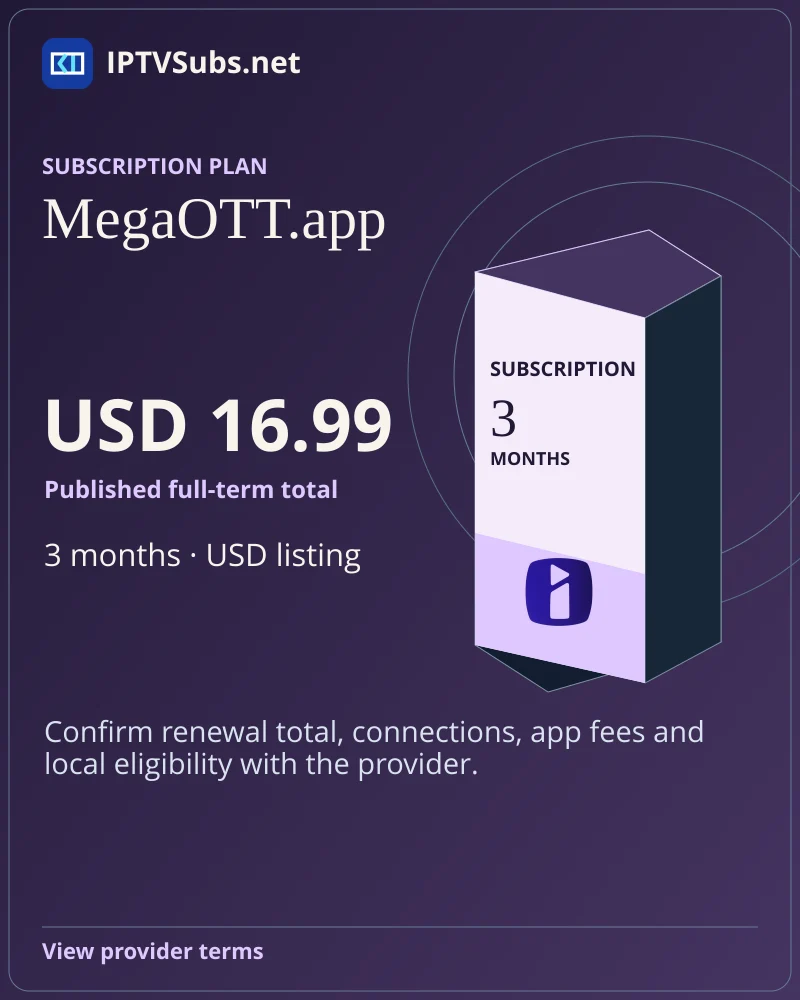
About USD 5.66 per month for comparison.
View terms and provider source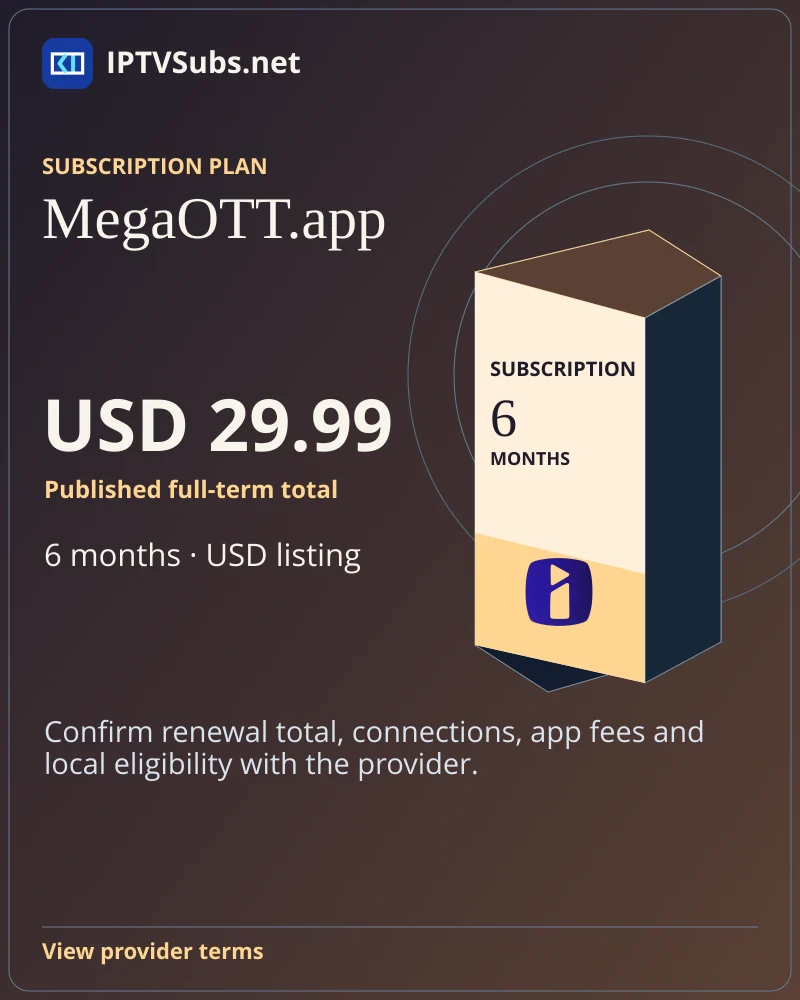
About USD 5.00 per month for comparison.
View terms and provider source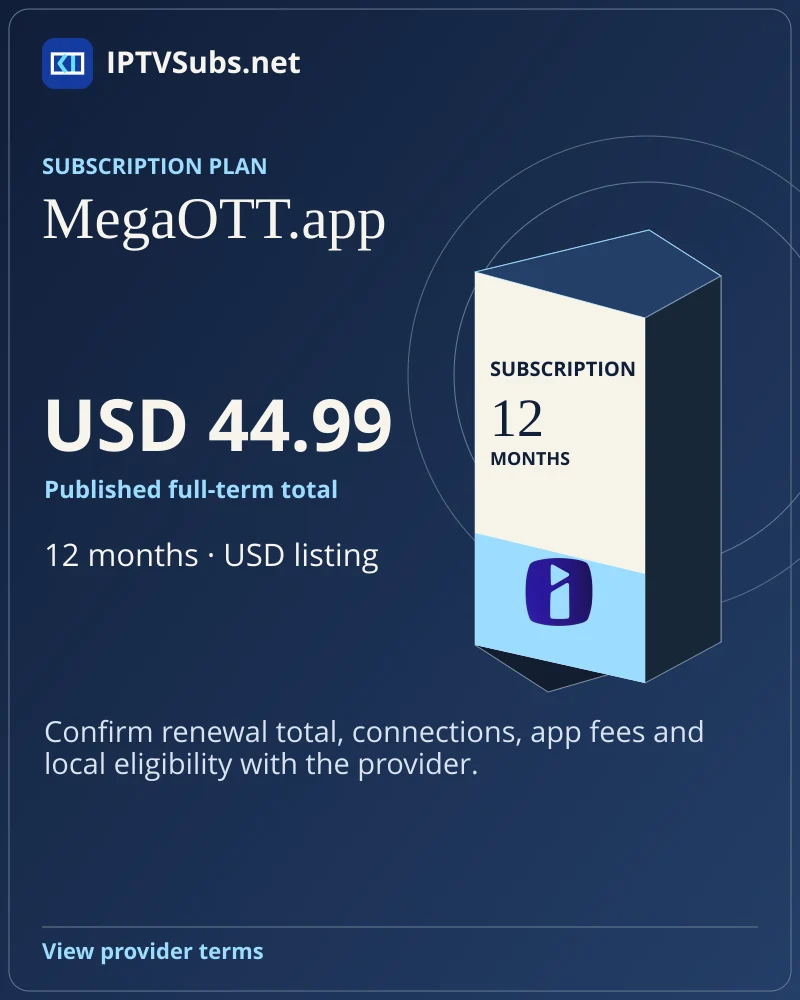
About USD 3.75 per month for comparison.
View terms and provider source
About CAD 13.99 per month for comparison.
View terms and provider source
About CAD 11.66 per month for comparison.
View terms and provider source
About CAD 9.33 per month for comparison.
View terms and provider source
About CAD 6.42 per month for comparison.
View terms and provider source
About USD 9.99 per month for comparison.
View terms and provider source
About USD 8.33 per month for comparison.
View terms and provider source
About USD 6.67 per month for comparison.
View terms and provider source
About USD 4.58 per month for comparison.
View terms and provider source
About EUR 6.99 per month for comparison.
View terms and provider source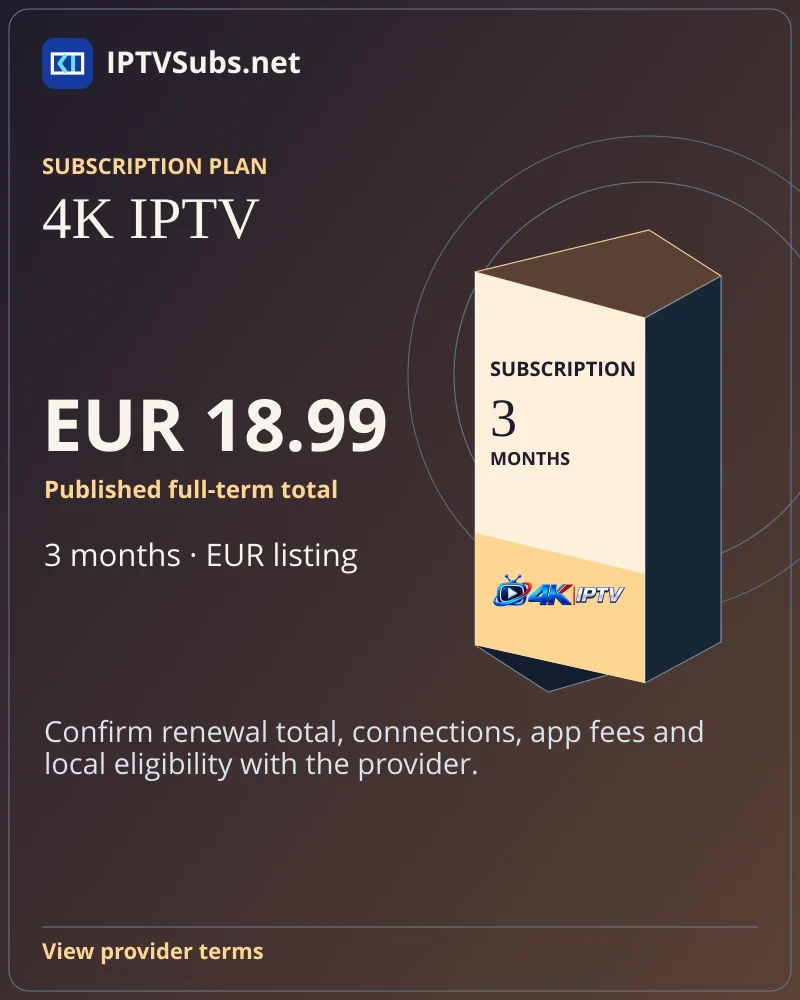
About EUR 6.33 per month for comparison.
View terms and provider source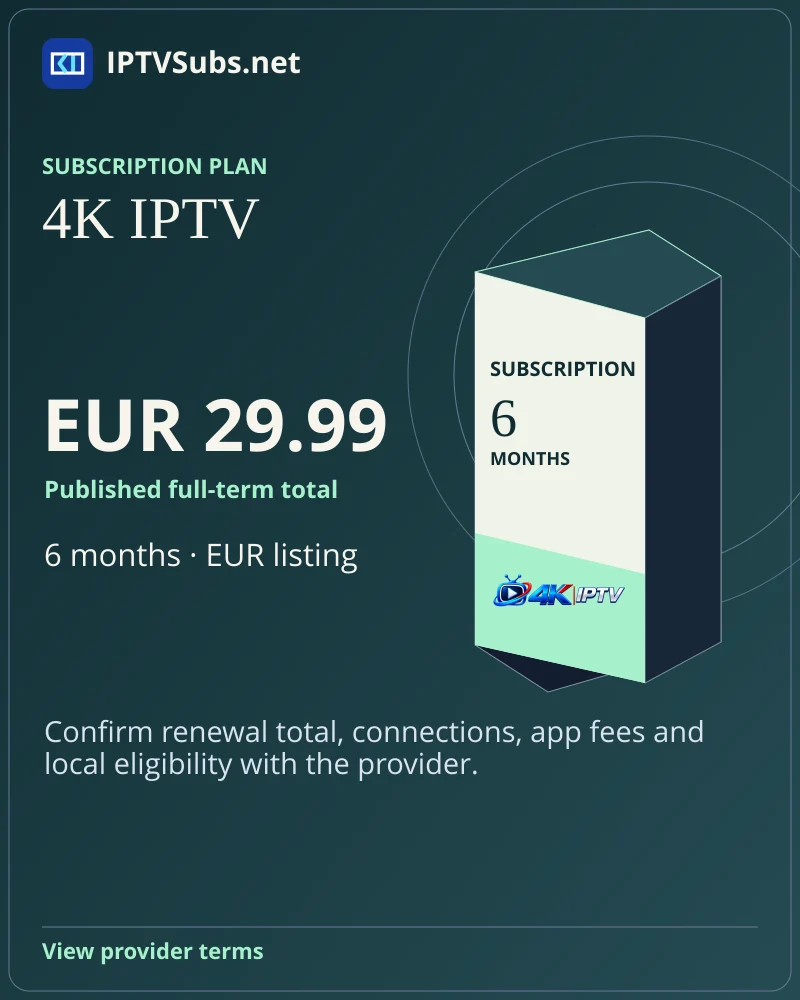
About EUR 5.00 per month for comparison.
View terms and provider source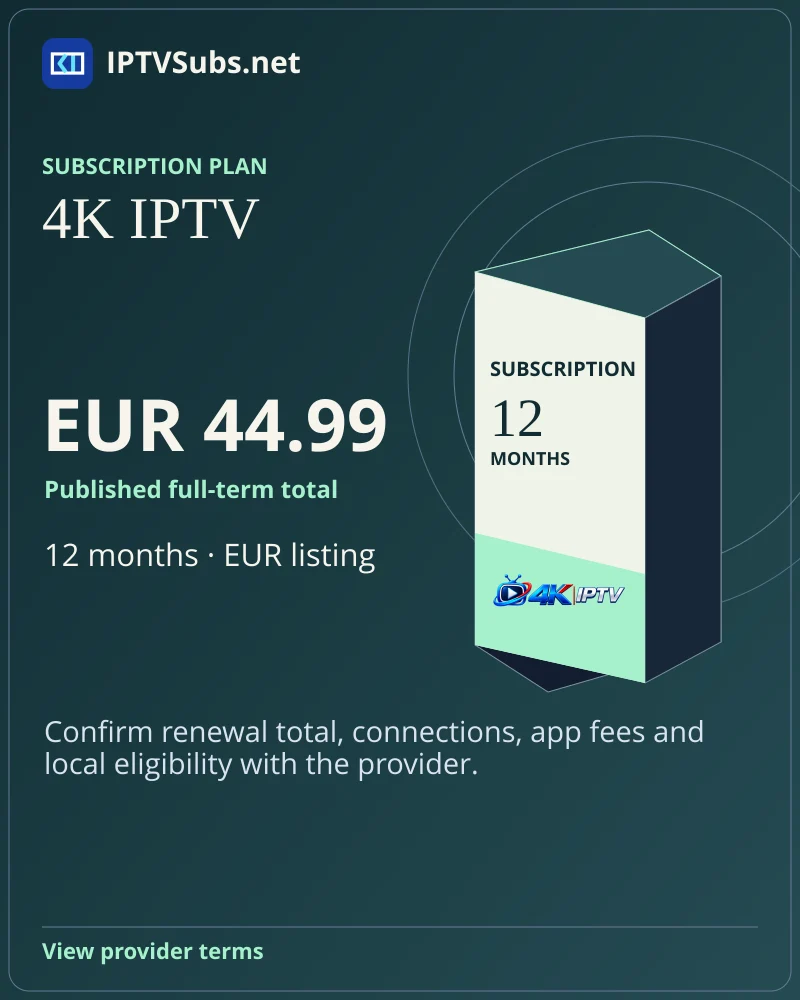
About EUR 3.75 per month for comparison.
View terms and provider source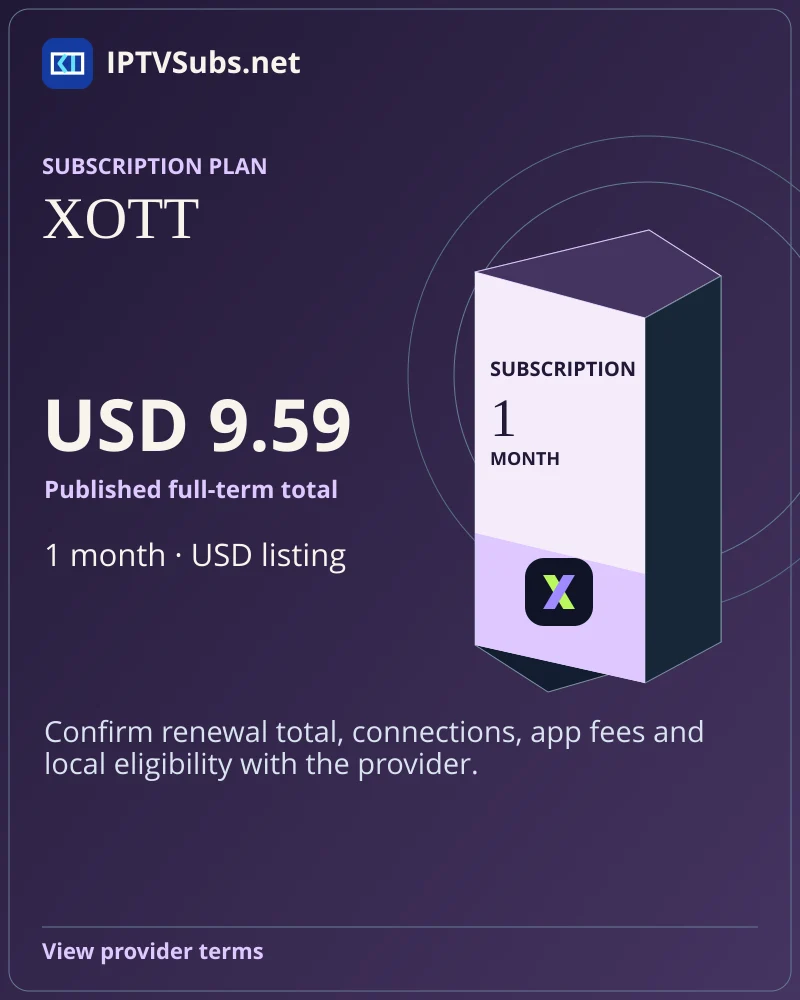
About USD 9.59 per month for comparison.
View terms and provider source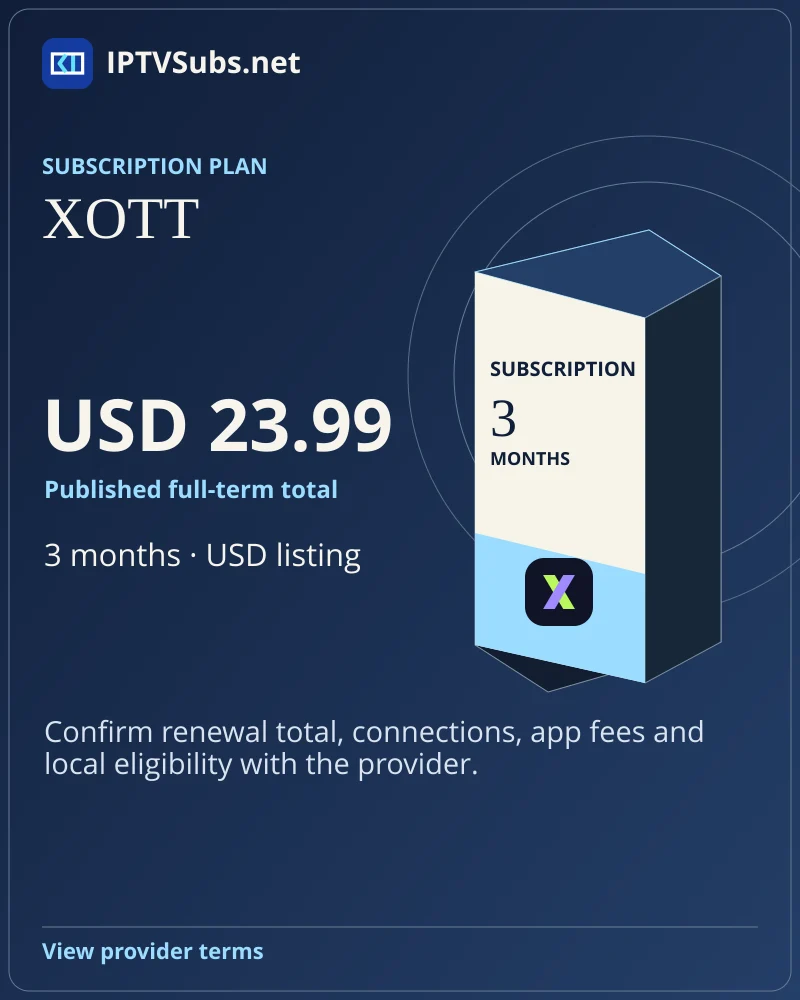
About USD 8.00 per month for comparison.
View terms and provider source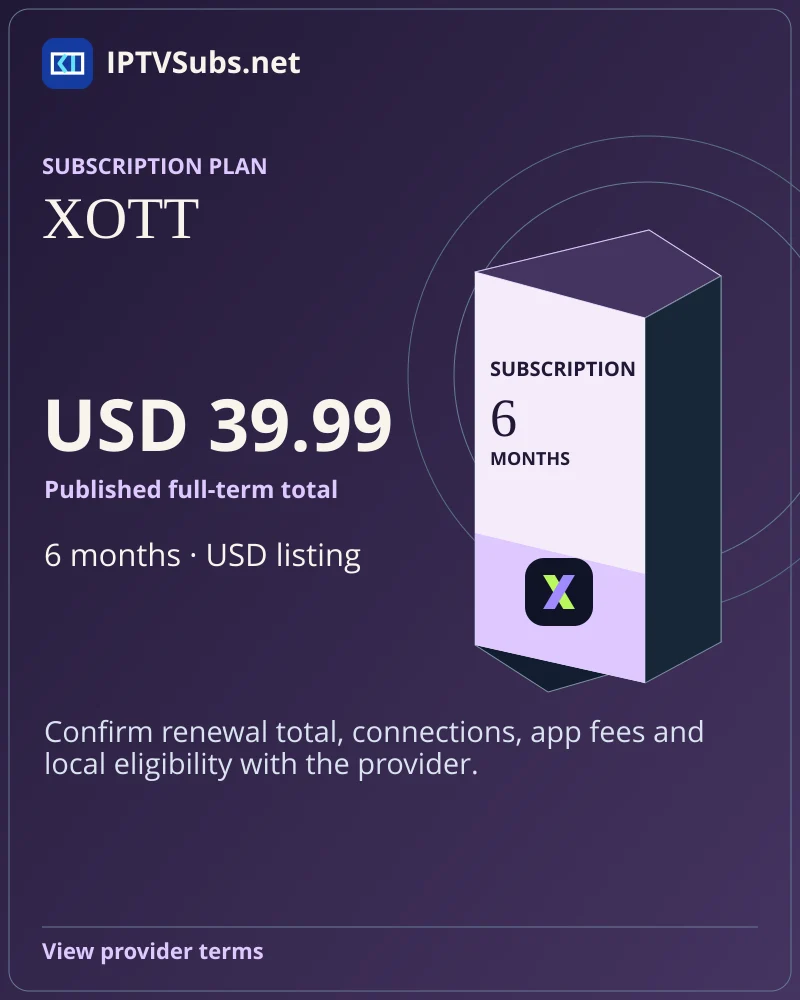
About USD 6.67 per month for comparison.
View terms and provider source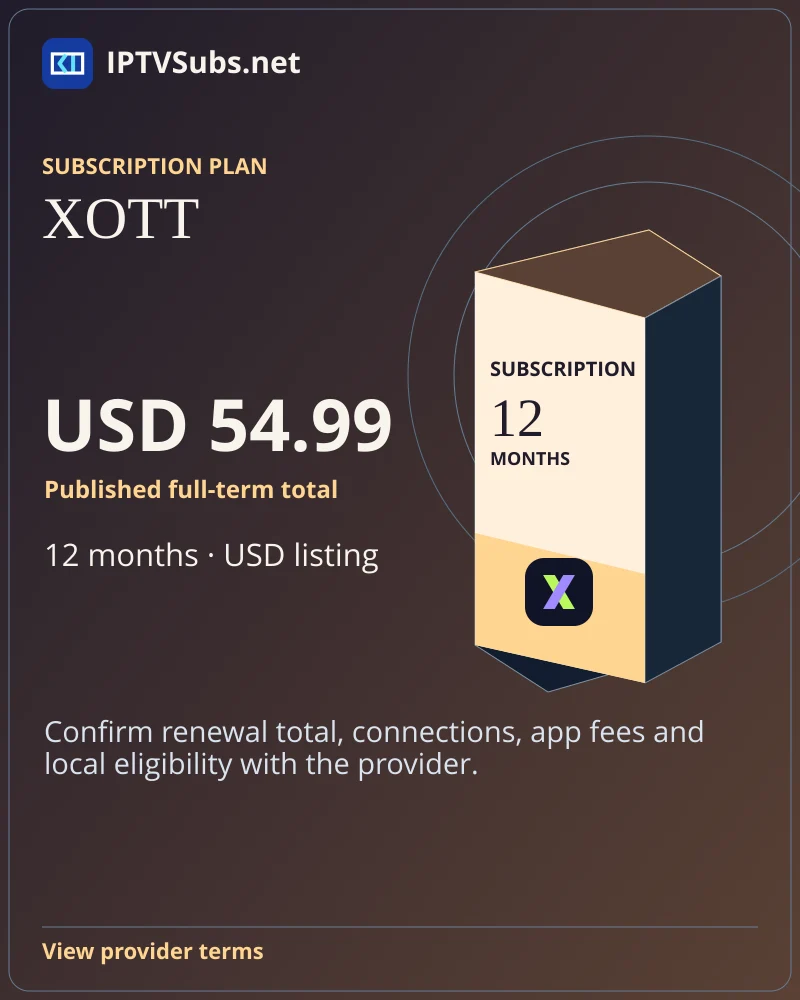
About USD 4.58 per month for comparison.
View terms and provider source
About EUR 11.99 per month for comparison.
View terms and provider source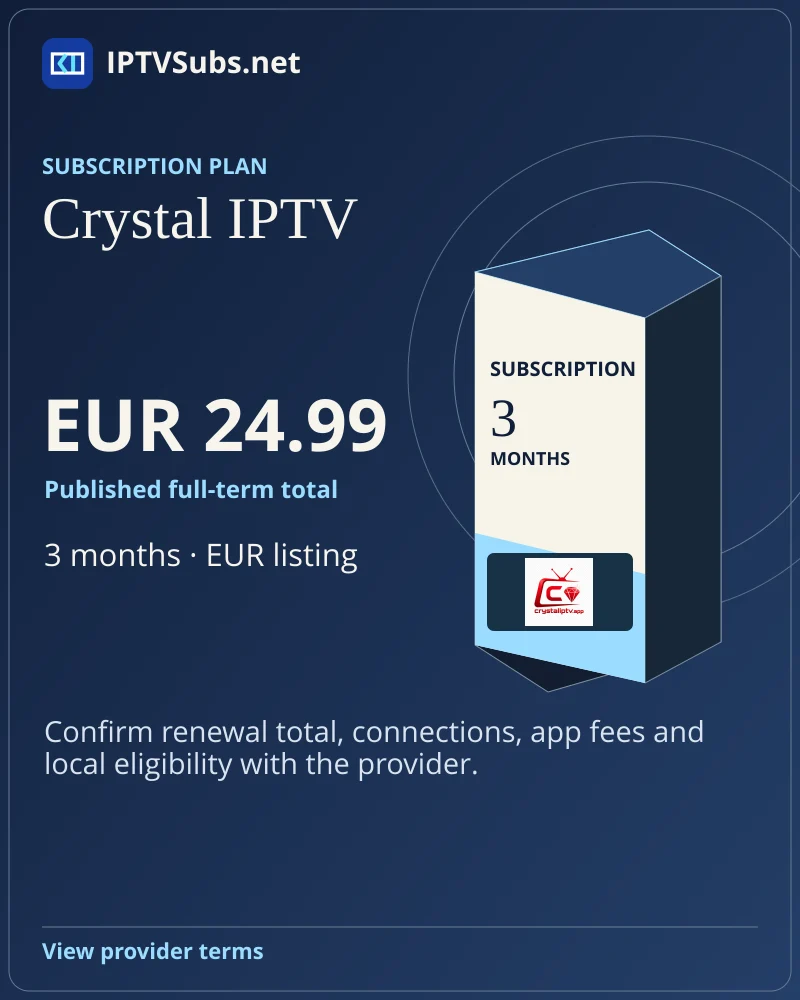
About EUR 8.33 per month for comparison.
View terms and provider source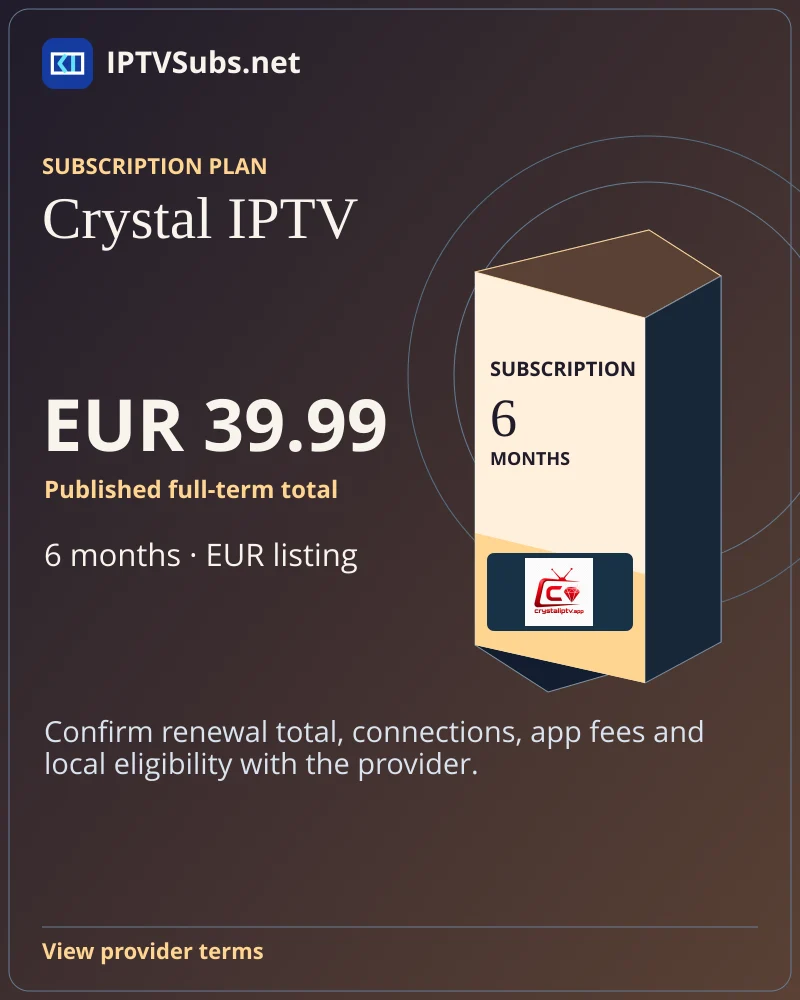
About EUR 6.67 per month for comparison.
View terms and provider source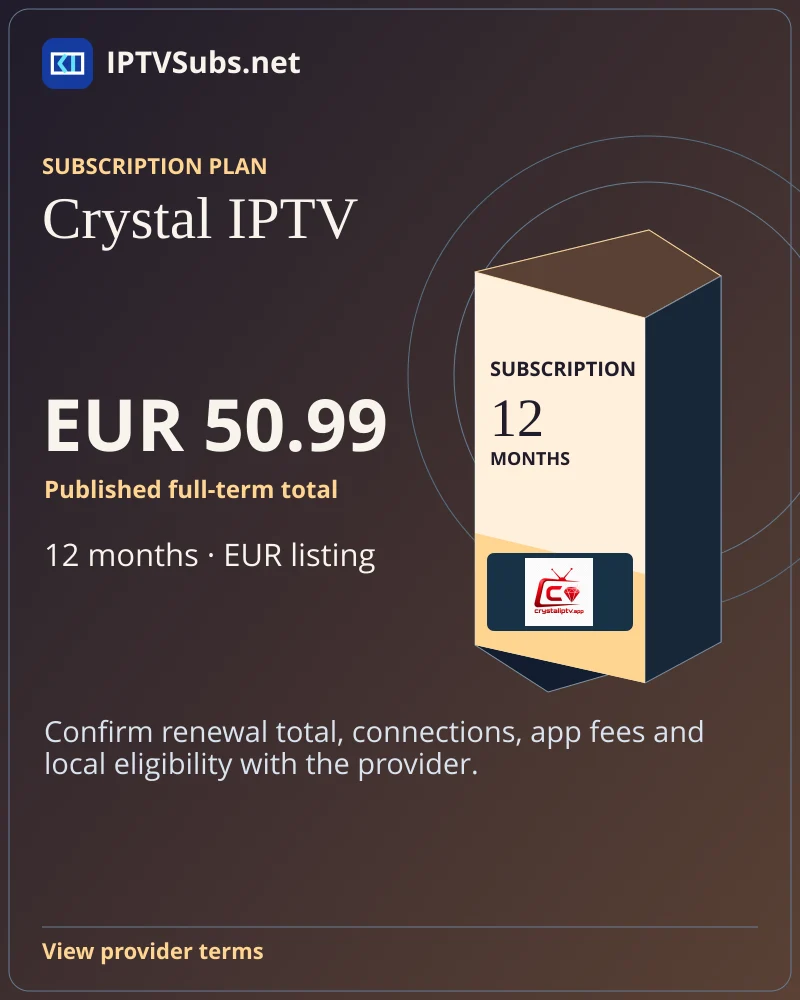
About EUR 4.25 per month for comparison.
View terms and provider source
About USD 7.99 per month for comparison.
View terms and provider source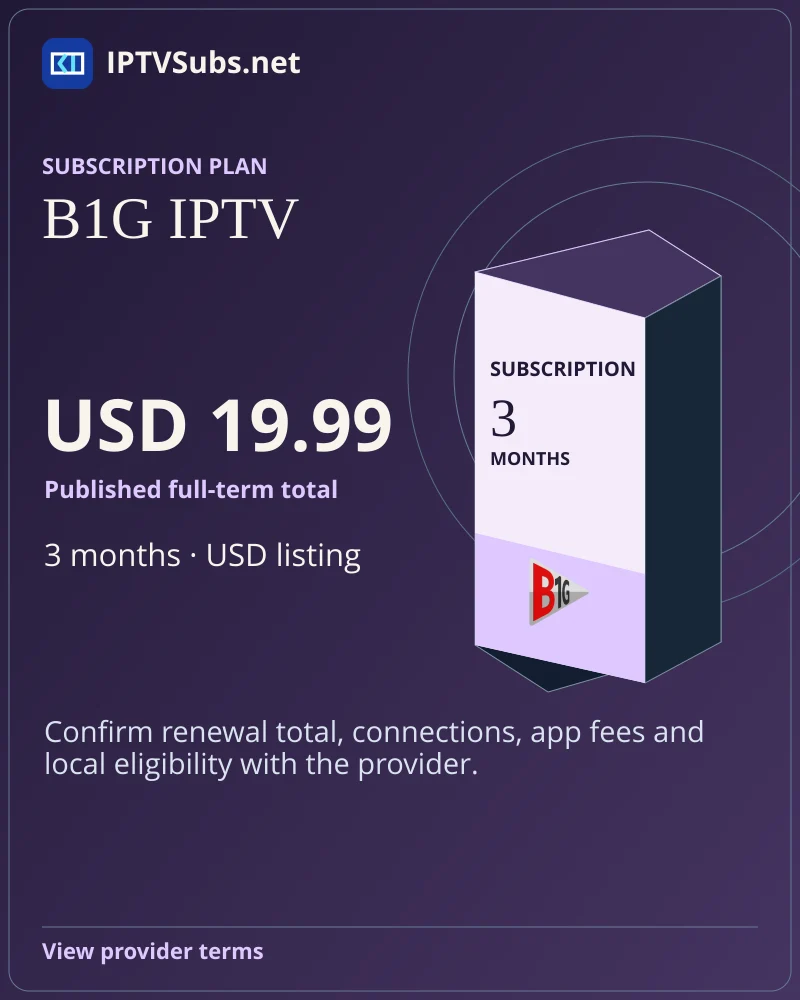
About USD 6.66 per month for comparison.
View terms and provider source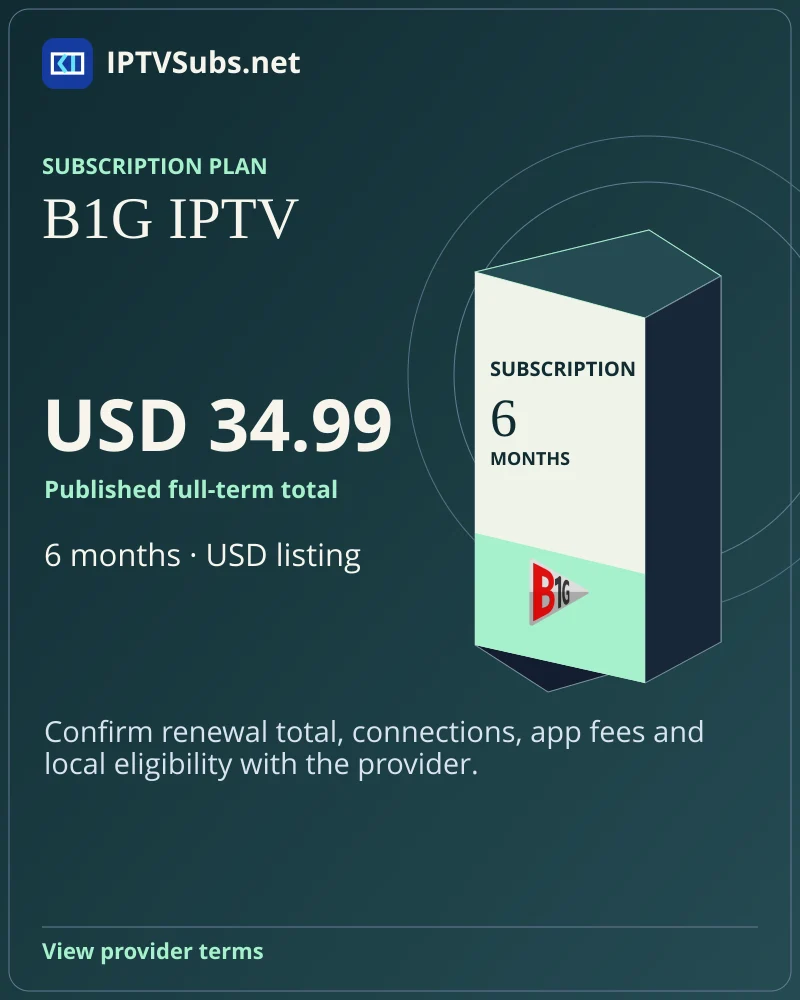
About USD 5.83 per month for comparison.
View terms and provider source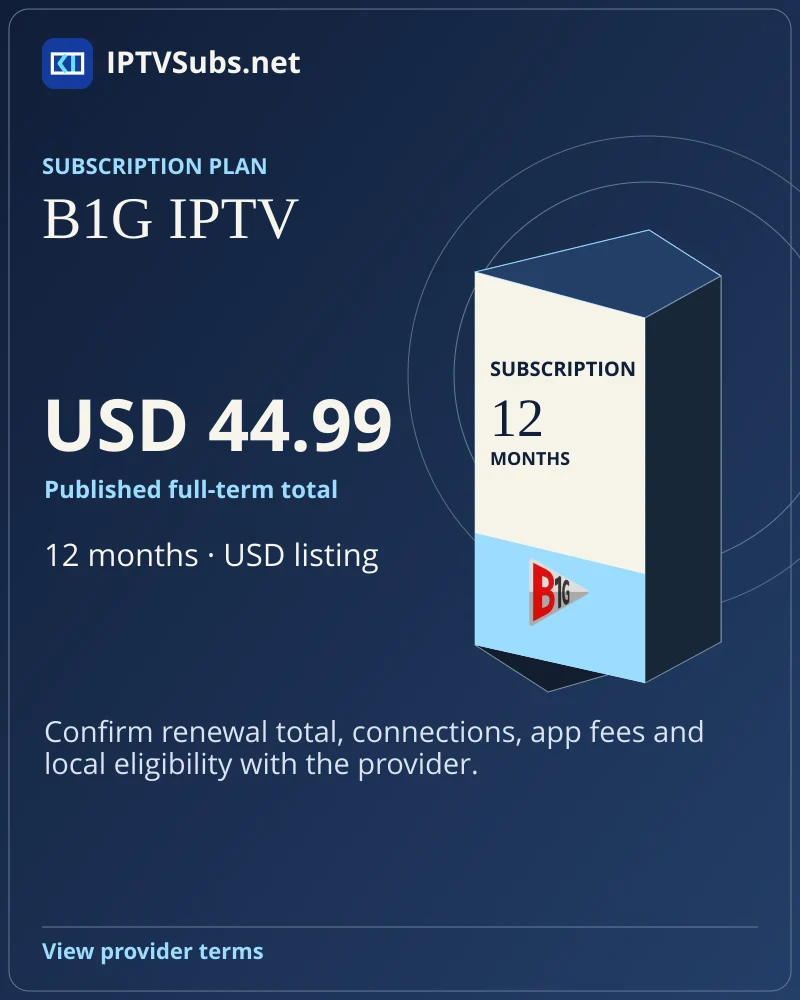
About USD 3.75 per month for comparison.
View terms and provider source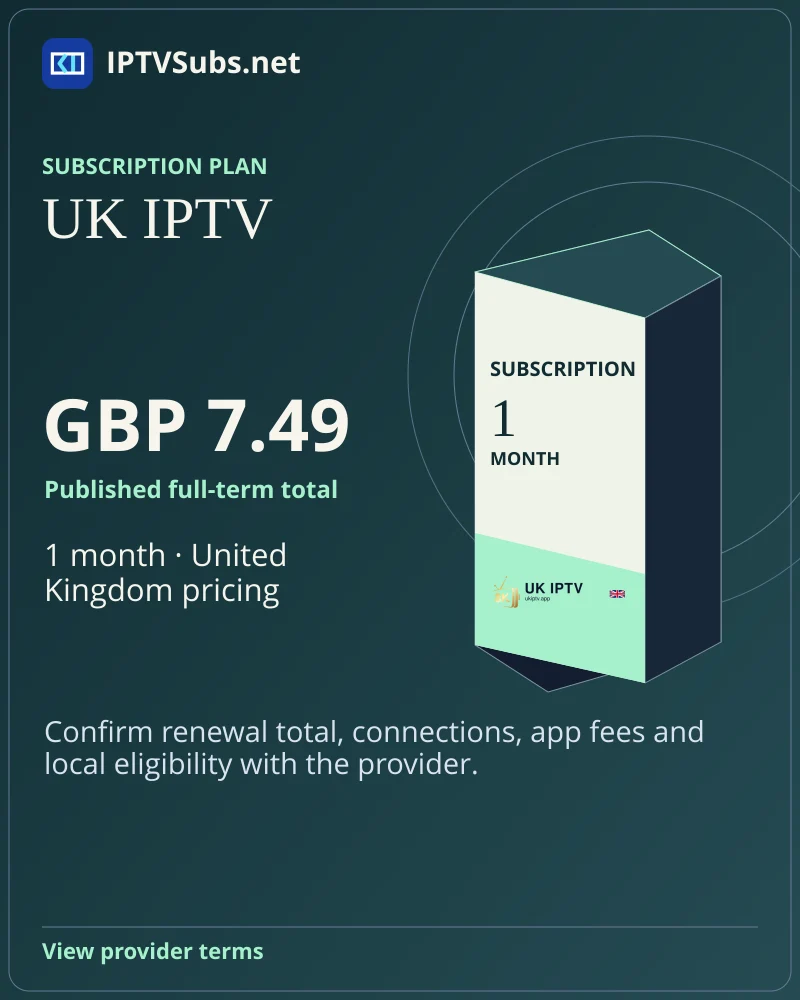
About GBP 7.49 per month for comparison.
View terms and provider source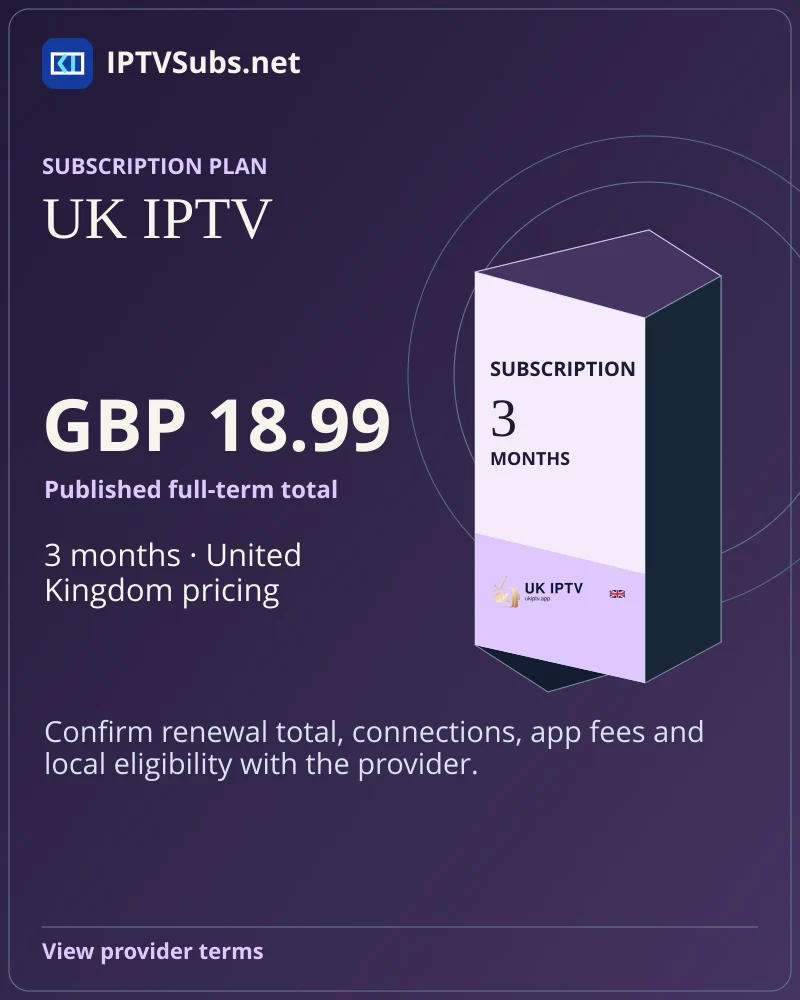
About GBP 6.33 per month for comparison.
View terms and provider source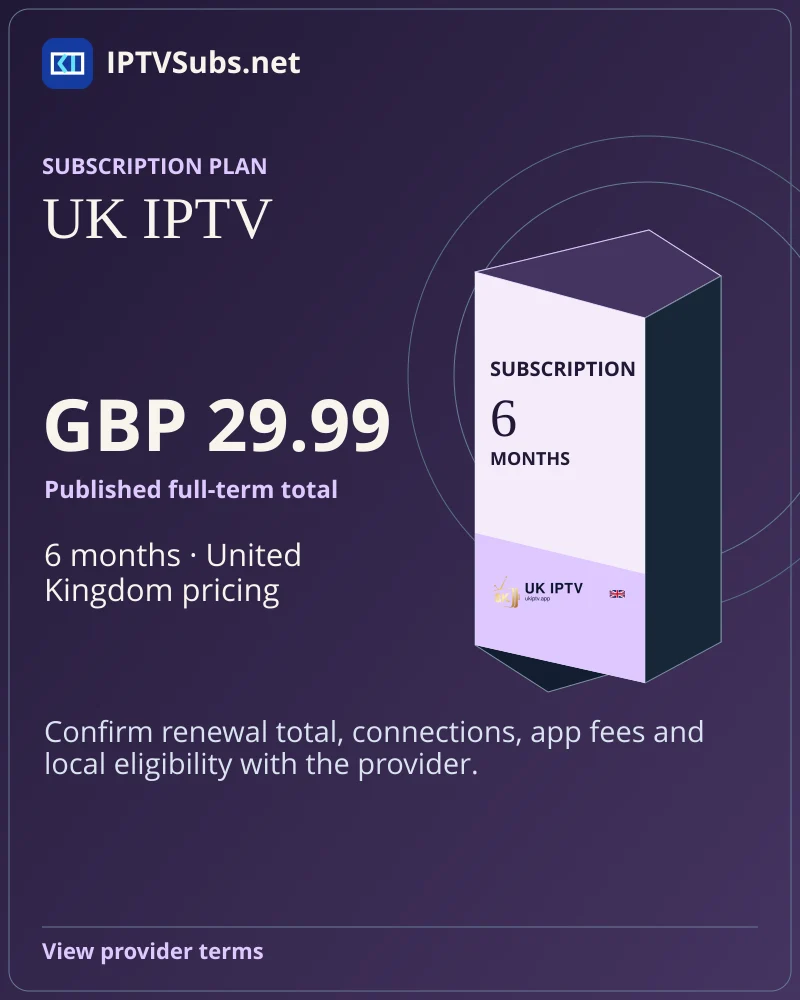
About GBP 5.00 per month for comparison.
View terms and provider source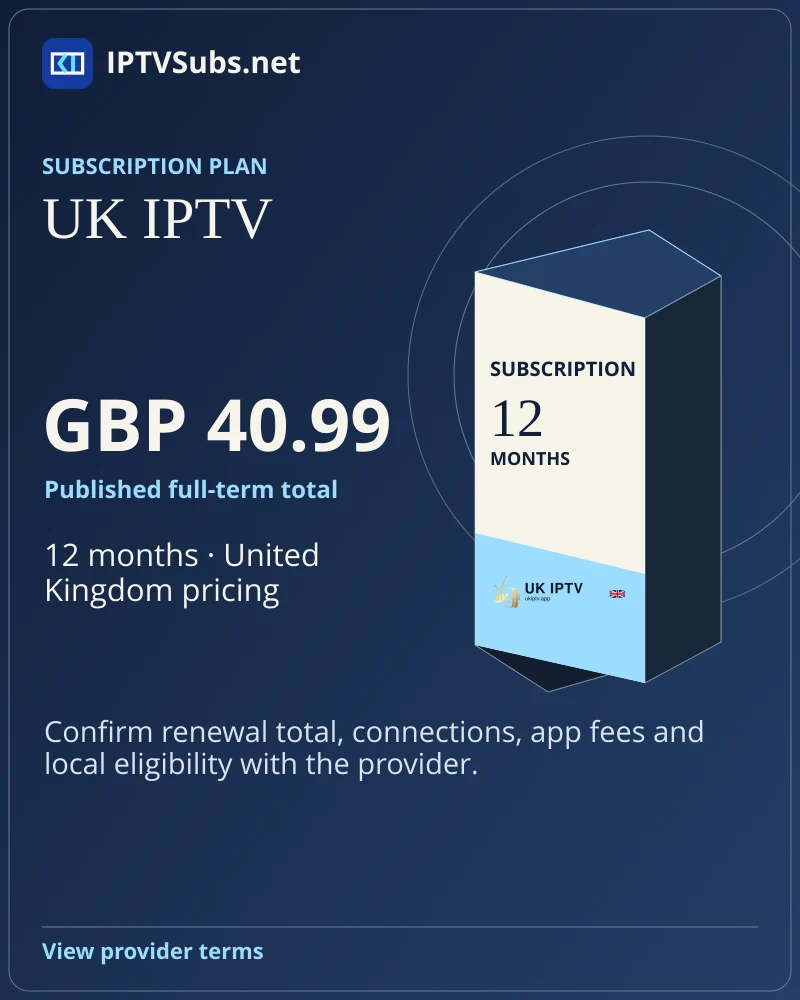
About GBP 3.42 per month for comparison.
View terms and provider sourceAbout AUD 11.99 per month for comparison.
View terms and provider sourceAbout AUD 11.33 per month for comparison.
View terms and provider sourceAbout AUD 8.33 per month for comparison.
View terms and provider sourceAbout AUD 6.00 per month for comparison.
View terms and provider sourceAbout USD 6.99 per month for comparison.
View terms and provider sourceAbout USD 5.66 per month for comparison.
View terms and provider sourceAbout USD 5.00 per month for comparison.
View terms and provider sourceAbout USD 3.75 per month for comparison.
View terms and provider sourceAbout USD 9.59 per month for comparison.
View terms and provider sourceAbout USD 9.59 per month for comparison.
View terms and provider sourceAbout USD 8.00 per month for comparison.
View terms and provider sourceAbout USD 6.67 per month for comparison.
View terms and provider sourceAbout USD 4.58 per month for comparison.
View terms and provider sourceAbout GBP 6.00 per month for comparison.
View terms and provider sourceAbout GBP 5.00 per month for comparison.
View terms and provider sourceAbout GBP 4.17 per month for comparison.
View terms and provider sourceAbout GBP 3.33 per month for comparison.
View terms and provider sourceAbout EUR 8.99 per month for comparison.
View terms and provider sourceAbout EUR 7.33 per month for comparison.
View terms and provider sourceAbout EUR 6.00 per month for comparison.
View terms and provider sourceAbout EUR 4.17 per month for comparison.
View terms and provider sourceAbout USD 8.00 per month for comparison.
View terms and provider sourceAbout USD 6.67 per month for comparison.
View terms and provider sourceAbout USD 5.83 per month for comparison.
View terms and provider sourceAbout USD 4.08 per month for comparison.
View terms and provider sourceAbout USD 9.99 per month for comparison.
1 simultaneous stream listed
View terms and provider sourceAbout USD 8.33 per month for comparison.
1 simultaneous stream listed
View terms and provider sourceAbout USD 6.67 per month for comparison.
1 simultaneous stream listed
View terms and provider sourceAbout USD 4.58 per month for comparison.
1 simultaneous stream listed
View terms and provider sourceAbout USD 9.99 per month for comparison.
View terms and provider sourceAbout USD 8.33 per month for comparison.
View terms and provider sourceAbout USD 6.67 per month for comparison.
View terms and provider sourceAbout USD 4.58 per month for comparison.
View terms and provider sourceAbout USD 9.99 per month for comparison.
View terms and provider sourceAbout USD 8.33 per month for comparison.
View terms and provider sourceAbout USD 6.67 per month for comparison.
View terms and provider sourceAbout USD 4.58 per month for comparison.
View terms and provider sourceAbout USD 11.99 per month for comparison.
1 simultaneous stream listed
View terms and provider sourceAbout USD 8.33 per month for comparison.
2 simultaneous streams listed
View terms and provider sourceAbout USD 6.67 per month for comparison.
3 simultaneous streams listed
View terms and provider sourceAbout USD 4.25 per month for comparison.
4 simultaneous streams listed
View terms and provider sourceAbout USD 7.99 per month for comparison.
1 simultaneous stream listed
View terms and provider sourceAbout USD 6.66 per month for comparison.
1 simultaneous stream listed
View terms and provider sourceAbout USD 5.83 per month for comparison.
1 simultaneous stream listed
View terms and provider sourceAbout USD 3.75 per month for comparison.
1 simultaneous stream listed
View terms and provider sourceStart with the screen and the programme you actually want to watch. Work through the quote, trial and handoff in order.
Start with the room where you spend most of your viewing time. Write down the exact television or streaming box, the operating system version and the remote you use. If a television is on a stand with its antenna cable and soundbar already connected, decide whether you want to use its built-in store or attach another device. That choice controls what the setup will feel like every night. A subscription can look cheap on paper and become a chore if its suggested player takes ten button presses to return to a channel. Put the player on the actual television before you compare long terms.
A second device matters when someone really uses it. There is a difference between installing software on a bedroom television and watching a separate programme in that room while the living room stays on. Write down an evening when both screens need to play. Ask the seller whether the quoted access can do that with the specific account and player you intend to use. If your provider says an extra connection is required, ask what it costs and whether the clock for that extra connection follows the main term.
Try the remote early. Start a programme, open the guide, step back, select a different channel and find the first programme again. If you are buying for a parent who does not use on-screen keyboards, let them do the sequence once without instructions. Check whether the title is large enough on the sofa and whether subtitles can be toggled with the remote. A phone video of a high-quality picture supplies almost no evidence about a television’s accessibility or how the app continues after the box wakes up.
The name on the TV gives you a place to start, and the app store on the device tells you what your model can install. Search it for the player name the provider supplied. Read the developer identity and version requirements. Two similar icons can belong to separate publishers. Look for the expected sign-in screen before buying an app licence, and ask whether the player takes the account format the seller actually provides. If the developer has different editions for phones and televisions, download the edition intended for your device.
A household with a good television but weak Wi-Fi near the cabinet should test the same location before changing several things at once. Move the streaming device far enough from the screen cabinet to get ordinary ventilation, use the connection it normally uses and try a known working app for comparison. A plan is only part of that setup. The rest is the player, television, remote, receiver, local network and the person who will use them. A short test with the real equipment tells you more than a resolution label on a plan image.
A trial works best when you walk in with three things to watch. Pick one programme with a known start time, one channel you watch as part of a regular routine and one film episode or recorded programme with the language and accessibility options you need. Write down the date and local time. For an event, record the competition and round. A sports brand can describe a whole league even when a particular match carries different rights or a separately billed pass. Confirm exact availability with the relevant broadcaster or the seller before treating a guide entry as part of the offer.
Open the regular channel first. Check the actual feed name and language, then compare the scheduled show with what is playing. If you were expecting local news, look for the city or affiliate. Some channels have regional feeds with the same logo. Make the guide show the current programme and the following item. If only the guide is out by an hour while the video is correct, note your device time zone and whether other feeds show the same offset. That gives support a place to start.
Then watch for long enough to catch the kind of problem you care about. If the trial runs through evening hours, spend twenty or thirty minutes in a live stream at the busiest time in the house. Try a second device at the same time if your quote explicitly covers that use. Pause the on-demand episode if the player offers it, turn on captions, and resume after changing away from the app. When you notice repeated buffering, log what time it happened, which programme was playing and whether another known app worked on the same device.
You can save a useful trial record without recording the programme. A short note is enough. For example, a viewer might write that a local HD feed opened at 7:12, guide time was correct, closed captions worked in a film, and a second television was never tested. That last point matters. A successful one-screen trial leaves the concurrent question unanswered. If a publisher’s app worked on a phone but you never saw it run on the television, record that distinction beside the date.
Some providers describe a one-day trial after the player is installed. Look at the provider profile for the source and confirm how to request it, when the trial starts, which device it covers and whether a payment method is involved. A useful trial begins when you can actually watch. Ask how to extend or repeat a missed evening only through the seller’s documented process. Keep the trial login private. When the trial ends, ask whether you can remove the old account from the player before you add anything else. That avoids confusing a stale trial line with a paid subscription during setup.
Read a plan total as the price for the term printed beside it. If a provider lists CAD 34.99 for three months, the monthly equivalent is about CAD 11.66. That division is useful for comparison. It does not tell you whether the seller charges monthly, charges upfront or renews automatically. The storefront records whole-term prices in their original currencies. Put the seller’s final payable amount next to the dated listing when you check the order. Keep the order page, term and currency together in your notes.
When you see a lower annual equivalent, check the whole number you have to pay and what risk you are accepting up front. A household that has just changed its router or bought a different TV may value the option to test another month. A household with a well-tested setup may be able to evaluate the longer term with more confidence. Either way, compare time you expect to use. For example, if work travel means you will be away for a large part of the next term, an impressive per-month figure may have little bearing on what you actually watch.
Add actual separate charges before comparing offers. A one-time app licence belongs in a first-term comparison if you need it. A second-screen add-on might recur or expire at a different time. The card issuer may show a conversion and its own fee when the billed currency differs from your card. List each fee once in the appropriate column. If one seller quotes the licence in local currency and another quotes access in a foreign currency, write out both amounts early rather than treating the results as a single neat subtotal. Use the amount your payment method expects to bill.
A pricing page can be correct and still incomplete for your situation. Website prices may assume residential use, a specific account country or a particular number of devices. If the page omits extra fees, wait for a dated quote. Ask which legal seller will appear on the receipt and who handles a dispute. Check that the handoff went to the expected provider domain before entering any information. For renewals, ask whether you pay at the initial amount again, request a fresh quote, or are subject to a recurring charge. Save the answer before the term begins.
Keep the quote with the receipt after buying. You need the provider, access term, connection arrangement, currency and support path. If a seller sends a private activation link, keep it in a password manager or similarly private storage. If you need a receipt correction, use the seller’s verified support page. The forum can help you decide which information to gather, and your order reference belongs in private correspondence with the seller. A plain record beats a collection of screenshots where you have to guess which price or term went with the payment.
Two prices become comparable when they cover the same buyer situation. Start with the country where you will watch and the currency you will be billed in. Match the term and the number of simultaneous screens. Compare the actual role for each offer. A retail subscription and a reseller credit pack answer different questions. If the quote includes application access or installation, note it as a concrete line item. Keep optional hardware or licences on separate lines to see what drives a difference.
The published-price comparison near a provider pair has a narrower purpose than a recommendation. It can show which listed total was lower for the same term and currency on the evidence date. If one offer has unknown eligibility in your country, treat the pair as a research lead. If one quote covers an extra connection and the other covers a single screen, ask both sellers for the same arrangement and compare their new totals. This is often the point where a cheap-looking offer turns out to be irrelevant to the way you watch.
Consider a viewer who wants a twelve-month plan for a living room and a bedroom. They find two twelve-month USD listings. The price table identifies a lower amount. The viewer also needs both televisions to work simultaneously at night, and the less expensive quoted row does not specify the second connection. The next step is to ask how many simultaneous streams the package includes, whether the bedroom app license is separate and what the all-in total would be. That written answer determines which row is worth comparing. The missing field matters more than the small published price difference.
A comparison can also expose where two domains display related names or art. The fact that two sites welcome you to an identical player says something about the interface they present. It supplies no proof they are the same merchant or fulfil orders from the same system. Keep the exact domain, seller name and support route attached to any comparison. Read the provider’s distance from your own circumstances. Guidance for a USD storefront may be relevant to a Canadian buyer, but a CAD quote and a suitable local feed have to come from the actual provider.
When you have a shortlist, think about how you would solve a problem. Does the quoted plan identify a support channel? Can the seller explain the account format and which bill is for service? Is it clear where you look up expiry? A small difference in published price might matter less than discovering which provider can answer your basic question in writing. Technical details and evidence dates in our comparisons help you ask for the facts that are still missing. Keep your winning choice linked to the terms on your own final quote.
There are usually separate pieces to the setup. The app presents the guide and plays the stream. The service account supplies access. Your device supplies the screen and remote. In some cases the app also has a paid licence attached to the device or store account. When people describe their problem as a subscription failing, they may mean a wrong password, an unsupported player, a player licence that changed after reinstalling, or an outage affecting a particular programme. Keeping the pieces separate makes setup and repair easier.
Ask what account format the seller provides. There may be an application-specific login, a playlist entry or a supported portal for compatible hardware. Use only the option documented for your account. Some players accept several formats and the screen can look similar for each. If the entry request includes a provider address, use the exact spelling in the trusted confirmation and avoid typing passwords into a search field. Enter credentials on the actual player interface or the documented service sign-in only. Check the developer’s publisher page if you are unsure which app you have opened.
Device count and stream count are separate lines of evidence. A player may be installed in two rooms and used on only one screen at a time. A different household may expect an evening sports stream to continue while a film plays elsewhere. Ask which of those cases the plan covers. During a trial, close playback fully on a device before switching to another if the account is limited. An app suspended in the background may keep playing long enough to affect your test, so return to the app and stop the stream when appropriate.
Test simultaneously only with the correct entitlement. Start with one usual channel or title, then open another on the second compatible device. Write down whether the first continues, shows a notice or closes. If the trial freezes both at once, test the same household network using another known working app before drawing a conclusion. Resolution needs enough bandwidth, and at busy times two streams increase the work for your local network. A checkout confirmation for two streams helps you distinguish a connection limit from congestion or a device-specific problem.
If you replace a device later, check the app licence before transferring a subscription. Keep access working on an existing screen until the new one has been tested. Ask whether the app licence can be restored from the original store account or whether the developer requires a new purchase for an additional device. Ask the seller which account assignment applies if you are using a portal or device-specific plan. Written instructions make it possible to undo the latest change if an older box still works and a new one fails. Take that sequence slowly, one confirmed step at a time.
Country and channel art is a useful way to recognize a broadcaster quickly. Follow up with the complete channel name, regional feed, language and planned programme. A feed with a familiar logo can carry a different edition in another city or region. A live match may appear on one channel for some people and elsewhere for others. A movie poster points to a title and sometimes the year or season. It provides a starting question for the provider rather than evidence that a particular package carries that exact stream.
If a programme is essential, write a small list that covers your week. Include a local news broadcast you expect under a recognizable affiliate, a regular series where you care about the audio track, and any must-watch live event. Add the name, date, time zone and whether you need live viewing or replay. Check an official schedule for the station or competition. Compare what the provider’s guide shows on the player afterward. Do your check with the country settings you really use. Inaccessible viewing after a change of country is a question for the authorised service.
Test sound, captions and language on an exact episode or channel. A provider can list a country or an on-demand library without specifying the accessibility of the title you intend to watch. Ask for a trial with the same device and player, then skip to a dialogue scene. Toggle subtitles, select the audio you want and restart the stream after a channel change. If the preference resets each time, decide whether that is practical for your household. Share the title and settings with support without copying the programme itself.
Compare an attractive show list with your expected routines. Someone interested in a summer tournament might need a short pass for one broadcaster and a month of general entertainment somewhere else. A household that primarily wants regional news may place more weight on a stable local feed and an accurate guide. Both are reasonable questions. The useful filter is your own list of programmes. When you ask a seller about coverage, pick a concrete example that your support contact can actually check. When you ask the forum, mention your region and device without sharing a private playlist.
Keep a note if content changes after a trial. It helps to distinguish the programme moving between official broadcasters, an app ceasing to show a particular catalogue row, or a provider issue limited to one feed. If the problem is a known stream that stopped suddenly, write when it last worked and which other ordinary feeds still play. This gives support a trouble report rather than a vague complaint. Review your essential list at renewal time. A plan that met your needs last season may have different terms or coverage for the next period, especially for specific events.
Install through a source you can identify. On a smart television, start in that set’s app store and confirm the developer, supported operating system and exact name. On a phone or computer, follow the developer’s official download or store link. Use the version listed for the device you are setting up. If a seller points to an installer, ask for the publisher and documentation. A file-name match alone is weak evidence of origin. Allow only the app and permissions you understand and keep automatic updates under the device’s normal controls where practical.
Before entering a private login, check the exact screen. An email form that offers to send an activation message may be part of a different program from the account you bought. A player may show separate sections for playlists, local media and an application subscription. If the account instructions need the service address or provider’s sign-in method, match the label and fill only the fields called for. Stop if the site asks for an unrelated payment, extra personal documents, or a code from a different account. Use the provider’s documented path to ask what the field is for.
Store credentials privately. A playlist URL can carry the username and password in its address. A device identifier may be tied to an app licence. A screenshot of the setup dialog can show both. If you need the forum, describe the labels you see and substitute a neutral example. Crop a screenshot to the area with the error message and confirm that notifications, QR codes and email addresses are gone. Send the private details only to an authorised support contact through the channel where you already have an established relationship.
Test the app after initial setup. Check a familiar channel and a supported on-demand title. Leave the app and return. Depending on the player, a successful re-open will restore the catalogue or require signing in again. If your settings are lost after every restart, write down the exact app version and device model. Check whether the app licence is active on that device. Keep the original confirmation to hand. Support can ask which workflow you followed and which screen appears after launch.
If you need to switch players, separate the changes. Leave the original setup installed long enough to confirm the new app with the seller or publisher. If the first test is successful, consider the guide controls, audio and captions before choosing. Remove old devices and expired trial details through the account or local app controls once you know you can reopen the real subscription. If the new player refuses the account format, switching back to the existing one gives you a useful way to isolate the problem without losing proof that your access still works.
Record the symptom and its scope. When the programme guide opens but a single feed stays black, try another known feed with similar settings. If the player crashes when you open any on-demand title but live viewing works, note that exact split. When the same feed fails on two supported devices at the same moment, you have a different clue than when one old television drops all network connections. Use a simple table if you need one. Device, time, title and symptom are enough to start.
Use a known good comparison. A legitimate broadcaster application, a local test file or another supported ordinary stream can tell you whether the device can play something else. Change one thing per test. Switch from wireless to a supported wired connection on the same device, or move temporarily closer to the router if safe. Keep the player and programme constant. If the problem changes, write down where and when. Checking a different title, device, player and network all at once hides the cause.
If it is only a guide issue, check the clock and region before reinstalling. A schedule can be off even though video and audio are fine. Look for the exact channel feed and the time zone shown in the player settings. If one guide row is wrong while others are right, keep the programme title and official schedule for that feed. If every row is shifted, note whether the offset changes after correcting the device clock. Contact support with the smallest set of facts they can verify, including whether a second device sees the same thing.
When the issue points to the network, check the room where the screen normally stays. Evening traffic, router location and radio congestion are practical considerations. A speed result next to the router gives only part of the picture. Run a simple comparison from the actual television or connected box if the model has a standard test or a known good app. If an HDMI display goes dark while sound continues, inspect the input and cable by following the device documentation. A home gear issue may mimic an app problem, and your test notes can separate them.
Reach out with two observations and one clear request. State what worked, what failed and the time and affected device. Ask whether the provider can verify account status, whether the app developer recognizes the version behavior or whether the relevant feed had an issue. Give the authorized seller the order identifier privately if needed, and use a sanitized report on the forum for general questions. Repeating the same steps for each support contact wastes time. Your notes let the next person understand what changed without making you reinstall everything or buy another term to see if it helps.
Find the order receipt well before expiry. Note the exact access dates, recurring arrangements, amount and seller. If the term was bought through a manual invoice, ask whether renewal requires a fresh approval. If it was through a recurring payment, check which account or billing platform controls that arrangement. If you no longer need the service or player licence, cancel through the correct provider path and keep its confirmation. Some app licences and subscriptions have separate receipts and may require separate actions.
Look up the support terms before you move to a new plan. If changing billing cycle resets access dates, ask the seller how the remaining period will be applied. If you add another concurrent stream, ask whether the cost is prorated or starts a separate term. When a household member changes a device, check whether app settings and account access can transfer. An annual plan with one screen can be a poor reference point if the household needs two next year. Write the new needs beside the old receipt before asking for a new quote.
If you have a problem with fulfilment, record a clear order history privately. Put the order confirmation, payment result, provider messages and problem summary in date order. A pending bank transfer, an authorization hold and a captured payment can look similar in some apps. Ask the seller and payment issuer for clarification through their official channels. Avoid buying the same thing again while the first order status is unclear. If the seller needs evidence, use a trusted support address and share only what is necessary for them to identify the order.
To compare refund terms, find the policy tied to your purchase. Read what it says about changes, timing, activation and app licences for the actual order. Take a dated copy or record the relevant page name with your receipt. General forum replies can explain useful questions, and a provider or payment service can review a specific transaction. If a customer support contact promises a refund or a term extension, ask how it will appear and when you should check the receipt. Keep screenshots private and remove payment information before discussing a general issue publicly.
Renew on the evidence you have now. Recheck the exact feeds, device version and simultaneous streams you use. If the price rose or the app changed, test the concrete features that mattered in the first place. Use the portion of the term you expect to watch as the basis for value. If the service suits your current needs and you are happy with support, a confirmed quote can be a straightforward decision. If you are still chasing an untested channel, ask for the evidence that would resolve it before paying for another year.
Suppose someone has a living-room television, a compatible streaming box, and a phone that already runs an established broadcaster’s app. They want one local station, two series and occasional sport. Their goal is to find a plan that works on the box and can be used in another room at a different time. The first thing to decide is which app is officially available for that box. Find the developer listing, install the player and check that the remote can open the guide. At this stage the household has confirmed a piece of the setup without buying a service.
Now choose a couple of dated listings in the same currency. Put the full one-month price, renewal arrangements and player cost in a note. Ask each provider for the exact regional news feed and an appropriate trial for the device and account format. When one responds with a trial, record what the trial actually provides. A one-device trial can verify the living room, and a two-screen quote can be evaluated separately. When another source has clear published pricing but hasn't confirmed the device, keep the price as a reference and mark the setup question open.
At the regular viewing time, start with the regional station. Compare the guide row with the programme currently on the official schedule. Open a series entry and look for the correct episode and subtitles. Check a regular title through the known working app if the new player has playback problems. Try to reopen the player from standby. Write down when each of those actions works. If the test fails on the box while the phone is fine, keep the box’s system version and app name handy for the support conversation.
When you are ready to compare quotes, limit the shortlist to the providers that confirmed your use. If the first written quote includes a fee for a licence and a different billing currency, account for those lines before deciding which is affordable. If the trial only ran for twenty minutes in a quiet period, ask whether the plan can be tested at your usual evening time. Treat a file or logo on a provider’s page as identification. Your record is what confirms your particular programme and equipment combination.
Finally, write out the next action in the form you actually need. If the device store offers the player, keep its publisher name. If the provider gives a final quote, keep the dated version and check the official handoff from the store. If you decide to wait for a channel answer, write which station, feed and day are still unresolved. That note is more useful than leaving yourself a browser full of tabs. It also gives the community a clear problem to discuss without exposing an order or a private access link.
A buyer can check the same plan for hours and still lack one decisive answer. Look for the small set of conditions that would change your decision. You may care about a local feed, two active devices and the seller’s invoice. Once those are known and the trial has covered a relevant evening, a bigger promotional catalogue usually makes little difference. If an essential item is missing, state it clearly. Ask which record could resolve it and who can provide that record.
Write the decision with its scope. A useful note might say that a short plan fits one living room in a specific country after a successful evening trial, with a known player and exact quote. That decision tells you what has been tested. It leaves space for a different outcome when the household changes televisions, wants another stream or moves. The same routine works for paying directly, keeping a separate player licence or deciding to put off the purchase. Record the seller and the agreed term privately if you proceed.
A clear source is useful even if you are just asking a question. On the forum, explain the model, player, a visible error or term question and the steps you tried. For a provider-specific billing problem, give the details directly to the seller where the transaction can be investigated. For a device problem, use the app publisher’s supported routes when appropriate. If you get the answer and return to the forum, post the step that fixed it and the device/version that it applied to. Other readers can then compare their own setup without assuming your remedy works on every television.
Save the things you need for renewal and let the rest go. A short note with the account expiry, access limits, provider handoff and receipt is easier to find months later than dozens of screenshots. Keep the exact draw on your payment method and verify the next term’s price before paying. If distinct household needs can be covered by the same setup, reuse the test rather than starting from scratch. If a new term adds a different requirement, give that particular requirement its own check.
The job of the store is to make each of these decisions possible using the evidence that belongs with it. Published prices are useful for narrowing a shortlist. Provider artwork identifies a player, package or interface. Current terms, direct setup and the actual programming you want to watch are what make the decision yours. Start with the details you can check tonight, keep any unanswered condition beside your quote, and use the forum or the right support contact for the next step.
Follow the provider order link and record the final terms.
Browse related guides