IPTVSubs
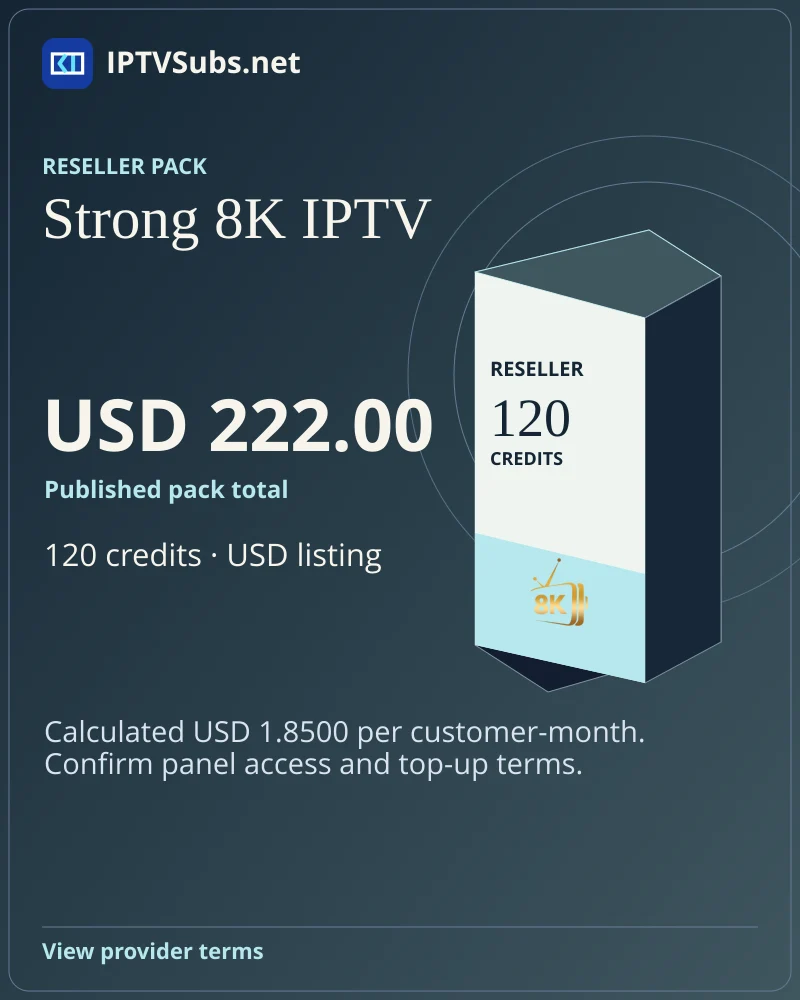
Strong 8K IPTV · 120 credits
USD 222.00
USD 1.85 per customer-month credit.
View terms and provider sourceCompare pack totals and credit units before requesting panel access.
USD 1.85 per customer-month credit.
View terms and provider source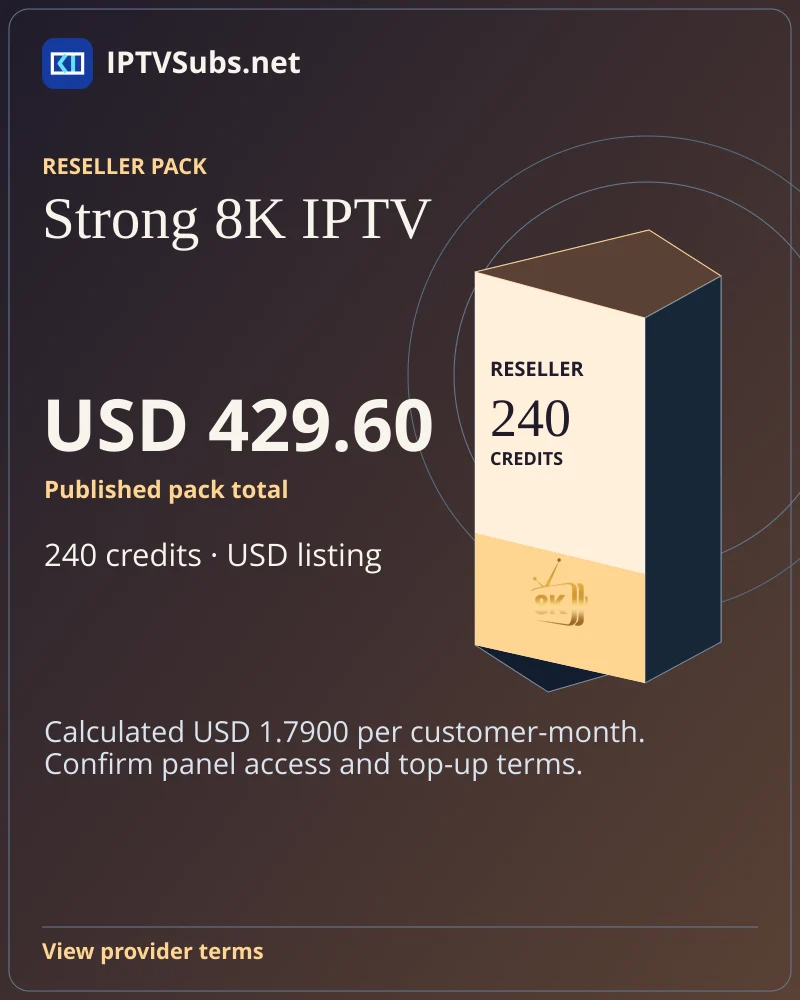
USD 1.79 per customer-month credit.
View terms and provider source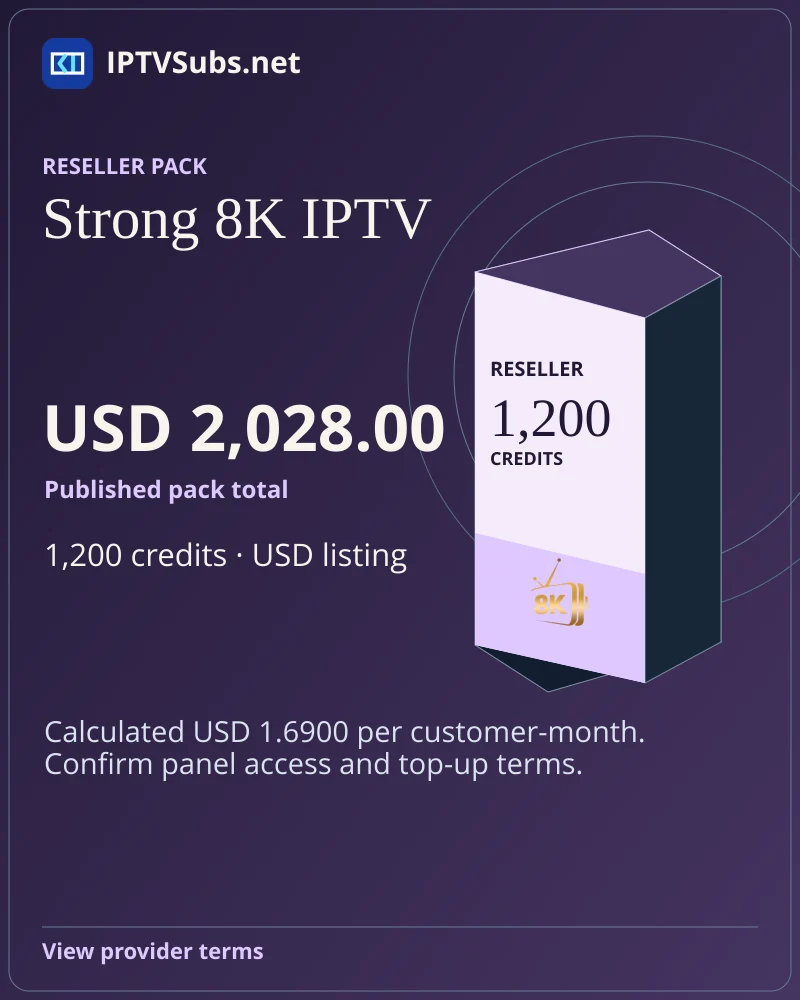
USD 1.69 per customer-month credit.
View terms and provider source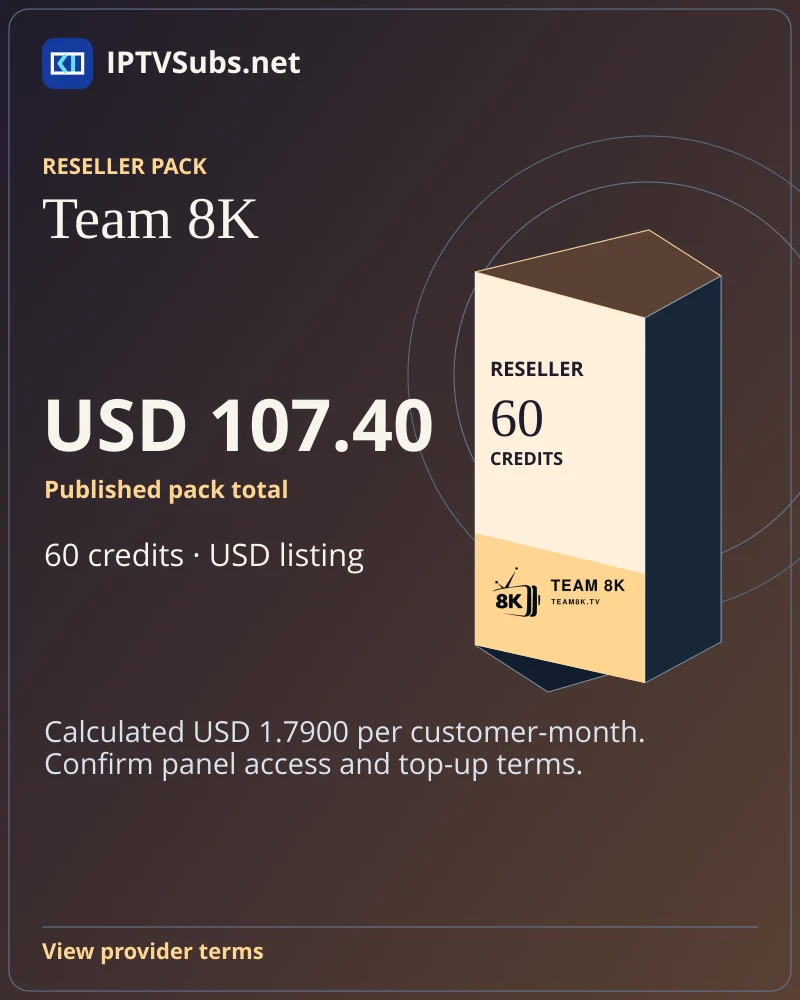
USD 1.79 per customer-month credit.
View terms and provider source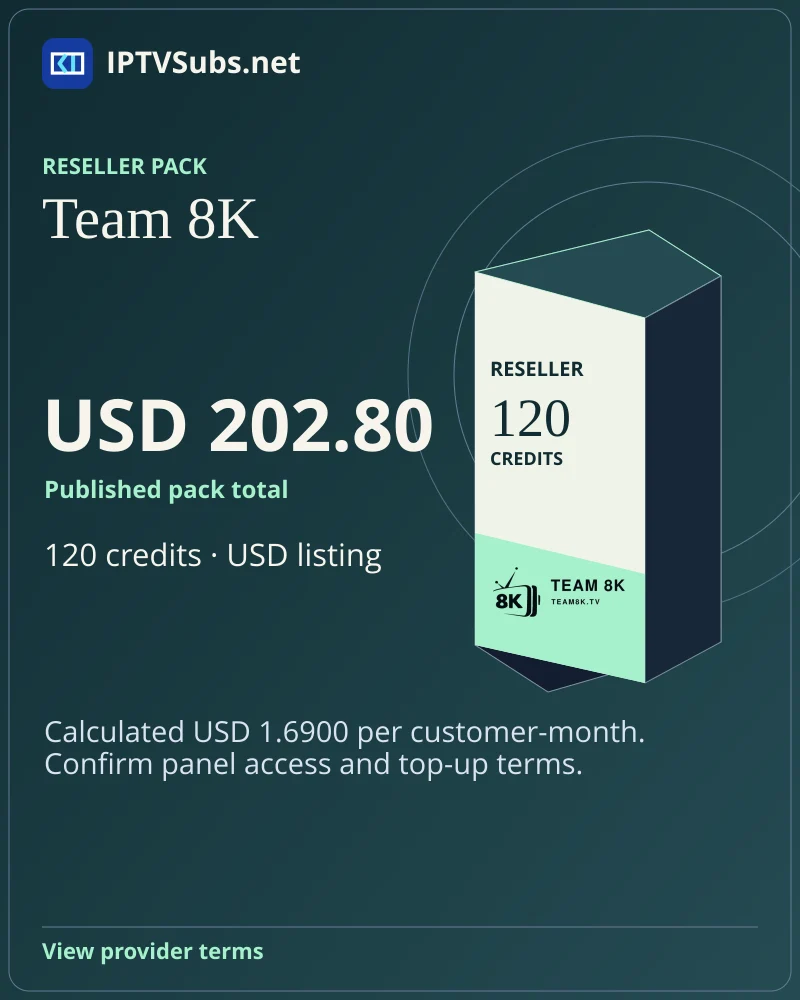
USD 1.69 per customer-month credit.
View terms and provider source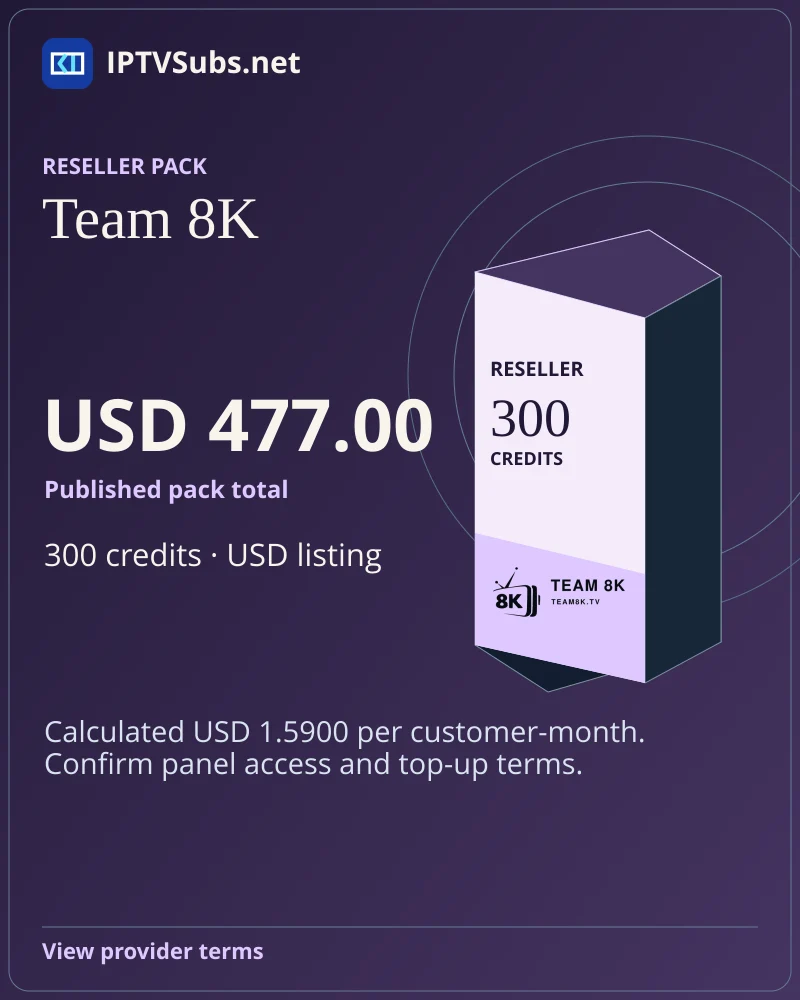
USD 1.59 per customer-month credit.
View terms and provider source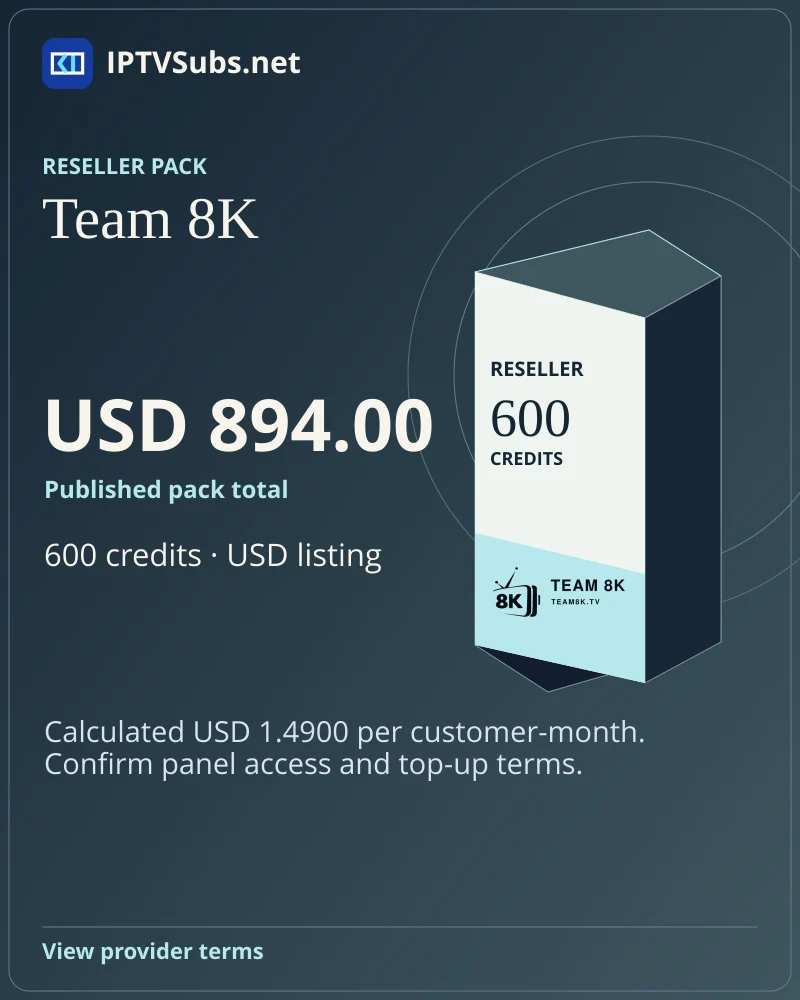
USD 1.49 per customer-month credit.
View terms and provider source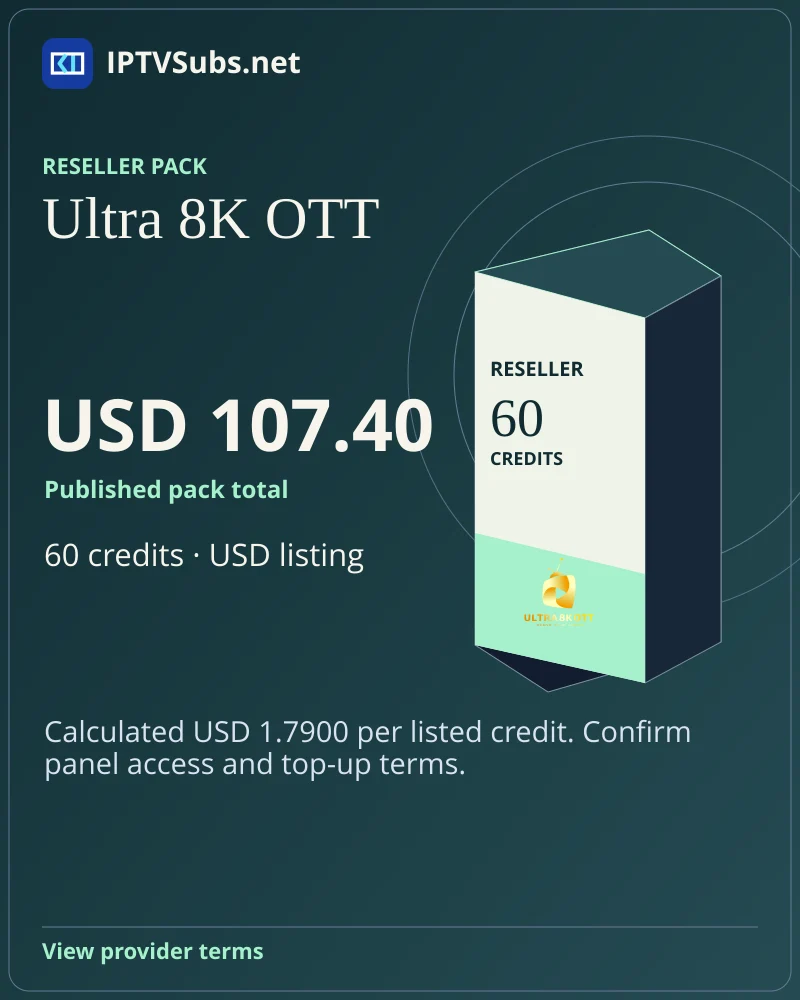
USD 1.79 per listed credit.
View terms and provider source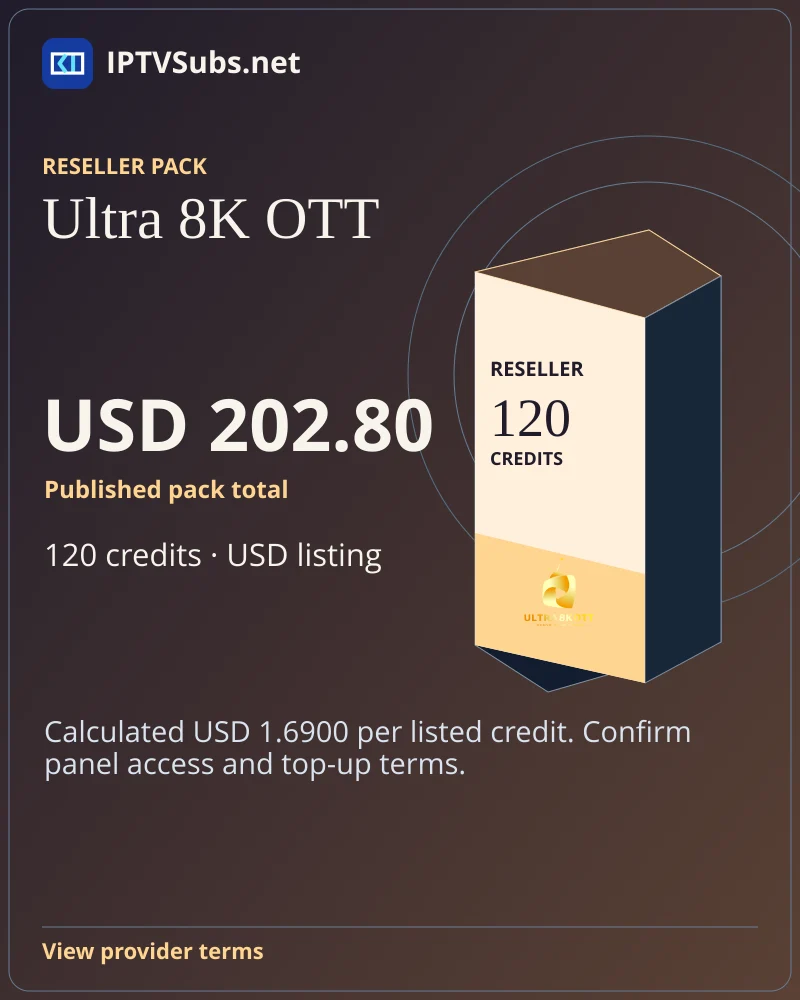
USD 1.69 per listed credit.
View terms and provider source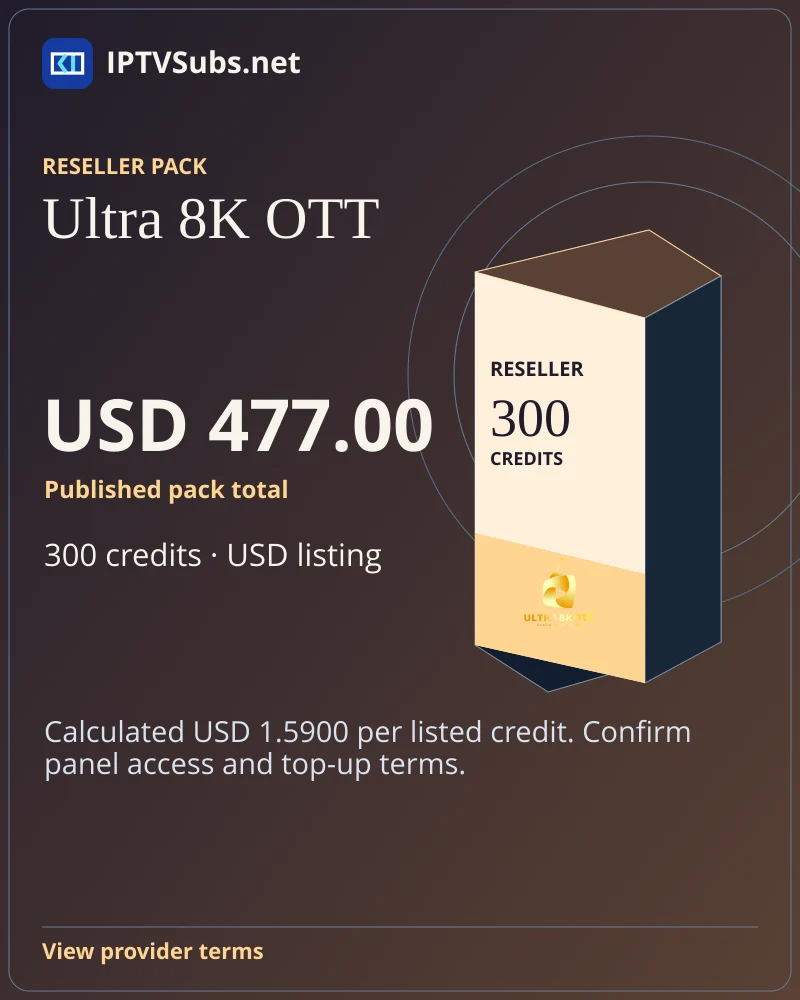
USD 1.59 per listed credit.
View terms and provider source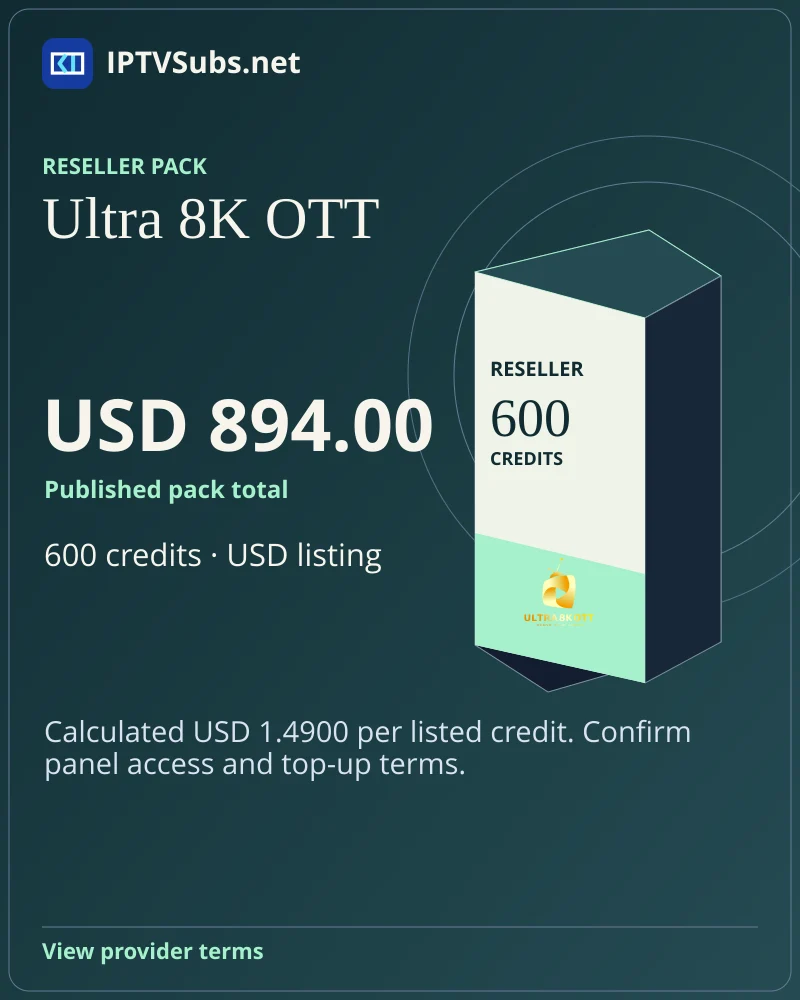
USD 1.49 per listed credit.
View terms and provider source
USD 22.89 per listed credit.
View terms and provider source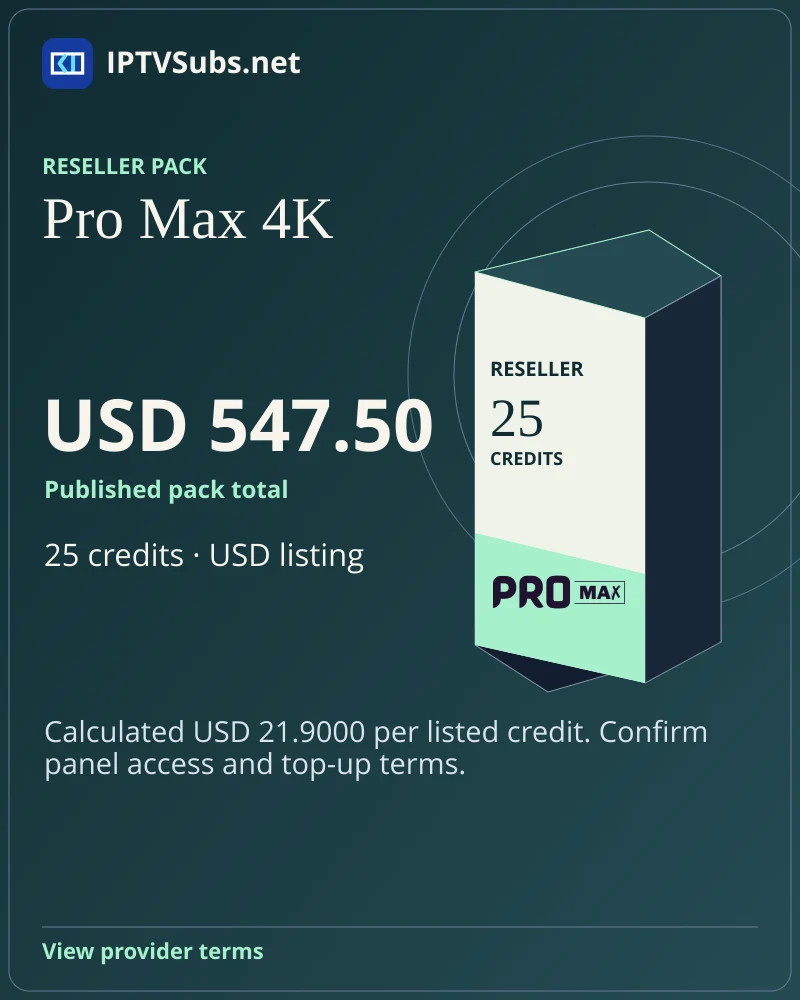
USD 21.9 per listed credit.
View terms and provider source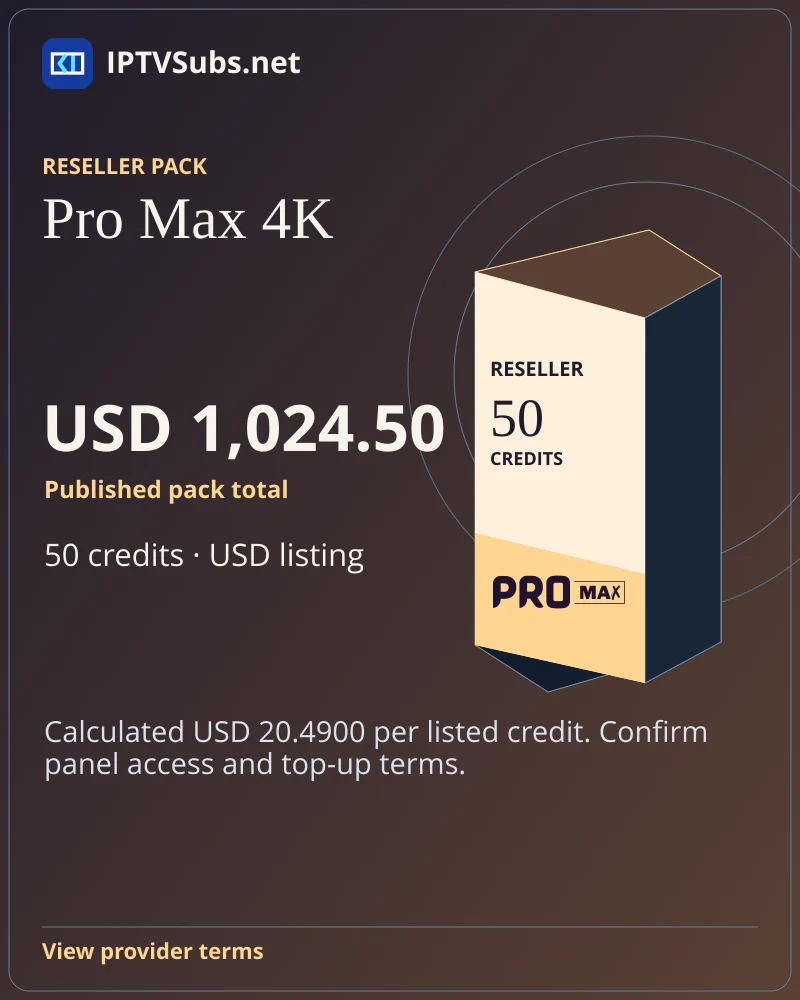
USD 20.49 per listed credit.
View terms and provider source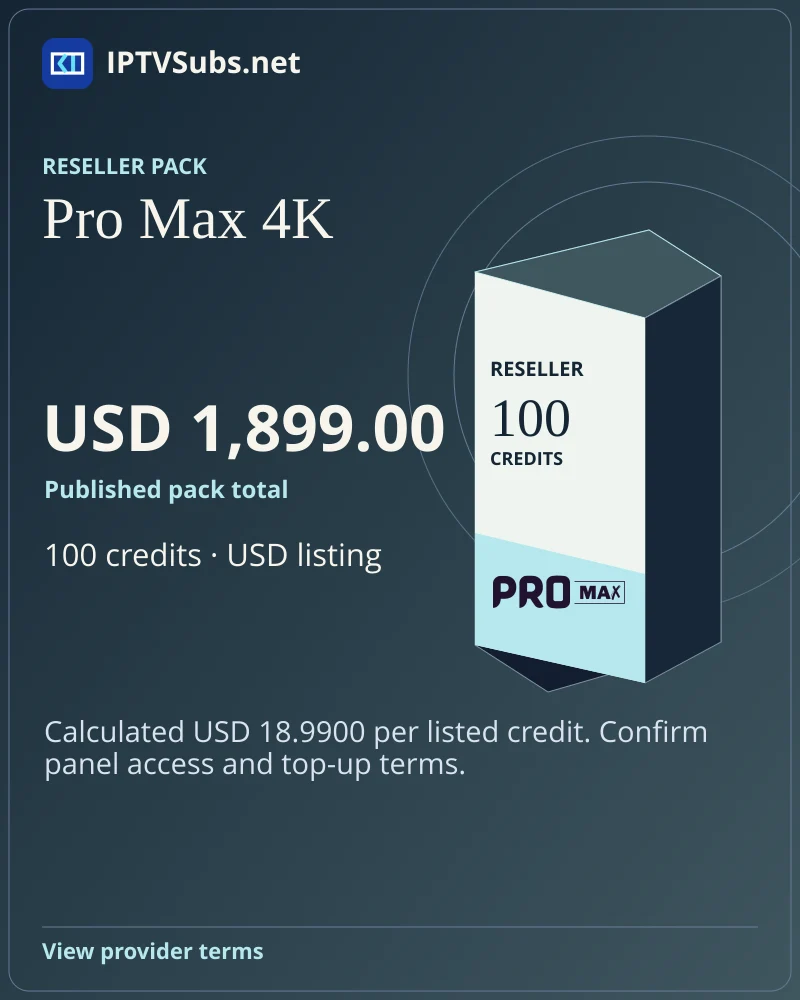
USD 18.99 per listed credit.
View terms and provider source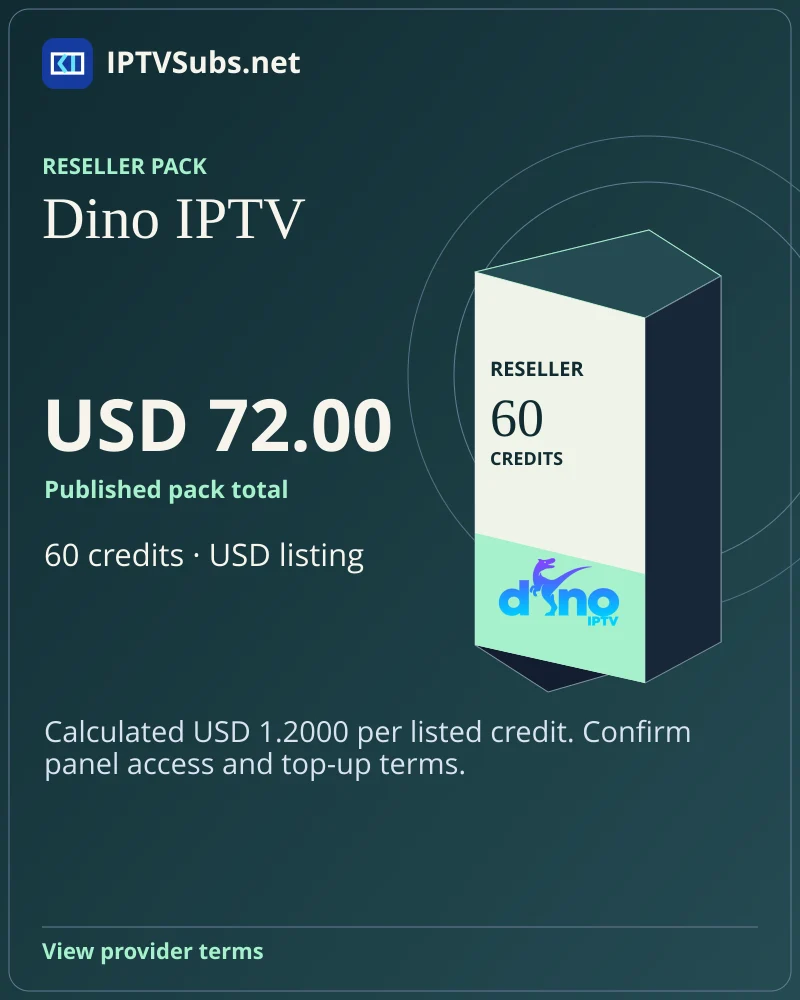
USD 1.2 per listed credit.
View terms and provider source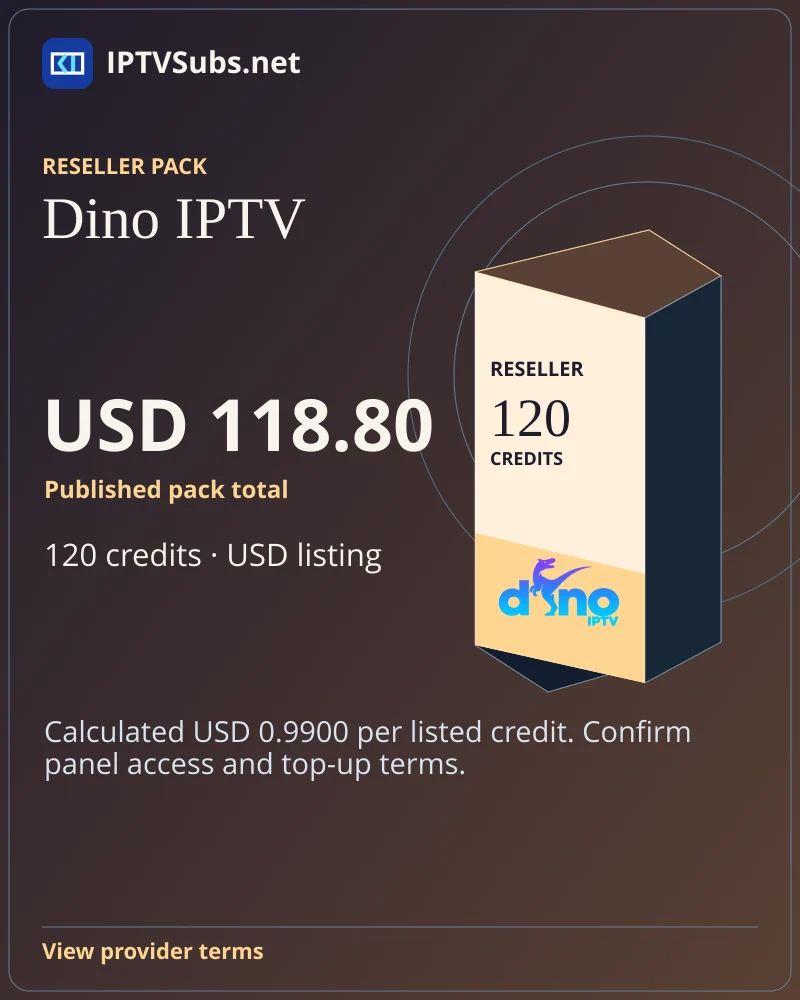
USD 0.99 per listed credit.
View terms and provider source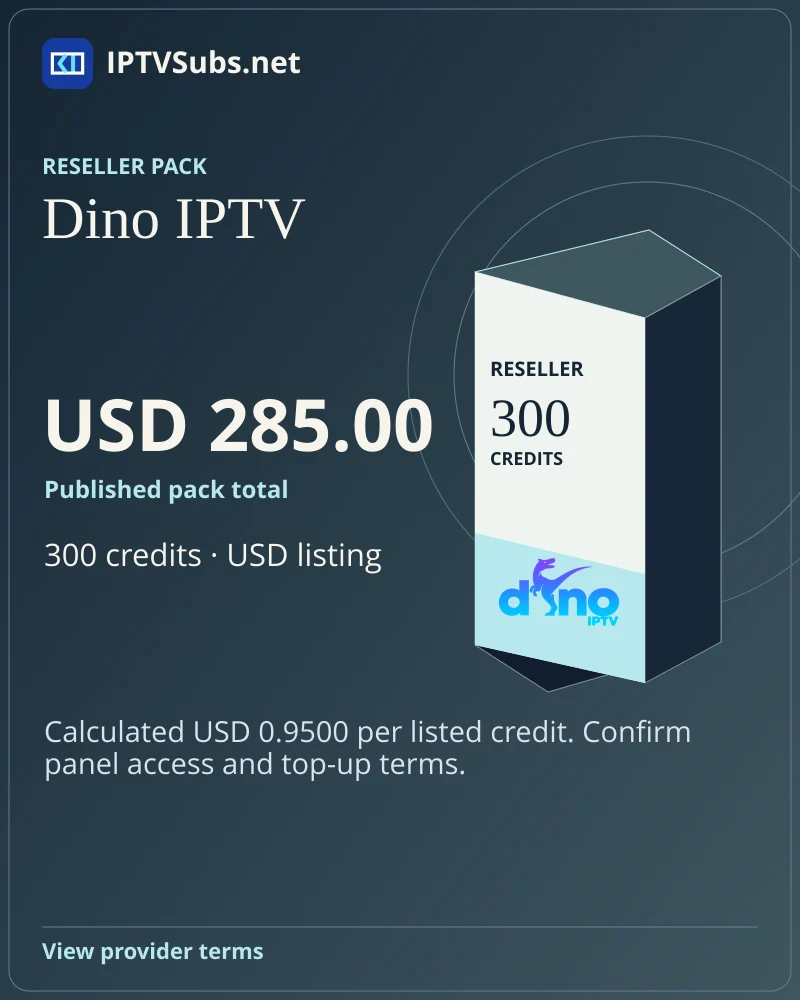
USD 0.95 per listed credit.
View terms and provider source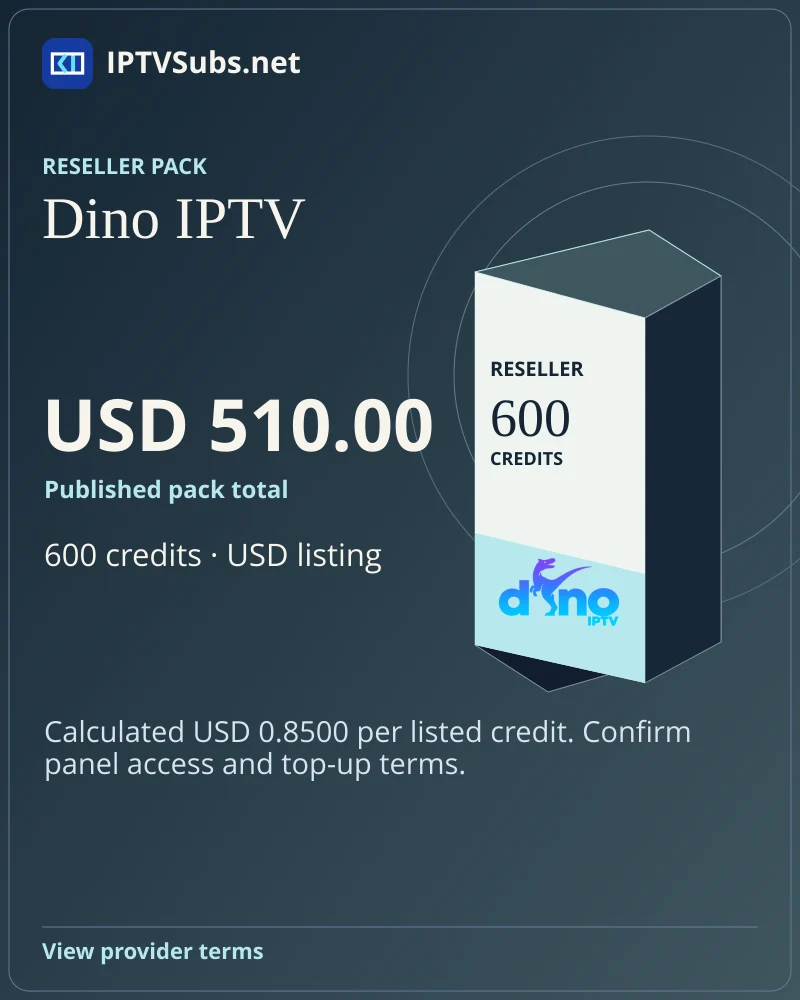
USD 0.85 per listed credit.
View terms and provider source
USD 9.99 per listed credit.
View terms and provider source
USD 8.99 per listed credit.
View terms and provider source
USD 7.99 per listed credit.
View terms and provider source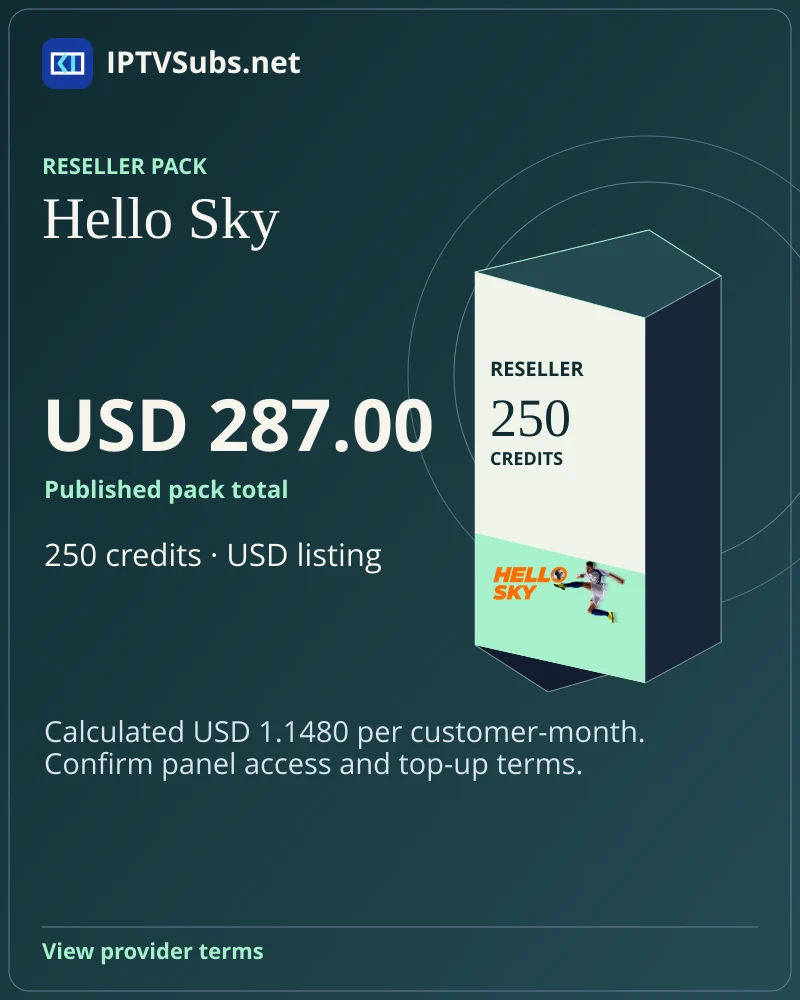
USD 1.148 per customer-month credit.
View terms and provider source
USD 0.99 per customer-month credit.
View terms and provider source
USD 0.95 per customer-month credit.
View terms and provider source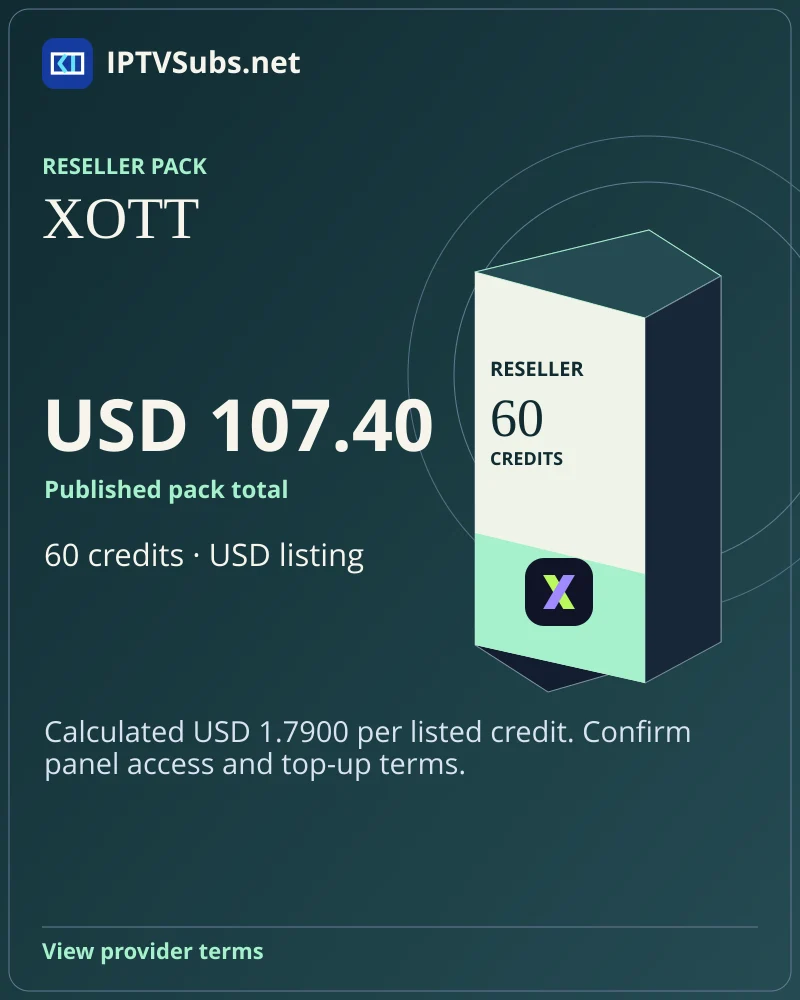
USD 1.79 per listed credit.
View terms and provider source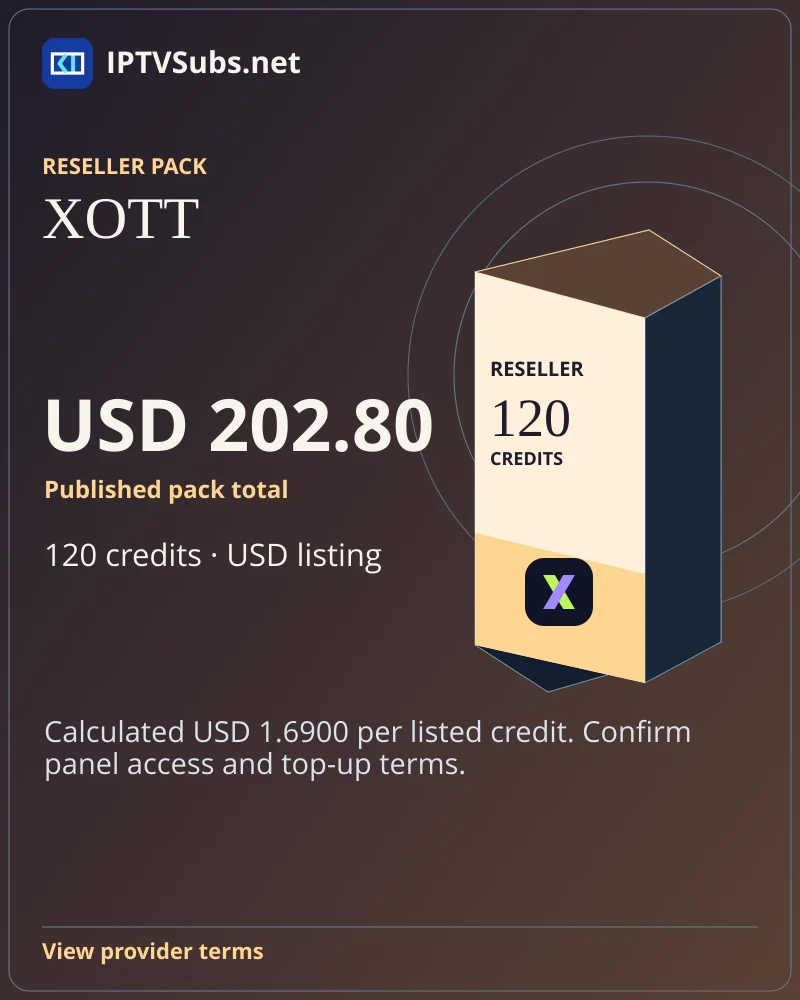
USD 1.69 per listed credit.
View terms and provider source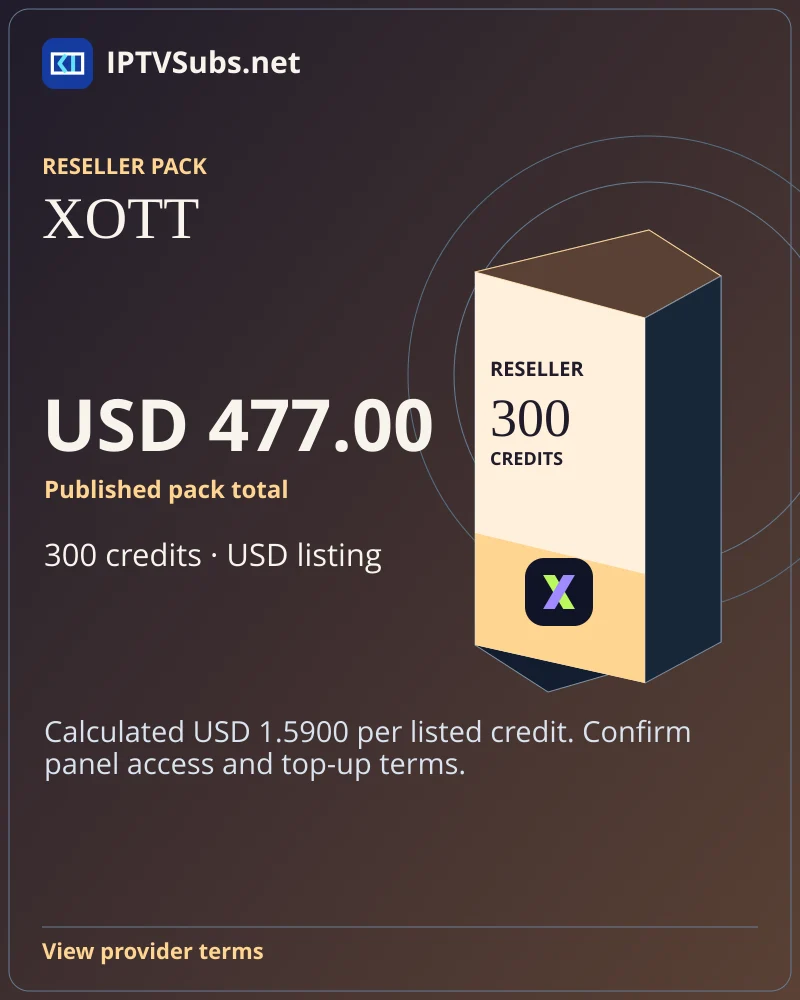
USD 1.59 per listed credit.
View terms and provider source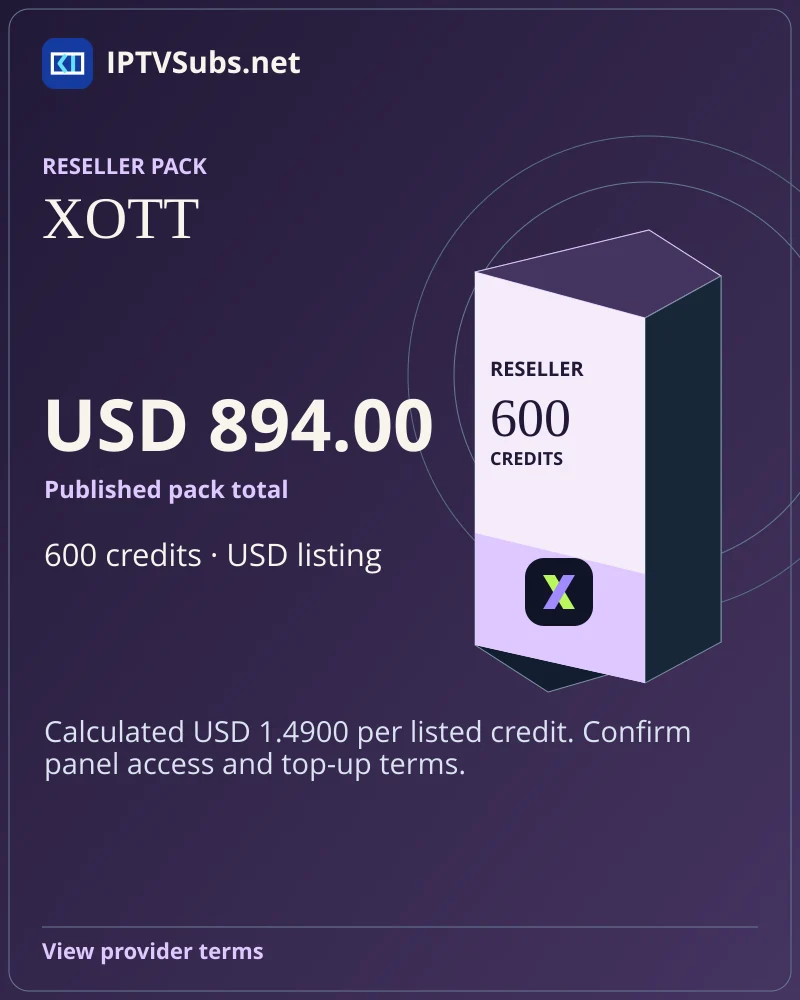
USD 1.49 per listed credit.
View terms and provider sourceUSD 0.99 per customer-month credit.
View terms and provider sourceUSD 0.89 per customer-month credit.
View terms and provider sourceUSD 0.79 per customer-month credit.
View terms and provider sourceUSD 1.85 per customer-month credit.
View terms and provider sourceUSD 1.79 per customer-month credit.
View terms and provider sourceUSD 1.69 per customer-month credit.
View terms and provider sourcePanel access · Wholesale · Distributor enquiries · Reseller operations guides
 8kiptv.io
7 documented price records
 trexiptv.app
4 documented price records
 goldenott.app
4 documented price records
 dream4kiptv.net
4 documented price records
 8kiptv.app
7 documented price records
 8kpro.tv
4 documented price records
 team8k.tv
8 documented price records
 megaott.io
4 documented price records
 ultra8kiptv.app
8 documented price records
 smarter8k.app
4 documented price records
 b1giptv.io
7 documented price records
 promax4k.tv
8 documented price records
 hotiptv.co
4 documented price records
 xott.app
8 documented price records
 crystaliptv.app
4 documented price records
 4kott.app
4 documented price records
 dinoiptv.app
8 documented price records
 lion-ott.app
7 documented price records
 hellosky.tv
7 documented price records
 4kiptv.app
4 documented price records
 megaott.app
4 documented price records
 skyglassiptv.app
4 documented price records
 rynexplay.app
0 documented price records
 starshare.app
0 documented price records
 5glive.app
0 documented price records
 iptvaustralia.app
4 documented price records
 iptv-canada.app
4 documented price records
 ukiptv.app
4 documented price records
 iptvusa.app
4 documented price records
 iptveurope.net
4 documented price records
Price the pack, set the panel roles and keep a record the next operator can use.
A reseller account is an operating responsibility. Before comparing pack totals, decide who takes orders, who looks at withdrawals and who answers a customer when a channel stops. If you and a partner both use the same provider, agree which of you can add or renew a customer and who checks the balance afterward. The provider may supply the upstream account and panel. Your customers may still look to you for receipts and basic device support. Capture that handoff in everyday words so the customer knows where to go.
Write down the role you actually need. You may want to sell access to a few households. You might need a wholesale quote for a projected number of active lines. A distributor may need sub-reseller permissions and separate balances for other operators. A reseller pack in a price table is evidence of the published pack only. Link your business enquiry to the intended role, the market, the likely activation schedule and the kinds of support you expect. If a provider mentions more than one business role on its site, open the page for the role you plan to use.
Check the legal seller on the quote. One team may publish the price, another may collect the payment and upstream support may be provided through a separate panel account. Record the expected payee and the route for confirming delivery of the pack. A convenient chat name is useful for conversation, and the written invoice and provider domain are what you can reconcile after payment. If you cannot tell who will issue the invoice, ask for it before sending funds. Use the public provider profile and service evidence to locate an official destination.
Separate support that comes with the pack from any extra agreement you will need. Ask who verifies a customer’s account expiry, who can reset app credentials, and where to report a problem affecting multiple accounts. If the supplier promises a feature such as an additional role, ask where it is enabled and which pack is eligible. Confirm who can remove access when a staff member leaves your business. A role requirement is worth stating early, because it may change the quote or supplier options even when their pack prices look similar.
Start with one real operating scenario. A shop might plan to support ten accounts, split between monthly and quarterly access. They might expect two people to answer first-line questions and one person to control purchases. Put those requirements into your enquiry before asking about the largest pack. You will learn which roles are supported, what the unit buys, and who handles problems. Those answers matter when the first customers arrive and you have to deliver the service under the conditions you promised.
A credit is the seller’s unit. Read the exact term-to-credit schedule before comparing the per-credit rates. Under a one-credit-per-customer-month listing, a three-month activation uses three credits. Under an annual-credit schedule, a shorter term may use a fraction. For example, when a provider publishes a deduction of 0.3 credits for three months and asks USD 22.89 per credit, the simple credit cost is USD 6.867 before any additional fees. Calculate with the full value and round for display only. Verify the actual debit in the panel when you provision.
Pack arithmetic has two useful views. The pack purchase is the cash amount that leaves your account. The part assigned to one customer is an inventory cost. A published USD 202.80 pack of 120 comparable units works out to USD 1.69 per unit. Allocating three of those units gives USD 5.07 before player fees, processor charges or any staff time. The pack price remains USD 202.80. If credits lack a verified term schedule or the quote does not explain the unit, use the published pack total and keep the cost per activation blank.
Make customer-months visible in your planning. Ten customers on three-month terms are thirty customer-months. If three of them intend to use an extra connection, ask the supplier whether that changes the deduction or requires a separate line. One provider can treat a second connection as an add-on, and another may sell it as a different entitlement. Document the exact quantity and term before calling it the same purchase. Draw the scenario with the customer count on one line and each deduction under it. That makes the setup easier to explain and easier to check.
Watch for fractional deductions and rounding. If your provider uses fractional credits, confirm whether the wallet shows tenths or hundredths and what happens with unusual terms or promotions. Add the expected credits in their original units. When a panel shows a debit, record the observed number as well as the expected one. If they differ, pause the next similar activation and ask which rules were applied. A rounding difference across one line is small, but repeated over a busy week it can obscure a mismatch between the quote and the account.
Treat unverified dropdown values as labels. A panel may show a term in a preview that your account cannot use, or a guide may describe a different pack from the one you bought. Open the supplier’s current documentation for the exact role before offering it to customers. Put the evidence beside your calculation. If the quote says that one credit covers a customer-month, record when it was confirmed and by whom. If only a per-credit amount is published, you can compare the cash required to buy a pack, though you still need the deduction schedule to price the customer’s term.
Start with confirmed customers and likely renewals. Put them in separate columns. Put possible future customers in a third column and show how uncertain the forecast is. This gives you two useful totals. One is the minimum balance you need for the confirmed work. The other is how much you might want if enquiries convert before your next top-up. If you regularly need several accounts on the same day, check the supplier’s replenishment time. A cheap per-unit offer is hard to use if you cannot obtain it in time to finish the expected renewals.
Think about the lifetime of the unused balance. Find out whether it expires on a calendar date, whether it carries forward and how it behaves if you stop using the panel. Ask how a refund or reversal affects previously used credits. Some suppliers may treat wallet balance and suspended lines separately. Get written answers that apply to the pack size and role you are considering. An expiration term can change the sensible purchase quantity. For instance, a large discount on inventory you will not use during its valid period may cost more than a smaller order you can draw down.
Build a realistic example. Imagine you forecast twelve one-month activations and four three-month renewals using a one-unit-per-month schedule. That is twenty-four units before any detail about second connections. If all expected renewals fall before your intended top-up date, keep the twenty-four units available. If several future requests are tentative, decide whether you can order another pack when they are confirmed. Check the minimum top-up and the seller's ability to restore your balance on your working schedule. This is a cash-flow choice as well as a price calculation.
Ask what happens when you change pack size. Some quotes apply to a first purchase only. Some panel balances may accept top-ups from the same provider with a different minimum. If the reseller permissions change on a larger package, verify the exact additional capabilities rather than treating all tiers as the same. Look for any recurring charge, set-up cost or support agreement hidden in a separate page. Compare like terms, then add the cost to the pack total. Keep currencies intact. A cheap-looking USD pack and a local-currency seller’s offer can only be compared after you have actual full amounts.
Write one small threshold for your team. For example, ask whoever controls replenishment to check the wallet when confirmed seven-day activations approach the remaining inventory. The date range should fit your customers and supplier. Keep the warning in whatever private ledger you already use. If a wallet approaches the threshold while several orders are uncertain, wait to see which orders are confirmed before raising the stock target. This helps prevent an expensive annual inventory guess that looks attractive in a supplier comparison but sits unused while the renewals come in slowly.
Ask the panel provider for the minimum roles you need. A person handling customer questions may need to see expiry and troubleshoot an app. They may have no reason to change the wallet or create additional users. A provisioning operator may need to create lines and apply renewals without seeing payment information. The account owner should know who can export lists, change credentials, buy more credit or invite someone to the panel. Set these rules before giving another person access and request verified documentation for the panel options you rely on.
If the provider only gives a shared administrator, agree which tasks each team member will perform while you look for supported separate access. Review whether the workflow suits your business before putting a real customer list into the panel. Shared credentials make it hard to tell who changed an access date or account when something goes wrong. If separate roles are available, use them and keep recovery information with the account owner. Give each approved staff member access through the provider’s normal controls and verify a harmless test operation with the intended permission.
A published dashboard image is useful for getting oriented. Walk through the panel you have actually been assigned. Look for the credit balance, line status, customer term and activity history. Check whether the menu option you want is visible and document where it is. Different packs or roles can expose different controls. If a feature such as sub-reseller creation appears in a public screenshot, ask whether it applies to your plan before making commitments. Use the provider’s documented panel enquiry when you need a different role or a demo of a specific permission.
Set a basic offboarding routine. When someone leaves or steps away from customer management, remove their access through the panel and check any separately shared private documents. If the system supports session revocation, verify that it has taken effect. Review recent replenishments and account changes using the same receipt-and-wallet record you use for daily work. Tell the next person which older cases were still being handled so work can continue. Keep customer contact information and credentials in the appropriate private system rather than sending account exports through a public message thread.
Set up a recovery path for whoever owns the reseller account. Keep the provider’s verified support route and invoice identity in a place that a named backup operator can find. Record how the account can be recovered and what evidence the provider asks for. Take note of the service control date and avoid sharing account recovery codes in the forum. Plan a quiet test with a limited activation, the least privileged role and a confirmed device. You are checking the workflow, the access assigned to each person and whether you can see the resulting credit and expiry records afterward.
Use a real consenting customer or an approved test account. Agree the device, account type, term and expected credit debit first. Record the panel balance before making any changes. Choose the supported player and device with the customer, following the supplier’s documented guidance. If they already own an app licence, ask what edition it belongs to and whether it can be used for the intended account format. A separate player purchase should be discussed early and documented as a different cost from the access term.
Apply the exact entitlement you agreed. Check the selected term in the panel a second time before you save. Record the action’s outcome, the new expiry and actual credit debit. If the panel shows an ambiguous response, check the customer line and wallet through the normal interface before clicking again. Two quick submissions can create two separate operations. If a record stays pending, stop and ask the provider to identify it. Keep the private invoice, panel action and customer agreement aligned so you can explain what happened without asking the customer to pay for the same thing again.
Send the customer a clear handover. State the device and player name, the way the login is delivered, when the term begins and who handles each type of problem. Use the account and private channel already established for the purchase. A confused customer could install the first app with a familiar-looking icon if you give them a name without a publisher link. If the account uses a particular playlist mode or provider address, explain which screen to open using the official guide. Keep credentials out of general setup instructions that other people will see.
Verify activation with concrete behaviour. A live channel and an ordinary supported title are useful first checks. Ask the customer to open the guide, confirm the clock and choose their expected audio or subtitle settings. If they are buying for two screens, confirm the simultaneous permission before testing. Choose a known accessible feed. If the intended station is regional, record the exact name and compare the guide with its schedule. Ask the customer what did and did not work. That answer is more useful than a generic delivery acknowledgement.
Close the onboarding record after checking the amount and support route. If the service works but the user cannot follow the steps without your help, improve the instruction while the details are fresh. If the panel behaved differently from the quote, record the question for the upstream supplier and hold the same scenario until it is understood. Start small and repeat a confirmed procedure before committing to more customer lines. The aim is a reproducible workflow with a known credit consequence, rather than a long list of successful-looking activations that nobody can explain at renewal.
Give each customer order a private reference. Record the selling entity, provider, term, equipment scope, billed currency and amount. Add the date, invoice status, activation record and expiry date. Keep that information in a private system with appropriate access. For accounts with a ledger and a panel, record the corresponding account action as an event. For example, an activation could have the expected quantity, posted deduction and resulting balance. This is enough to tell a payment, a new line and a balance movement apart during reconciliation.
Check the amount against the actual counterpart record. Card fees, currency conversion and separate player charges can make the cash flow different from the published pack number. Record each amount in its original currency, with the transaction reference. If a customer pays you first and you buy credits separately, treat those as separate transactions. It helps to keep your customer payment reference separate from the supplier invoice identifier. When you later ask the provider to investigate a balance change, their invoice and your necessary ledger evidence should be easy to find.
Look at due dates before applying a renewal. Confirm whether the provider extends from the current expiry or starts a new access period from the action date. Different account types can use different rules. Check the actual date on the line even when the customer says the term is nearly finished. If the customer wants to keep an extra connection or transfer a device, confirm the fee and changed entitlement. Record the customer’s clear approval for the next term if your arrangement requires a new decision.
Reconcile a window of activity with the panel. Start with the opening wallet balance. Add purchased credits as separate rows and deduct activations, renewals and any other provider entries. Compare the result with the current panel value and save the note where the authorised operator can find it. When the totals differ, inspect the last known zero-difference date and individual events since then. Keep both what you expected and what the provider shows. A small daily or weekly habit makes a late matching problem much easier to solve than a long historical reconstruction.
If you see an unexpected change, do not add credits to cover it without checking its origin. An unexplained debit can indicate an account action that arrived later than expected, a renewal on the wrong term, a reversed purchase or a separate charge. Explain the discrepancy narrowly to the provider and give them the related date and private references through the approved route. Hold further changes to the same line until you can reconcile the visible state. Then update the customer with the confirmed term and what to expect. This workflow respects the customer and preserves a record for both sides.
A retail reseller might need one account that activates and renews individual lines. A distributor may need to assign credit or permissions to separately managed operators. A business buying at wholesale might need an invoice and volume arrangement without ever creating sub-reseller accounts. Write down the tasks you will carry out day to day and the people who will do them. Ask whether the published reseller pack covers those tasks. If the provider has specific wholesale or distributor enquiry pages, send the request to the right route with the appropriate scope.
The useful details of a wholesale conversation are dates, volumes and conditions. A buyer can provide a reasonable forecast of customer-months by month and show which numbers are fixed commitments. Ask for minimum volume, payment schedule, currency and treatment of unused inventory. If the provider wants a longer agreement, ask how changes in demand are handled. A quote based on a monthly estimate can have a different cash requirement from a permanent standing credit pool. Read the commercial terms before turning discussions into customer promises.
For a distributor enablement question, start with the permissions. Ask who can create a sub-reseller, who issues invoices and who owns a customer’s support record. Confirm where each balance is visible and who can correct mistaken actions. Define how a sub-reseller would be offboarded and what happens to their customer lines. Use a provider’s official documentation or verified demo. A public screenshot can show a screen layout while leaving all these permissions unresolved. Ask for the exact user role and an example workflow that can be tested with approved accounts.
A separate app or white-label arrangement requires its own questions. Ask who supplies the app, how it is distributed and who can maintain the publisher account. If branding is available, find out whether it changes the price, licence, onboarding process and customer support responsibility. Check the platform names and actual models. Keep the decision separate from the credit pack. A provider with attractive inventory pricing can still have a different app arrangement from what a reseller needs for an existing customer base.
Verify the legal relationship and customer messaging before describing yourself as a partner or official supplier. Match names and claims to the written agreement, and keep each provider’s brand and app identity distinct. Decide which information you can publicly use and who is allowed to answer for the provider. In the absence of a documented arrangement, describe exactly what you are offering and which party accepts the payment. A clear account of responsibilities helps customers distinguish your service from the app store, panel publisher or rights holder when they need support.
When a customer reports buffering, start with the exact time, title, feed and device. Ask whether any other feed plays in the same player. If a second compatible device is covered by the plan, compare the same title there at a similar time. Keep any country and network conditions that matter. Requests for fixes become clearer when they describe an observation rather than ask for a new link in the first message. Record whether the viewer could access the guide, whether only video failed, or whether the app closed completely.
If multiple customers have the same issue at once, look for a common provider, app version or feed. Use one incident record with the evidence and avoid assigning each customer a new line while investigating. Check if unrelated providers or app versions are unaffected. Take the case to the upstream service with a small, sanitized summary and private references only through the established support path. Tell customers what has been observed, what they can test safely and when the next update is expected if support has given a time.
If one account fails after a renewal, compare the intended term, active status and actual expiry on the line. Check whether the customer is still using an expired trial entry or the old device’s app licence. A renewal may change nothing about the login, and an app licence may require separate handling. Ask what changed just before the problem, rather than starting with a long checklist. Keep the old setup information until you can see the new entitlement working on the intended player. Document the final cause once you have evidence.
Prepare a written first-response note you can adapt. It should ask for the model, player version, error wording, exact time and whether other titles work. For a pricing or receipt question, ask the customer to use the private order support channel. Create a forum reply only if the information helps other people, and redact device keys, account usernames if private, full playlists and payment details. Put a solved topic back into the conversation with the tested step and the environment. A short exact fix can be worth more than a page of general advice.
Protect service quality by setting the right expectations. If a customer calls because a specific event is missing, look at the accepted coverage and trial notes. Confirm whether the provider can supply that feed in the relevant market now. If the competition moved between broadcasters, explain where the official schedule comes from. A promise that every match or channel will always be available is usually impossible to verify. Use the real outcome and the provider’s written terms to decide what help you can give. Keep the support discussion focused on the next action the customer can take.
Make the checkout message match the actual product. State the seller, term, price, currency, device conditions and what happens at renewal. If the player is a separate optional purchase, present that decision by itself. If the order link submits an enquiry, say that it opens an enquiry. A customer who expects instant activation may interpret any success page as proof of payment. Be clear about the actual stage and give a dated reference only once the request has reached the system that can answer it.
If an order appears twice in your records, compare references and the final payment status before delivering another term. A payment app can show multiple events for one attempt. Identify whether two amounts were captured or whether one was an authorization and the other the charge. Use only the payment and accounting views that you are authorised to access. If a refund is approved, record item, amount, date and responsible seller and tell the customer through the agreed channel. The panel debit and payment refund can be separate records, so check both when they apply.
If the upstream provider changes a pack condition, ask when it takes effect and which orders it applies to. A price on a public list can change while an older quoted order is still pending. Preserve the quote and the terms attached to completed purchases. Update future public listings with the dated evidence and review the menu labels where needed. With people already using the service, communicate a real change only when you know it affects them. Give a clear contact route and avoid promising a specific credit adjustment before it has been confirmed.
Pay particular attention to overlapping renewals. Two staff members might work from separate support queues and act on the same customer. Use a single active status for an order, and write down who is handling the renewal before applying it. If the panel responds slowly or the screen goes blank, check the line and wallet first. Avoid rolling an account forward twice on the assumption that a missing confirmation means failure. Where you have appropriate order software, use its normal reference and reconciliation controls. Your goal is one authorised action with one traceable outcome.
Keep expectations about the forum clear in your own work. A guide can explain a credit unit and a support topic can help isolate a problem. The actual seller or operator handles a private charge, refund, recurring payment or login problem. Keep customer names, access tokens and receipt images out of public threads. When a discussion is useful, post the general question and the proven steps, and tell people for which panel and account this applied. That allows a helpful service conversation without exposing someone else’s financial or access data.
Consider a business that expects ten three-month customers and five monthly customers next week. With a documented one-credit-per-customer-month rule, it needs thirty-five units. If its pack price is USD 202.80 for 120 units, the cash outlay is USD 202.80 and the allocation to those customers is USD 59.15 at USD 1.69 per unit before separate fees. The remaining eighty-five units will still be in the plan, subject to the actual supplier's wallet conditions. Check the current offer, the minimum and what happens at expiry before purchasing.
With a fractional schedule of 0.3 units for three months and 0.1 for one month, the same activity uses 3.5 units. If the published rate is USD 22.89, the arithmetic leads to USD 80.115 before fees, or about USD 80.12 displayed to two decimals. A ten-unit package would cost USD 228.90 and leave 6.5 units after that precise allocation. You can compare the cost for the scenario and the full pack requirement if the service and markets also match. Quoted added devices, separate app licences and unverified expiry rules belong in the decision.
Try a less predictable cycle. A seller could start the week expecting five renewals and have only three customers confirm. If their provider permits timely replenishment, they could hold less idle stock. If the supplier takes time to process a top-up, they may need a modest reserve to avoid delaying the customer's next term. Do the calculation on a realistic calendar. A pack that seems manageable across thirty days can be inconvenient when most renewals fall on the same Friday. Log the replenishment trigger in the place both staff already check.
Place support and cash flow side by side. One supplier may be easier to reach for the device you deploy. Another may publish a reassuring low rate while leaving the account role unresolved. Write down which role and key requirements you have verified. Request the minimum viable pack or test account for the chosen workflow, and record the actual deduction, licence handling and support response. Use the decision only for the scenario tested. If your customer base or app model changes, run the relevant check again rather than carrying over the permission or price from the old offer.
Finish with agreed next steps. Ask who issues the invoice and whether the pack and panel can be delivered before the confirmed activations. Confirm existing balance, contract dates and support ownership. Record which open conditions are blockers and which are nice to have. The result should fit on a page you can review with a colleague. Keep the original quote and source link nearby. When you look back months later, you will know how a public price became an operating choice and what would make that choice change.
Document the decisions someone else would need to take over one week of work. They need the provider’s verified support channel, the expiry list for confirmed customers, a clear label for unresolved billing and the minimum permissions to finish assigned tasks. They do not need a spreadsheet of passwords. If the provider lets you export order or credit activity, store the approved report in a private workspace with a date and responsible owner. Keep the reports you need for reconciliation and remove unnecessary copies under your ordinary retention policy.
When your organisation changes suppliers, inventory and customer access have separate transition dates. Map which accounts end naturally, which people have requested changes and what the terms allow. Ask the current provider how to see final balances and whether unused credits can be applied, refunded or need to expire. Ask the next provider for a small opening order and test the actual device and role. Be clear to customers about what they will need to do, who will bill them and whether a separately purchased app licence still applies.
Example situations are worth rehearsing. A second operator should be able to find the last confirmed wallet balance when the usual owner is away. They should be able to read a customer’s expected expiry, identify the last receipt and see whether a new payment is pending. If they cannot do those things without logging in as someone else, work with the provider’s supported access roles to fill that gap. Once the handover functions, make a note of where the current instructions live so a future change does not leave the team working from an old screenshot.
At the end of a trial month, measure the work you actually did. Look at how many customers completed setup on their own, how many needed manual help, whether app licences caused confusion and which supplier questions took longest to resolve. Compare the confirmed inventory allocated with the credits remaining. If the next month looks different because of a new device or service segment, amend the plan. A competent decision can be to keep the current provider and buy a smaller pack, or to separate the new market into another quote.
When you present a business decision to a colleague, give them the costs, assumptions and two open questions in plain terms. Bring the provider’s offer evidence, the confirmed account conditions and the last reconciliation. This lets everyone understand how much money is committed, how many customer-months you expect to deliver and how you would unwind the decision if demand falls. The catalog can help you find a comparable provider or check a unit. Your record of actual operations is what makes the final arrangement understandable when it is time to renew.
Track deductions, top-ups and upcoming renewals.
Browse published plans
Match the starter pack to known activations and renewals.
Browse published plans
List the actions your staff need before buying credits.
Browse published plans