 IPTVSubs
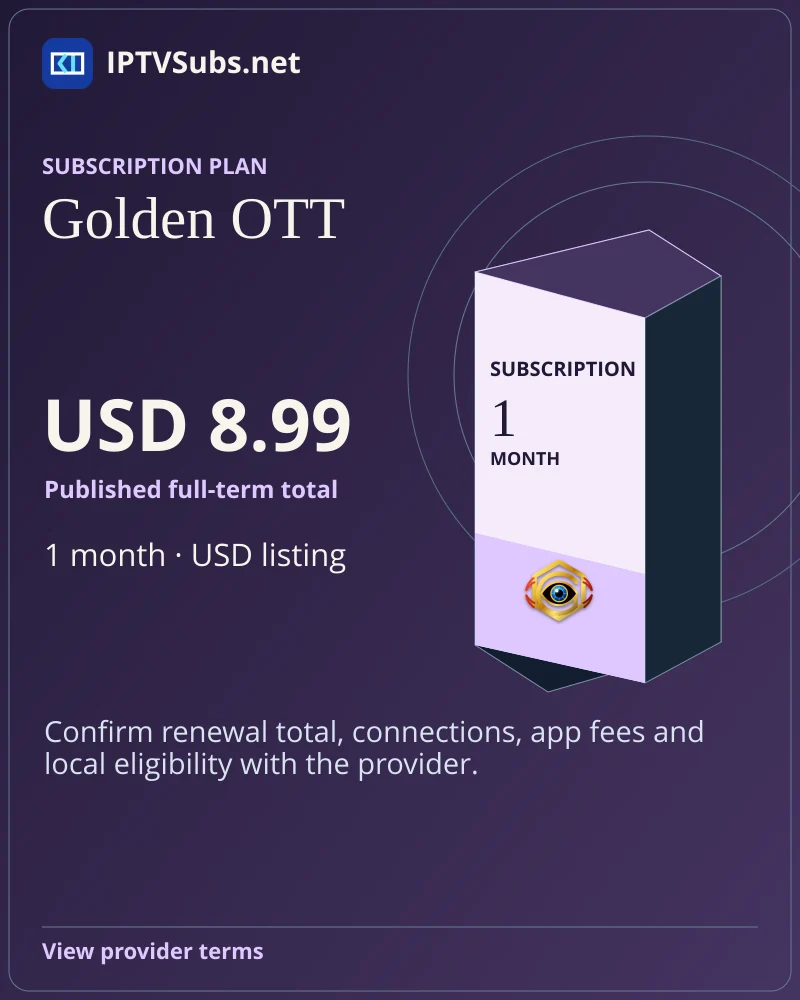
Golden OTT · 1 month
USD 8.99
About USD 8.99 per month for comparison.
View terms and provider sourceCheck published terms and support routes for goldenott.app.
Golden OTT’s public site shows more than one player interface. The IBOGOLD home and Golden Smart examples have different navigation. Note the name you actually see and ask the provider what account method it supports on your operating system. A menu that looks similar in a screenshot can still be a different player edition.
When you compare the USD listings, use the complete amount beside the term. Keep any paid app licence outside that number until the provider confirms it. For a television you share, use trial time to try opening a known feed and returning to the guide. If it fails after switching apps, record which Golden player and version you were using.
goldenott.app
View Golden OTT provider informationConfirm the seller’s name, the written terms and the official support channel before sending payment or account information.
About USD 8.99 per month for comparison.
View terms and provider source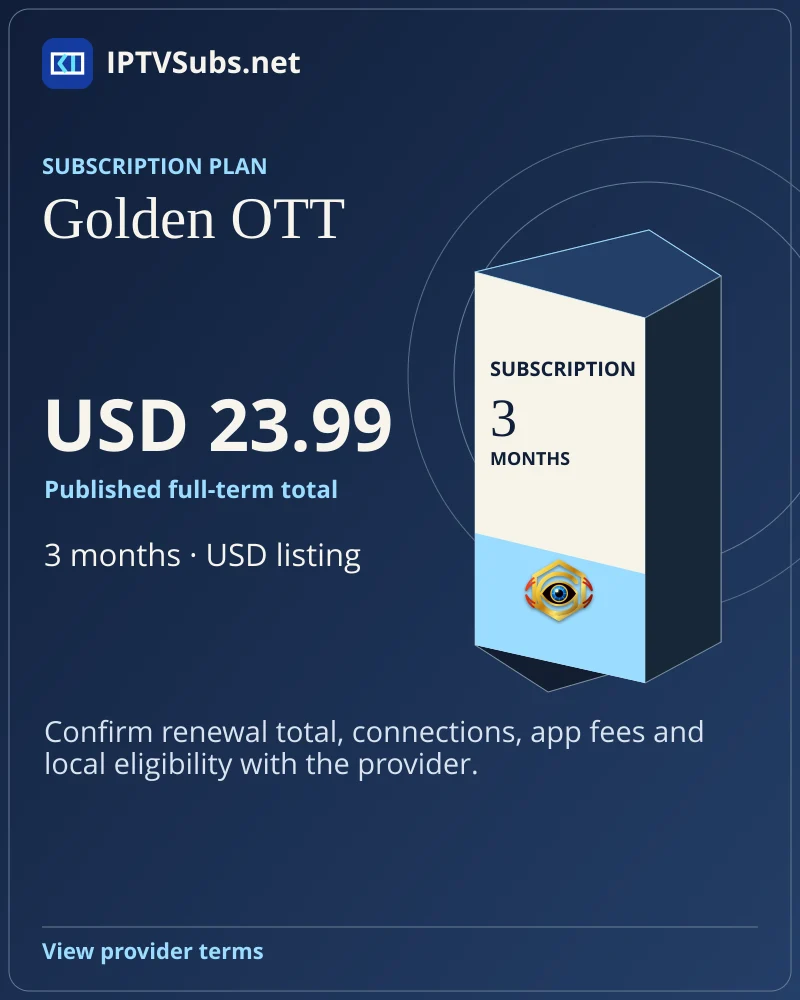
About USD 8.00 per month for comparison.
View terms and provider source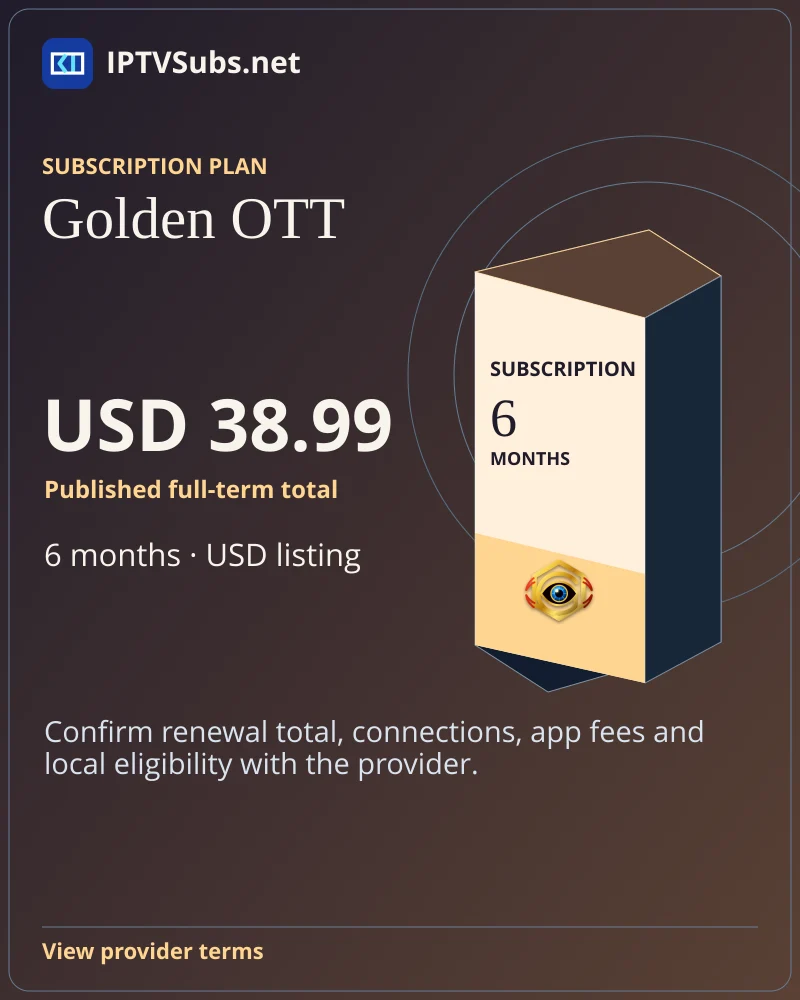
About USD 6.50 per month for comparison.
View terms and provider source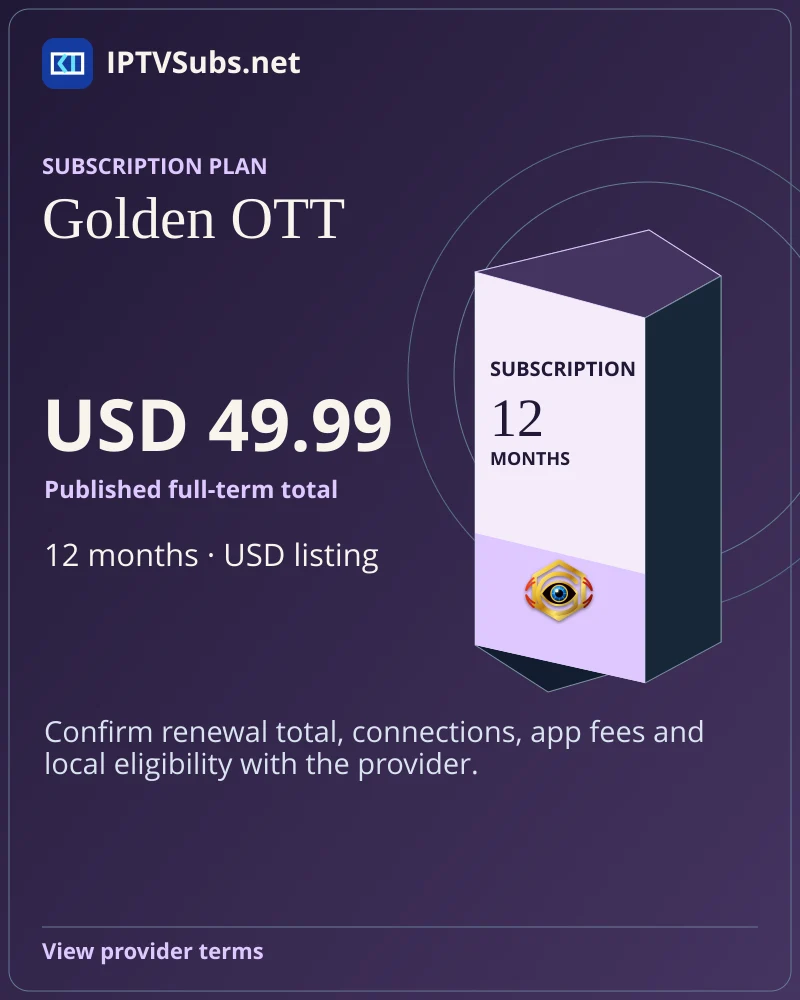
About USD 4.17 per month for comparison.
View terms and provider sourceOpen any image at its original size. Captions describe what each image shows.
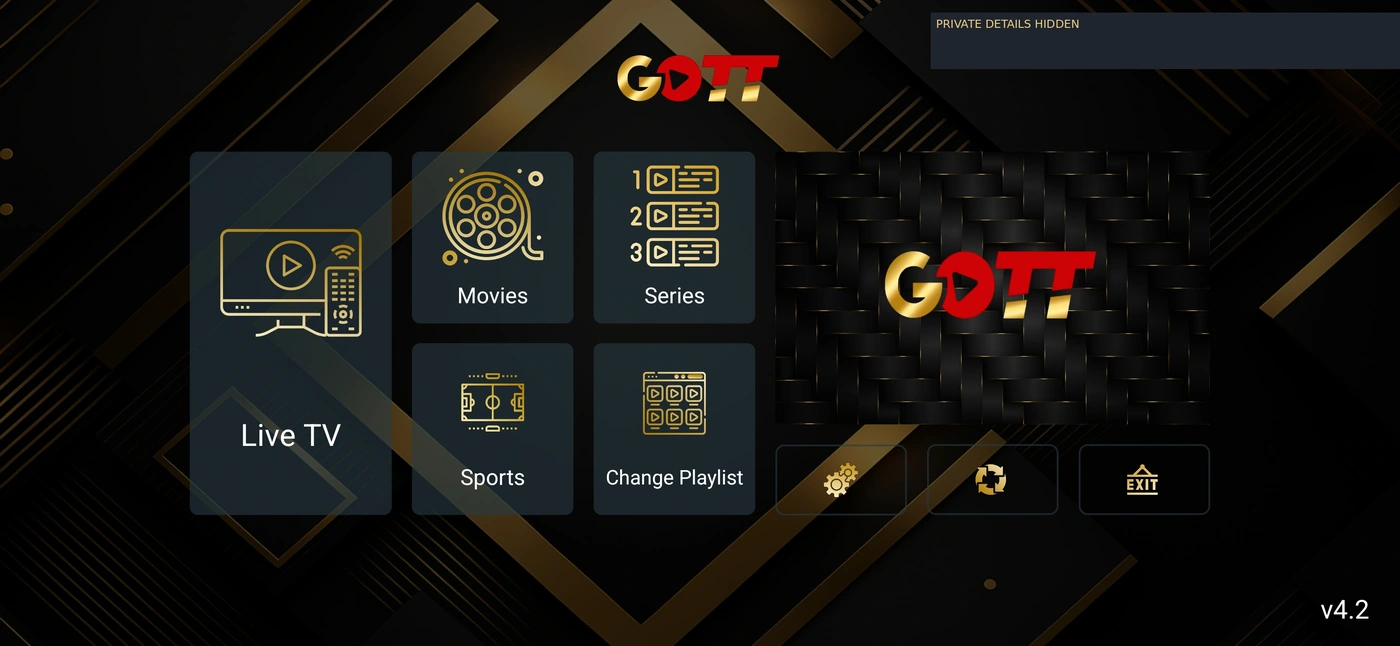
Published player or setup illustration. The provider controls version and compatibility.
Provider source · Full size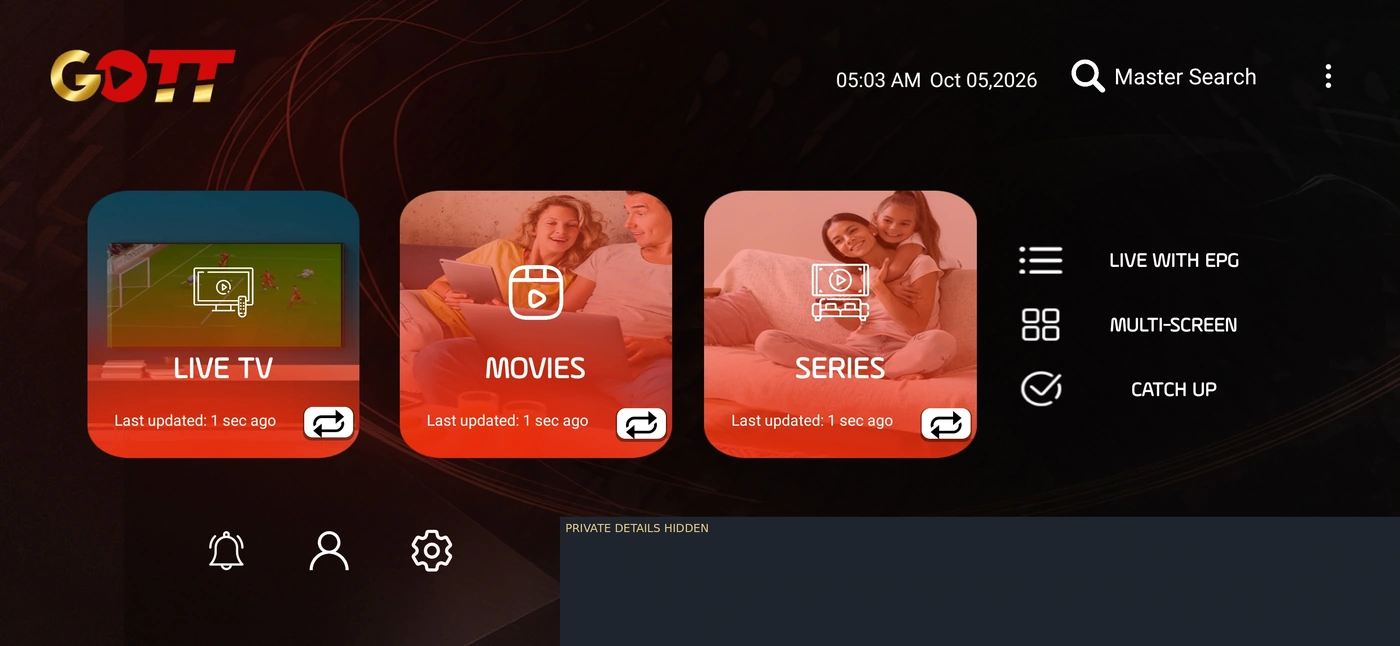
Provider-published website artwork.
Provider source · Full sizeCompare published totals · Check your device · Find activation and renewal help
1 · 3 · 6 · 12 months
Published inventory. Confirm fees and eligibility before ordering.
Browse providers