 IPTVSubs
Rynex Play provider profile
Check published terms and support routes for rynexplay.app.
What to check with Rynex Play
The Rynex Play home screen in this build shows distinct Live, Movies, Series and Playlist entries. Use that as a way to recognise the published interface. Ask the operator whether the edition in your device app store is the same and which account type should go in its playlist area.
Keep the RynexPlay.app domain in your enquiry so the seller can identify the correct offer. If you are given a quote, record full amount, term, currency and receipt name. Confirm the exact region or feed before choosing a longer subscription. The source image helps with preferences and navigation, while support and prices come from the written agreement.
Provider destination
rynexplay.app
Visit listed provider domainConfirm the seller’s name, the written terms and the official support channel before sending payment or account information.
Check current terms
Before choosing a plan, ask for the billed total and currency, exact term, simultaneous connections and refund policy. Confirm whether a player licence is a separate charge.
Provider artwork and screenshots
Open any image at its original size. Captions describe what each image shows.
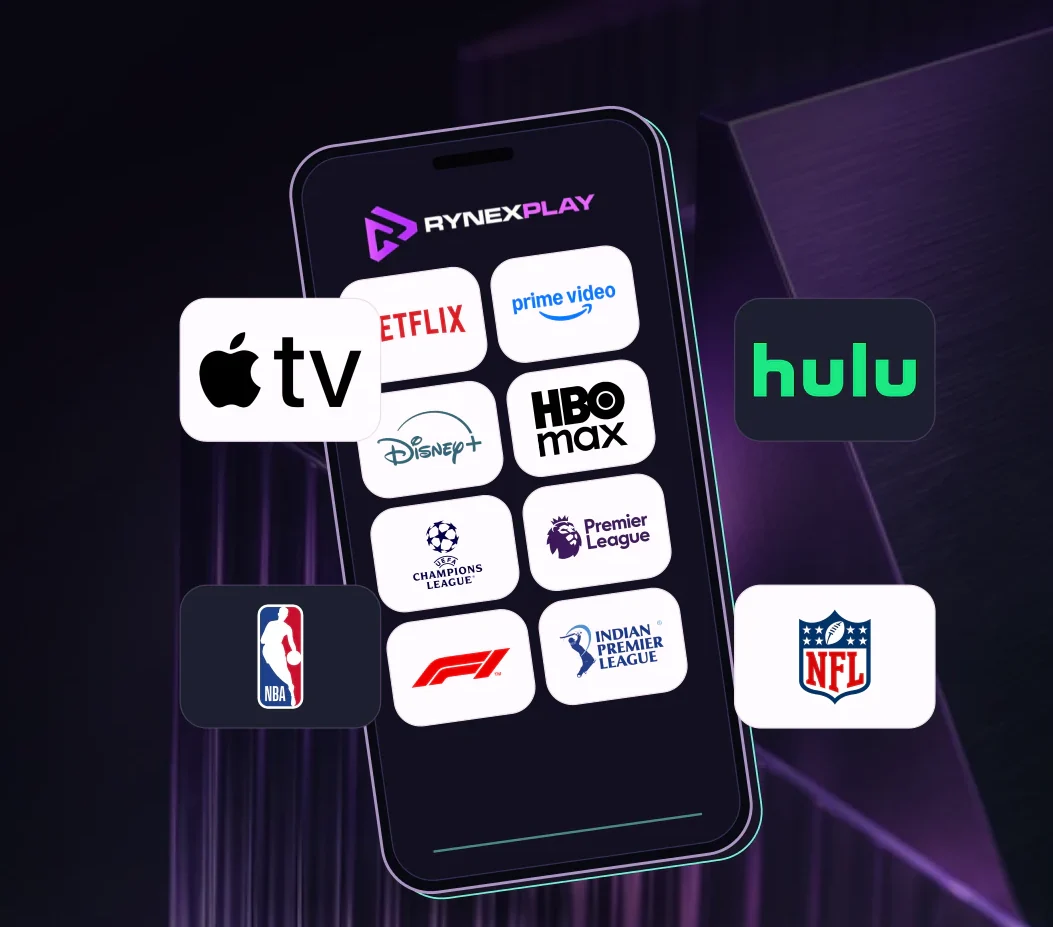
Rynex Play phone artwork with streaming platform and sports competition logos
Provider-published website artwork.
Provider source · Full size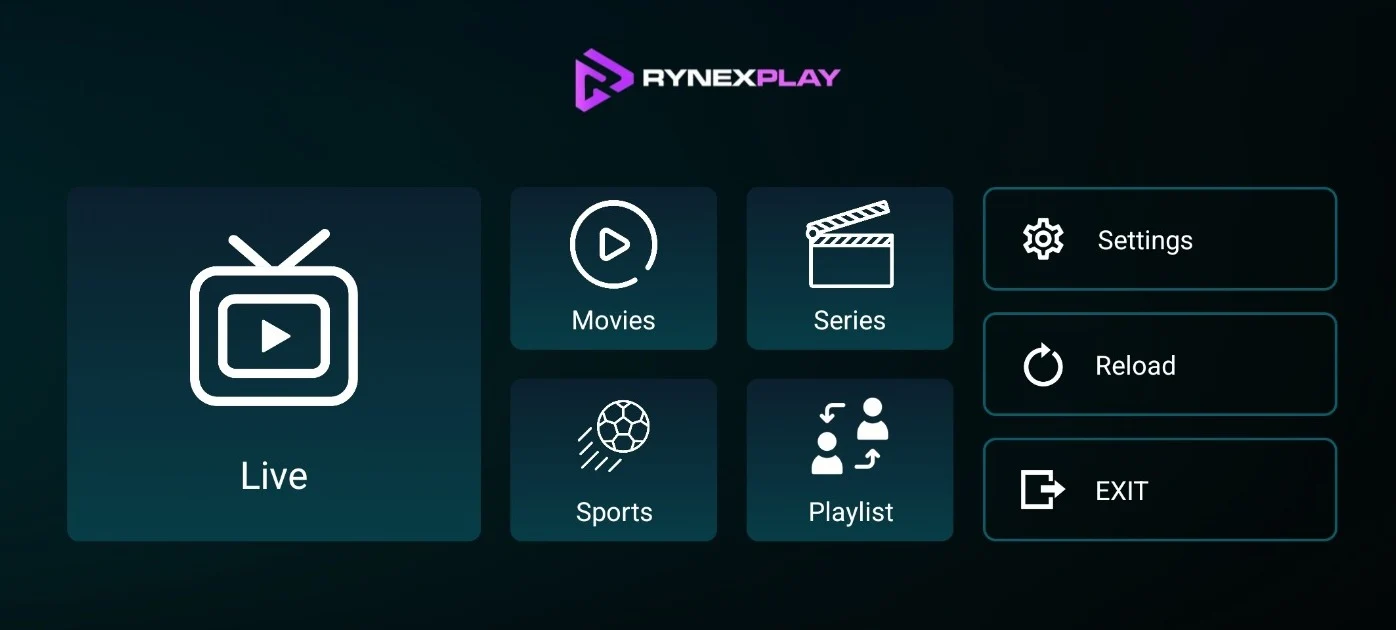
Rynex Play home screen with Live, Movies, Series and Playlist tiles
Published player or setup illustration. The provider controls version and compatibility.
Provider source · Full sizePlan and device checks
Compare published totals · Check your device · Find activation and renewal help
Provider artwork and buying guidance