 IPTVSubs
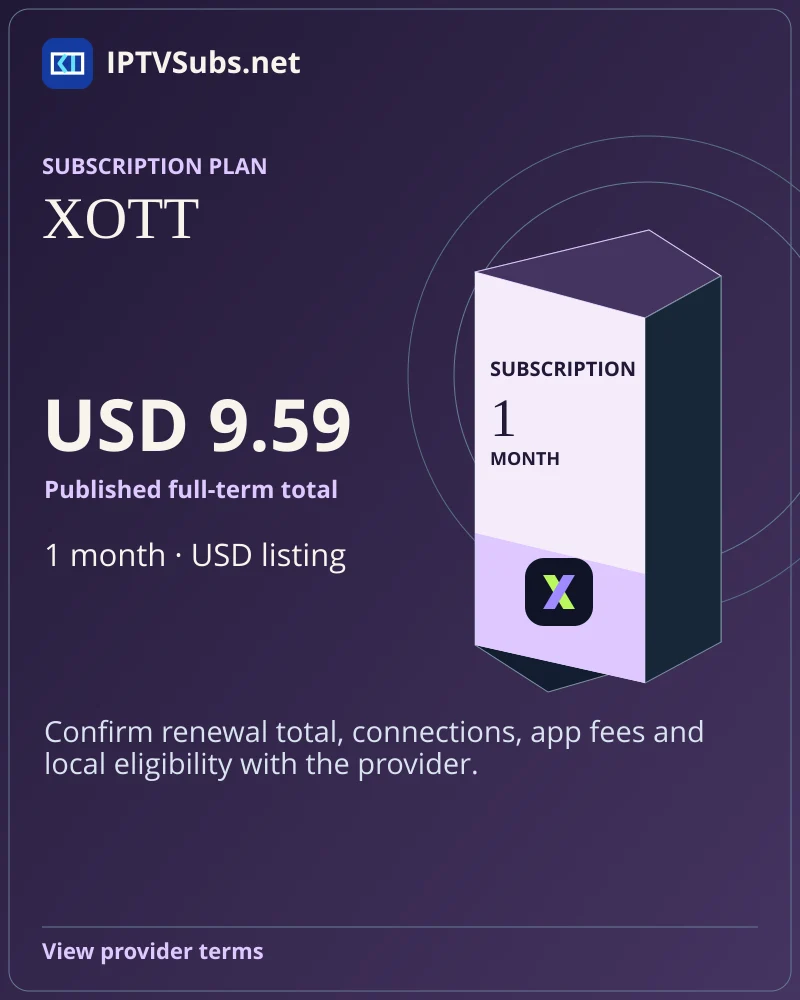
XOTT · 1 month
USD 9.59
About USD 9.59 per month for comparison.
View terms and provider sourceCheck published terms and support routes for xott.app.
The XOTT website uses its own player artwork as well as wider catalogue references. Look at the exact interface on the screen you plan to use, including the menu that adds the service account. If the television opens a different store edition from the one in the artwork, get a confirmed path before taking a paid term.
For comparisons, read the direct provider source and put the full currency and duration next to your existing quote. For reseller questions, ask the operator what each credit buys and which panel access is offered. An impressive list of reference marks is a browsing aid. Programme access is settled through the exact feed and market.
xott.app
View XOTT provider informationConfirm the seller’s name, the written terms and the official support channel before sending payment or account information.
About USD 9.59 per month for comparison.
View terms and provider source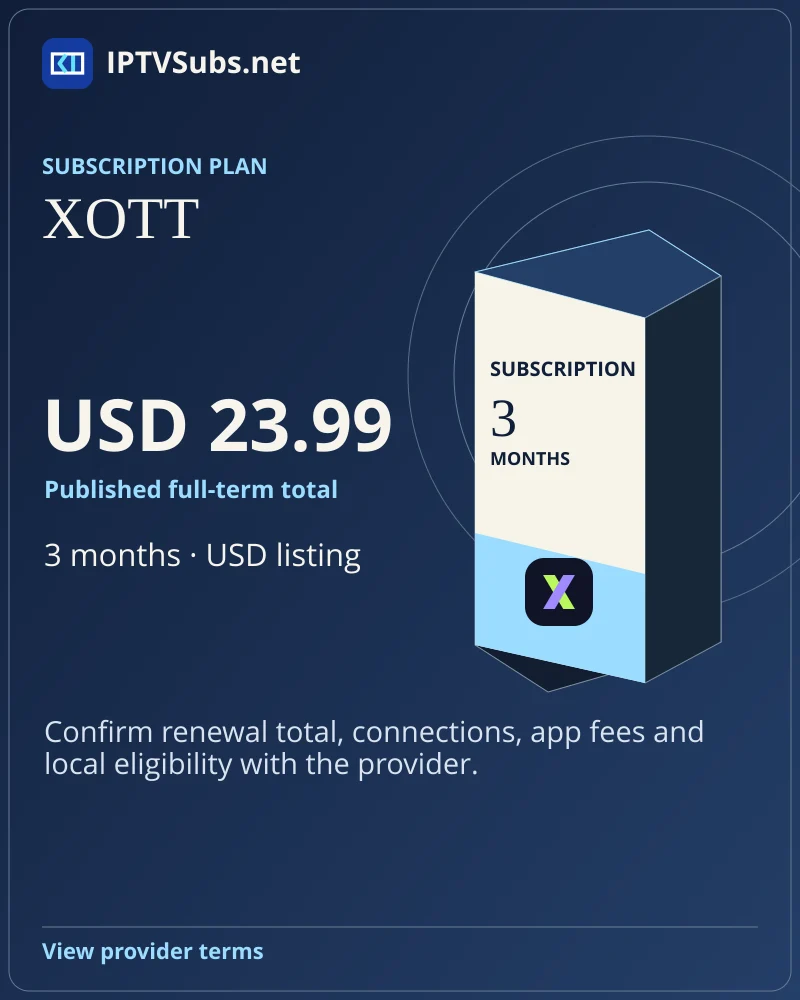
About USD 8.00 per month for comparison.
View terms and provider source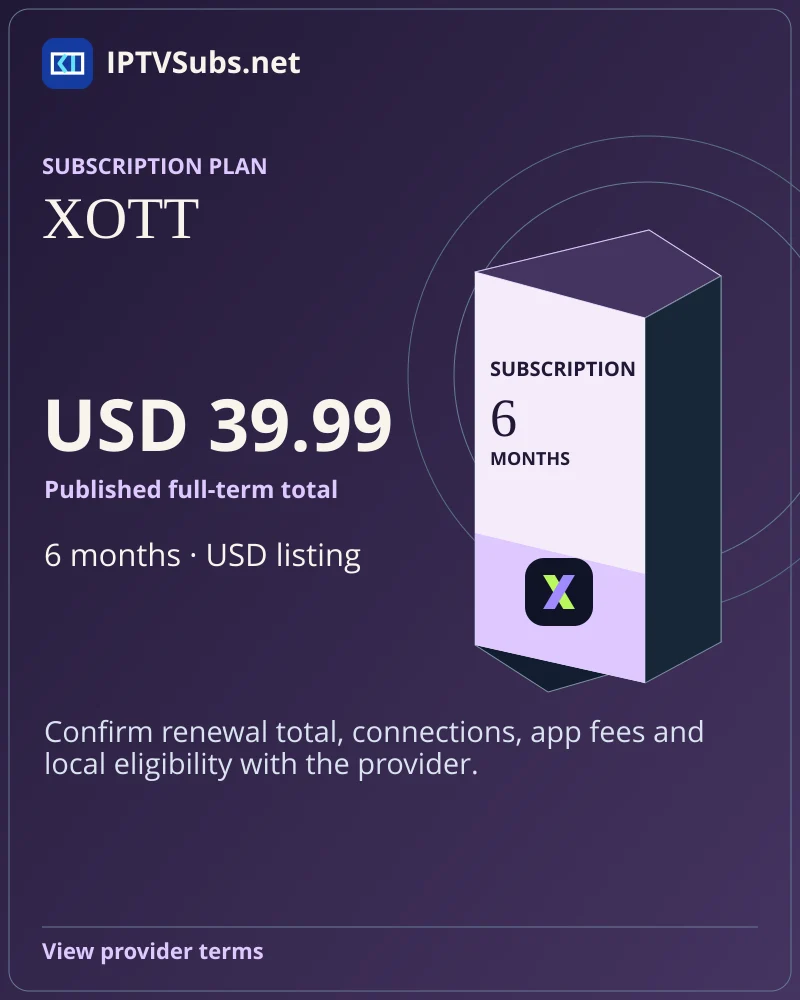
About USD 6.67 per month for comparison.
View terms and provider source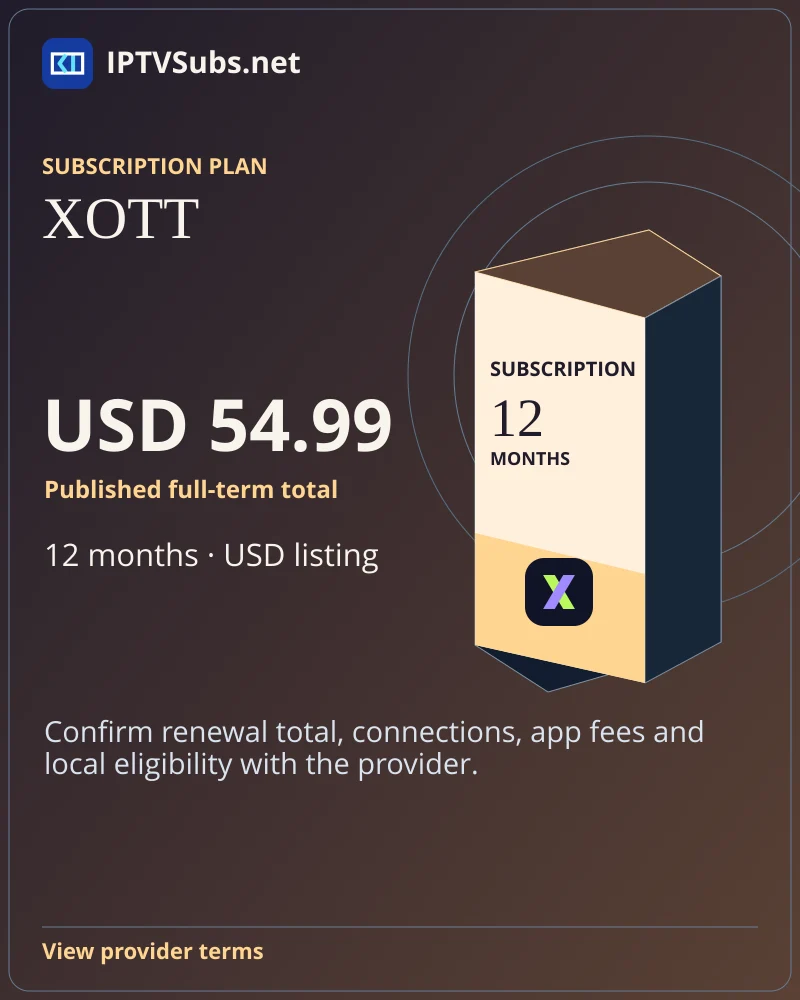
About USD 4.58 per month for comparison.
View terms and provider source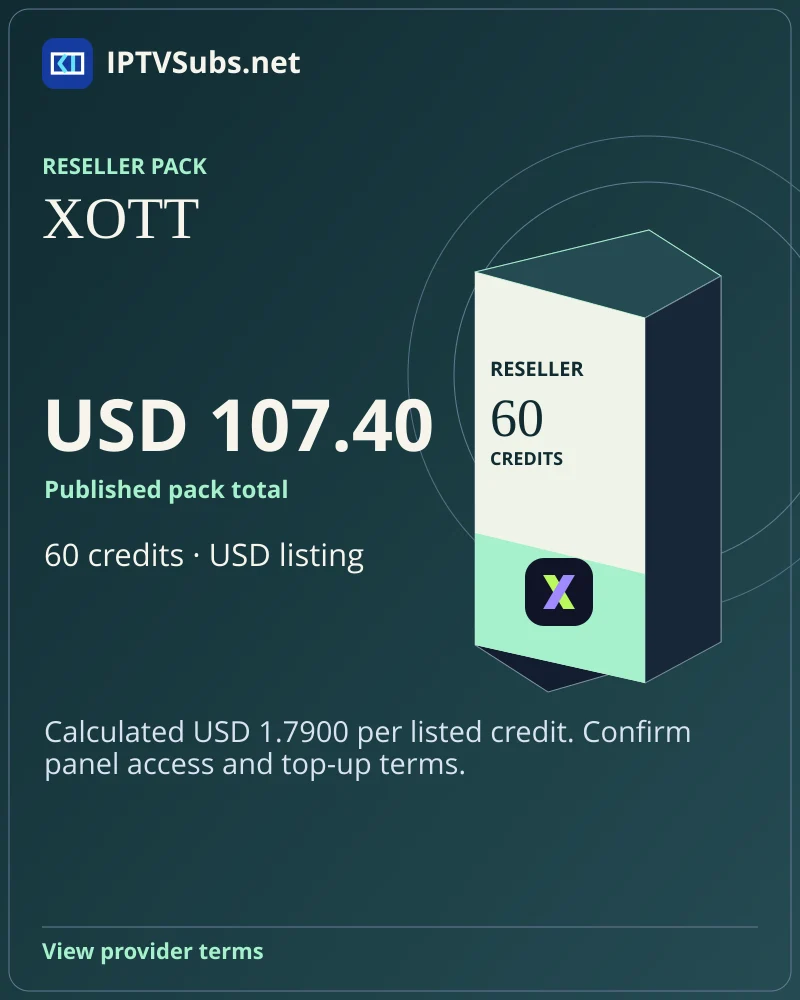
USD 1.79 per listed credit.
View terms and provider source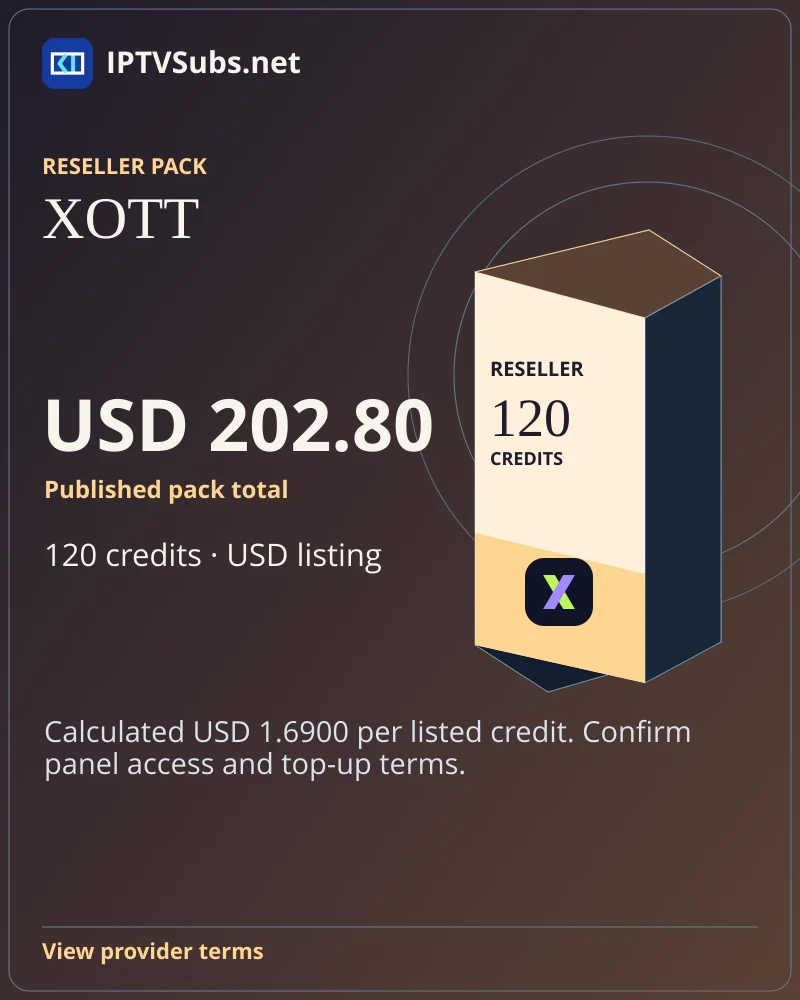
USD 1.69 per listed credit.
View terms and provider source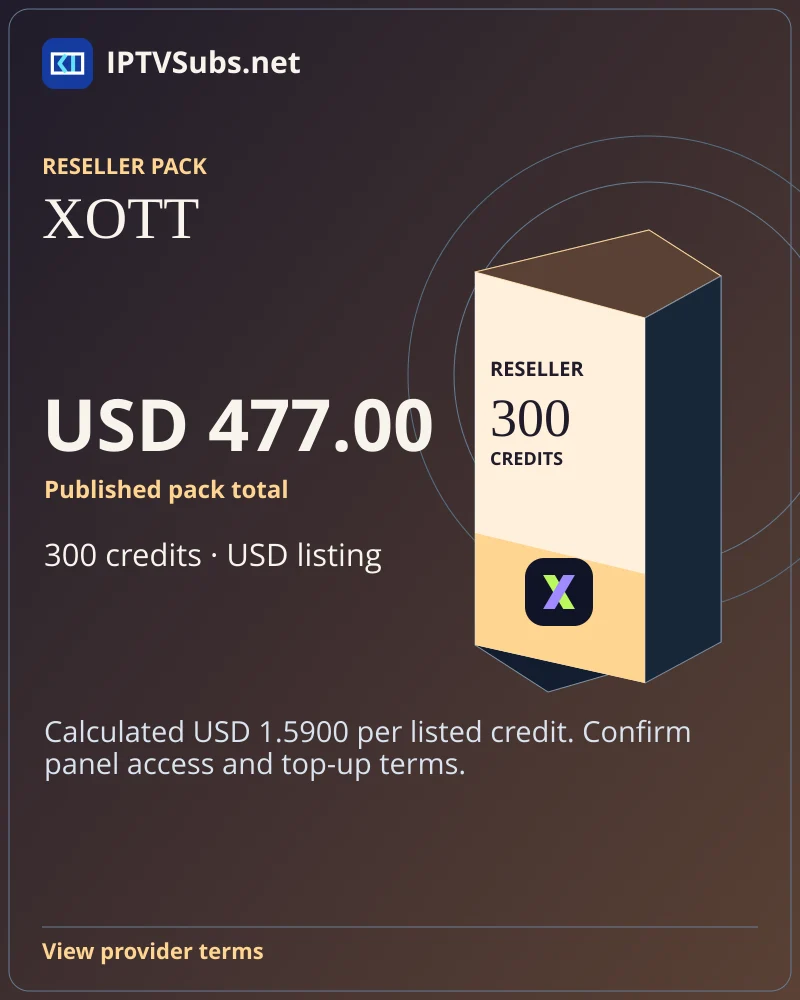
USD 1.59 per listed credit.
View terms and provider source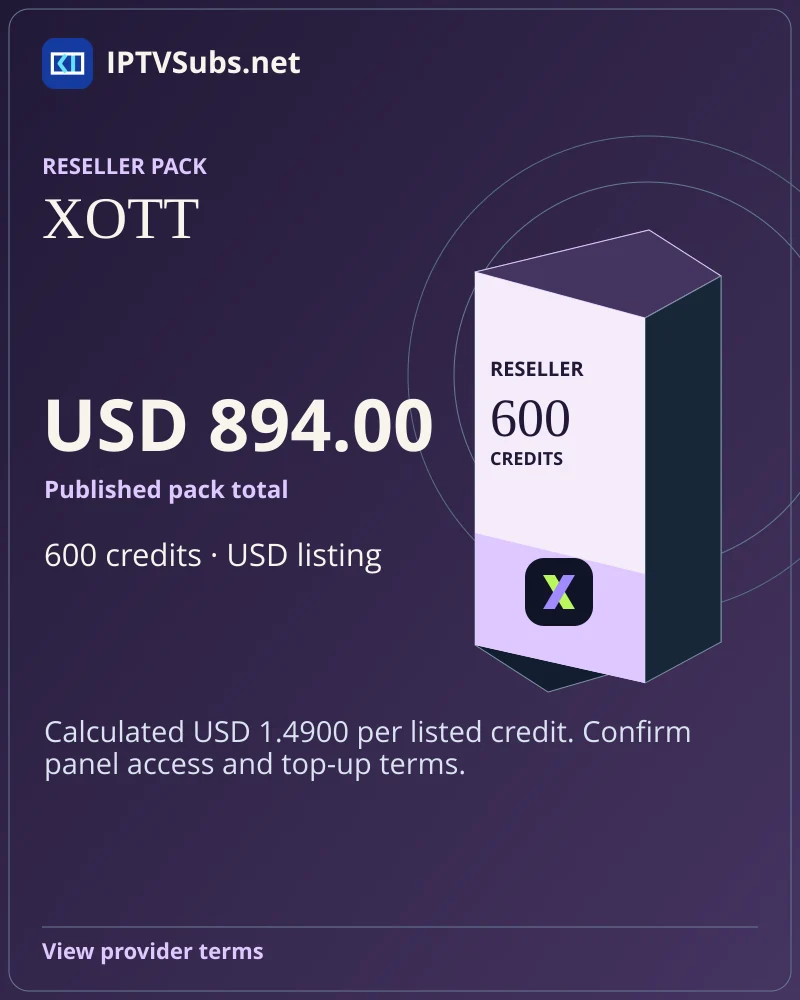
USD 1.49 per listed credit.
View terms and provider sourceOpen any image at its original size. Captions describe what each image shows.

Provider-published website artwork.
Provider source · Full size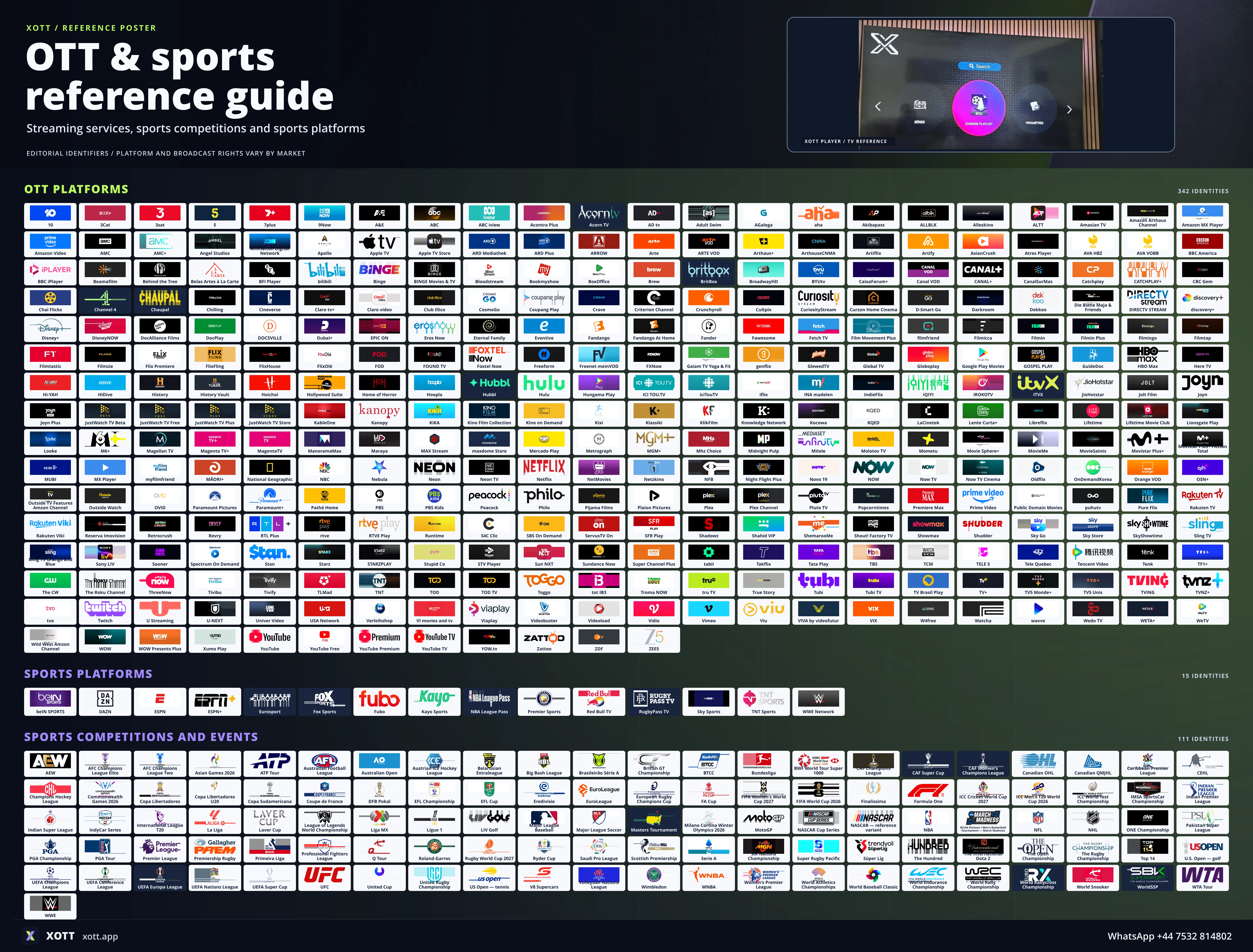
Reference artwork identifies viewing subjects. Services and event rights are checked separately.
Provider source · Full sizeCompare published totals · Check your device · Find activation and renewal help
1 · 3 · 6 · 12 months
Published inventory. Confirm fees and eligibility before ordering.
Browse providers
60 · 120 · 300 · 600 credits
Published inventory. Confirm fees and eligibility before ordering.
Browse providers