 IPTVSubs
Google TV
Confirm the platform version and player listing.
Source image · compatibility requires confirmation
Open Google TVCheck the exact player, app source and service login for Google TV.
Use the Apps tab on the television and check the listing from that device. Use the TV remote during a trial to test guide navigation and resume playback.
Confirm the platform version and player listing.
Source image · compatibility requires confirmation
Open Google TV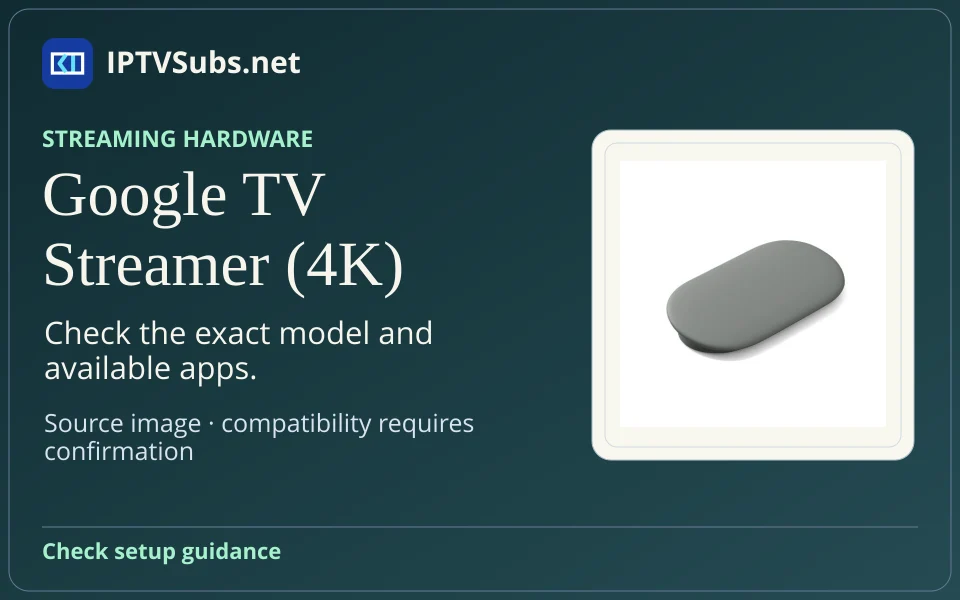
Check the exact model and available apps.
Source image · compatibility requires confirmation
Open Google TV Streamer (4K)